Camera Settings for Aerial Photos
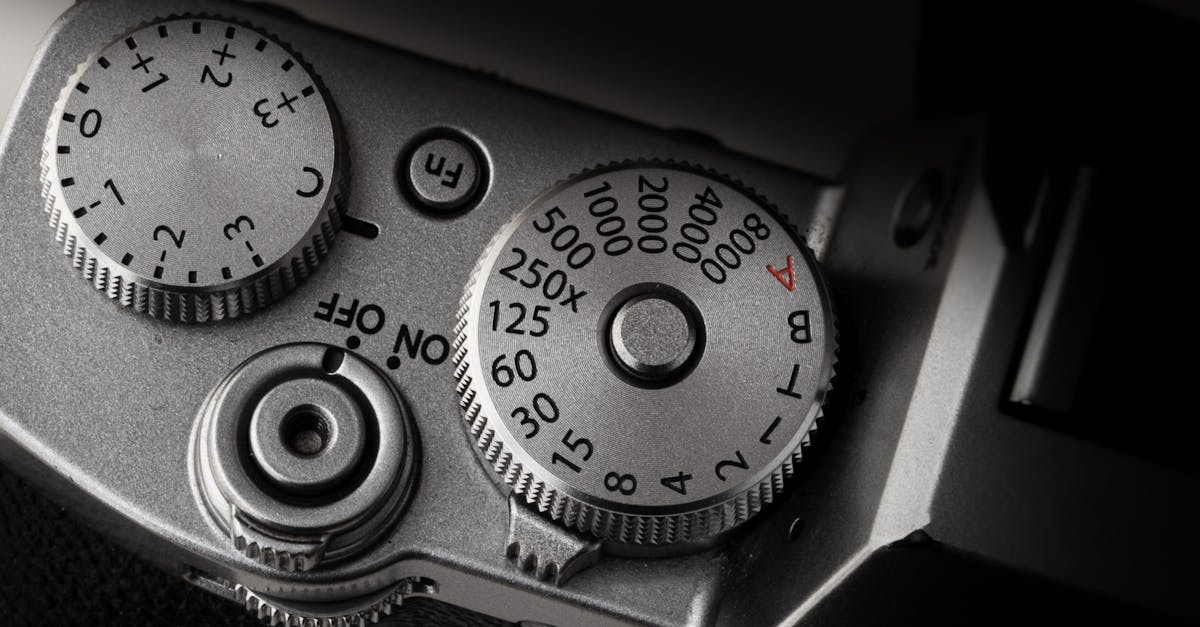
Stop Shooting on Auto
Auto mode works for quick snaps, but it has one major problem. The camera adjusts settings mid-shot when light changes, making consistent editing impossible. Manual control gives you predictable, professional results.
The Four Settings That Matter
1. ISO (Keep It Low)
ISO controls how sensitive your sensor is to light. The goal is straightforward: always use the lowest ISO possible.
- ISO 100: ideal, produces the cleanest image with zero noise
- ISO 200-400: acceptable in low light, minimal noise
- ISO 800+: avoid unless necessary, visible grain/noise appears
Drone sensors are small. They can’t handle high ISO the way a full-frame camera can. Keep it at 100 whenever possible.
2. Shutter Speed (Fast for Sharp Photos)
For still photos, use a high shutter speed to freeze motion and eliminate blur from drone movement:
| Condition | Shutter Speed |
|---|---|
| Sunny day | 1/500 - 1/1000 |
| Cloudy day | 1/200 - 1/500 |
| Golden hour | 1/100 - 1/250 |
| Night/low light | 1/50 - 1/100 (risk of blur) |
The faster the shutter speed, the sharper your photo. For long exposures (waterfalls, light trails), see our advanced lesson.
3. Aperture (High for Sharpness)
Aperture (f-stop) controls depth of field, or how much of the image is in focus. For aerial photography:
- f/8 - f/11: best range for maximum sharpness across the frame
- Lower f-stop (f/2.8): shallower focus, not ideal for landscape/property shots
Most drone cameras don’t have adjustable aperture (Mini series, Air series). If yours does (Mavic 3 Pro, Air 3S), keep it at f/8 for aerials.
Many pilots forget to tap-to-focus after takeoff. They discover all their footage is slightly blurry when they get home, and that’s impossible to fix. After every takeoff, tap the screen to focus on your subject area before shooting.
4. White Balance (Match the Light)
White balance tells the camera what “white” looks like so colors render correctly:
| Condition | White Balance |
|---|---|
| Sunny | 5500K (or “Sunny” preset) |
| Cloudy | 6500K (or “Cloudy” preset) |
| Golden hour | 7000K+ (warming) |
| Shade | 7000-7500K |
If you shoot RAW, white balance is fully adjustable in editing. If you shoot JPEG only, get it right in-camera. You can’t fix it later.
RAW vs JPEG
Always shoot RAW (or RAW + JPEG) for aerial photography:
| RAW | JPEG |
|---|
| Dynamic range | Massive: recover shadows and highlights | Limited: what you see is what you get | | Editing flexibility | Full control over white balance, exposure, color | Minimal: baked-in adjustments | | File size | Large (25-50MB each) | Small (5-10MB each) | | When to use | Always for serious photography | Quick sharing only |
When you shoot JPEG, the camera makes permanent decisions about contrast, saturation, sharpening, and noise reduction. You can’t undo these. RAW preserves all the data your sensor captured, giving you complete creative control in editing.
Quick Check
Q: What ISO should you use for aerial photos? A: ISO 100 whenever possible. Drone sensors produce noise at higher ISOs.
Q: What shutter speed produces sharp aerial photos? A: 1/500 or faster on sunny days. That’s fast enough to freeze drone movement.
Q: Why should you always shoot RAW? A: RAW preserves all sensor data, giving you full control over exposure, white balance, and color in editing. JPEG bakes in irreversible decisions.
What’s Next?
Camera settings are dialed. Now let’s understand the most powerful force in photography: light.
Pilot Institute: master your camera from the ground up.