Sound Design for Drone Video
Why It Matters
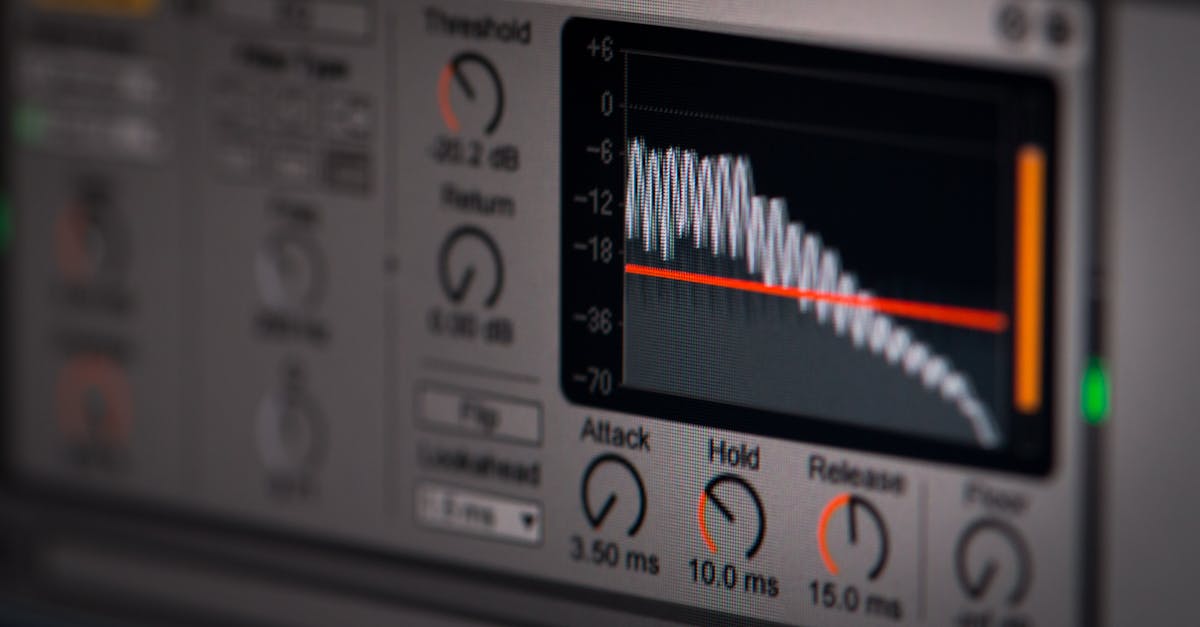
Your drone does not have a microphone worth using. The raw audio it captures is just prop noise and wind, and if you have ever left that track in your edit, you know exactly how distracting it sounds. But here is the thing most beginners miss: dead silence is almost as bad. Without any audio, your footage feels like security camera footage. Sound is half the viewing experience, and ignoring it leaves your videos feeling hollow.
Sound design bridges the gap between what the camera sees and what the scene actually felt like. When you watch a drone shot of waves crashing on a beach, your brain expects to hear those waves. Adding that audio layer transforms the clip from “a drone shot” into something that feels real and immersive. The difference is night and day.
The good news is that drone sound design does not require expensive equipment or years of training. It is mostly about knowing what sounds to add, where to add them, and how to mix everything so nothing fights for attention.
Start With a Clean Slate
Before you add anything, mute or delete the original audio track from your drone footage. Every single time. That prop noise will ruin your mix if it bleeds through, and it serves no creative purpose. Get rid of it first so you are working with a blank canvas.
Building Ambient Sound Beds
Ambient sound is the foundation of drone audio design. You are layering in the sounds that would naturally exist in the environment you are filming: ocean waves for coastal shots, wind for mountain passes, city traffic for urban footage, birds for nature scenes. This is what makes the footage feel like a place rather than just footage of a place.
For sources, you have got free options like Freesound.org and the YouTube Audio Library. On the paid side, AudioJungle, Epidemic Sound, and Artlist have massive libraries. Search for specific sounds rather than generic ones. Instead of “beach sounds,” try “gentle waves on sandy beach with distant seagulls.” Specificity makes the audio feel authentic.
Drag your ambient track onto the timeline and extend it to cover your drone clips. Do not worry about perfection yet. You will refine levels and timing in a moment.
Matching Volume to Altitude
Here is a technique that separates amateur edits from professional ones: your ambient sound levels should change based on how high the drone is flying. When you are close to the ground, the ocean waves should be prominent. As the drone climbs, those waves should fade because they would naturally be quieter from 200 feet up.
Slice your ambient audio track at the points where the drone altitude changes noticeably. At the high-altitude sections, reduce the volume by around -10 dB or lower. Add a short crossfade transition between the slices so the change happens gradually rather than abruptly. This subtle touch tricks the viewer’s brain into feeling the distance.
Sound Effects for Movement and Transitions
Ambient sound handles the environment. Sound effects handle the movement. When you speed up footage with a speed ramp, layer in a whoosh or swoosh sound to sell the acceleration. When you reveal a landscape from behind an obstacle, a subtle bass hit or riser adds weight to the moment. At cut points between clips, a soft impact can help transitions feel intentional.
The key with sound effects is subtlety. If viewers notice the sound effect itself, it is too loud or too prominent. These elements should be felt, not heard. Keep them brief and layer them just under the music.
Music Selection and Editing to the Beat
Music sets the emotional tone for your entire video, so choose it carefully. Slow, sweeping drone reveals call for ambient or cinematic tracks. Fast-paced sequences with quick cuts need driving rhythms that match the energy on screen. Mismatched music is one of the fastest ways to make an edit feel off.
Once you have selected your track, let the music dictate your cut points. Listen for beats, drops, and transitions in the song, then place your clips to hit those moments. This creates a natural rhythm that viewers respond to without consciously realizing why. It is the foundation of engaging video editing.
Audio Ducking for Narration
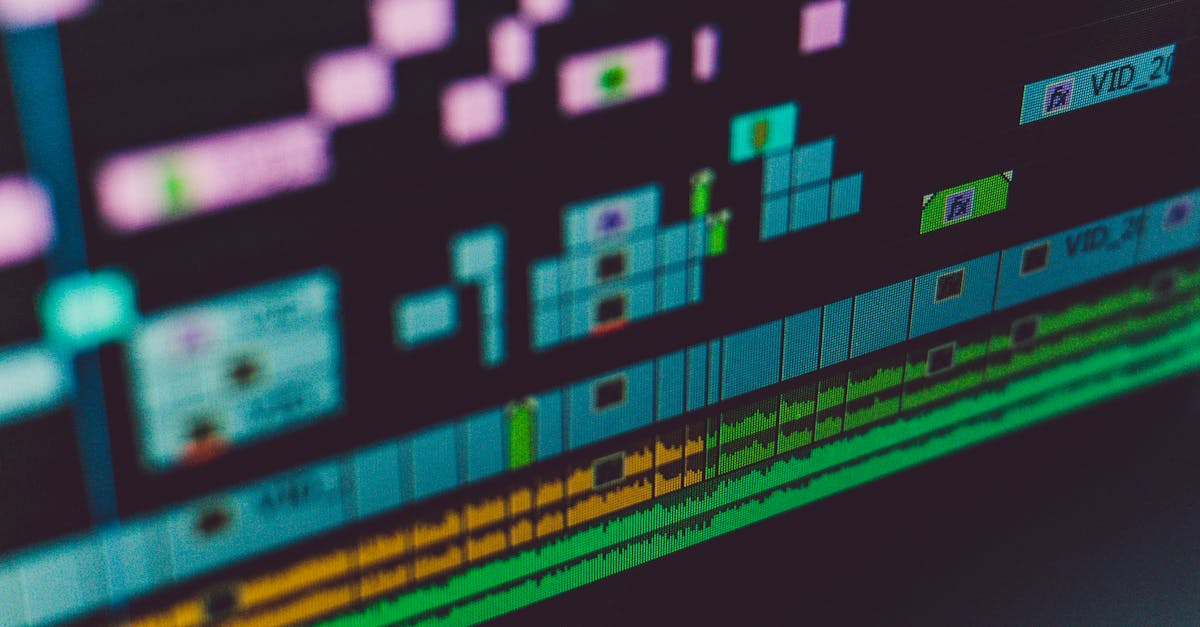
If your video includes narration or dialogue, you will need to duck the music underneath those sections. Audio ducking means automatically lowering the music volume when someone speaks, then bringing it back up when they stop. Most editing software has auto-ducking features that analyze your narration track and adjust music levels accordingly.
If you are doing it manually, aim to drop the music by about 10-15 dB during spoken sections. The narration should sit comfortably above the music without requiring viewers to strain to hear it.
Mix Levels: Keeping Everything in Its Place
A professional mix has clear hierarchy. Nothing should compete for the same sonic space. Here is a solid starting point for your levels:
- Music: -12 to -18 dB (your primary emotional driver)
- Ambient sound: -18 to -24 dB (texture and atmosphere)
- Sound effects: -6 to -12 dB briefly (transient moments only)
These are not rigid rules, but they are a reliable framework. Adjust based on what sounds right in your specific edit. The goal is clarity. If you find yourself asking “what is that sound?” while watching, something needs to come down in volume.
Export Settings That Preserve Your Audio Work
You have spent time building this soundtrack. Do not let your export settings destroy it. For audio, use AAC codec at 320kbps minimum. If your platform supports it, 256kbps is the absolute floor you should accept. Anything lower and you will hear compression artifacts, especially in high-frequency sounds like cymbals, wind, and subtle effects.
Audio quality matters just as much as video resolution. A 4K video with compressed, tinny audio feels cheap. A 1080p video with clean, well-mixed audio feels professional.
Quick Check
Q: Should I keep the original audio from my drone footage? A: No. Delete or mute it completely before adding any sound design. Drone audio is just prop noise and will make your mix sound muddy.
Q: How should ambient sound levels change as the drone flies higher? A: Ambient sounds should gradually fade down as altitude increases. Slice the audio track at altitude change points and add crossfade transitions between the normal volume and reduced levels.
Q: What is a good starting volume level for music in a drone video mix? A: Aim for -12 to -18 dB. Music is your primary emotional driver but should not overpower narration, ambient sounds, or sound effects.
What’s Next?
Now that your footage looks cinematic and sounds immersive, the next lesson covers one of the most impressive techniques in drone videography: the one-shot. You will learn how to plan a single continuous flight, then transform it in post-production using speed ramping, digital parallax, and evolving sound design.
Learn everything from flight basics to advanced cinematography at Pilot Institute.