Reveal Shots & The Dronie
Why It Matters
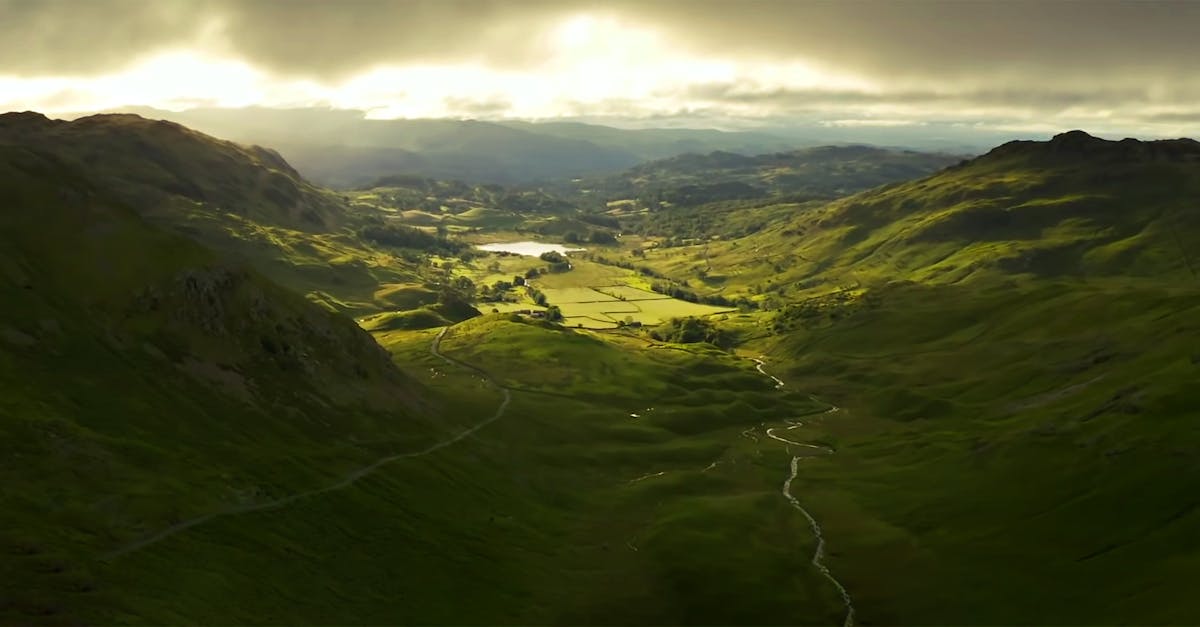
If there’s one shot type that justifies using a drone instead of a regular camera, it’s the reveal. No other camera can rise from behind a ridge, over a building, or past a treeline to show the viewer something they couldn’t see before. The reveal creates genuine surprise. The viewer’s brain registers “I didn’t know that was there,” and that moment of surprise is the most powerful attention-holding tool in cinematography.
The Psychology of Reveals
Reveals work because of how human attention functions. When the brain can’t see something, it invents what might be there. When the camera finally shows the hidden landscape, the brain compares its prediction to reality, and that comparison creates engagement. The wider the gap between prediction and reality (a bigger, more beautiful view than expected), the stronger the emotional response.
This is why reveals are the bread and butter of travel films, real estate videos, and any content where you want the viewer to feel awe.
The Three Reveal Types
The Reverse Reveal
The drone moves backward, and the subject appears into the frame from behind the drone’s starting position.
How to execute:
- Position the drone facing away from the subject, with the subject directly behind the drone
- Start recording
- Pull the right stick backward gently. The drone flies away from you.
- As the drone moves backward, the subject appears at the bottom of the frame and grows as the drone pulls further away
What makes it work: The landscape appears gradually. First the edges, then the full scope. This creates a slow-building reveal that lets the viewer process what they’re seeing.
Safety consideration: You must stand behind the drone (between the drone and the subject). This way you can maintain visual line of sight with the drone while it flies backward. Never fly backward away from yourself. You can’t see obstacles behind the drone.
The View Reveal (Rise-Over)
The drone starts behind an obstacle (a ridge, building, tree line, cliff edge), then rises to show the landscape beyond.
How to execute:
- Position the drone below and behind the obstacle, with the camera aimed at the obstacle
- Start recording
- Push the left stick up. The drone rises.
- As the drone clears the obstacle, the landscape behind it appears in the frame
- Continue rising slowly to show more of the landscape
What makes it work: The obstacle acts as a curtain. The viewer knows something is behind it but can’t see until the drone rises. The moment the landscape appears is pure cinematic payoff.
Pro tip: Keep the camera angle steady during the rise. Don’t tilt the gimbal. Let the rising motion do the revealing. Tilting the gimbal during a reveal creates a confusing, jerky feel.
Film the view reveal backwards: start high with the landscape visible, fly down behind the obstacle. In editing, reverse the footage. This gives you complete control over timing. You choose exactly how fast the reveal happens by adjusting the playback speed. The reversed footage also tends to be smoother because you’re flying toward your starting position (toward yourself), which is easier to control.
The Bird’s Eye Spin Reveal
The drone starts low, directly above a subject, then rises while slowly rotating. The surrounding space comes into view.
How to execute:
- Position the drone directly above the subject at low altitude (10–20 feet)
- Tilt the gimbal straight down (-90°)
- Start recording
- Push the left stick up to rise
- Add a very slow yaw rotation (this is one of the rare times yaw is appropriate)
What makes it work: The subject stays centered while the surrounding landscape expands outward in a spinning motion. This reveals how much (or how little) space surrounds the subject. It’s used constantly in television and film because it’s both simple and visually compelling.
Distance consideration: You need to stand a fair distance from the subject because the rising drone will reveal more and more of the surrounding area. If you stand too close, you’ll be in the shot.
The Dronie (Reveal + Altitude)
The dronie combines a pull-back with ascending altitude. The drone flies backward and upward simultaneously, creating a diagonal path away from the subject.
How to execute:
- Position the drone close to the subject, camera facing it
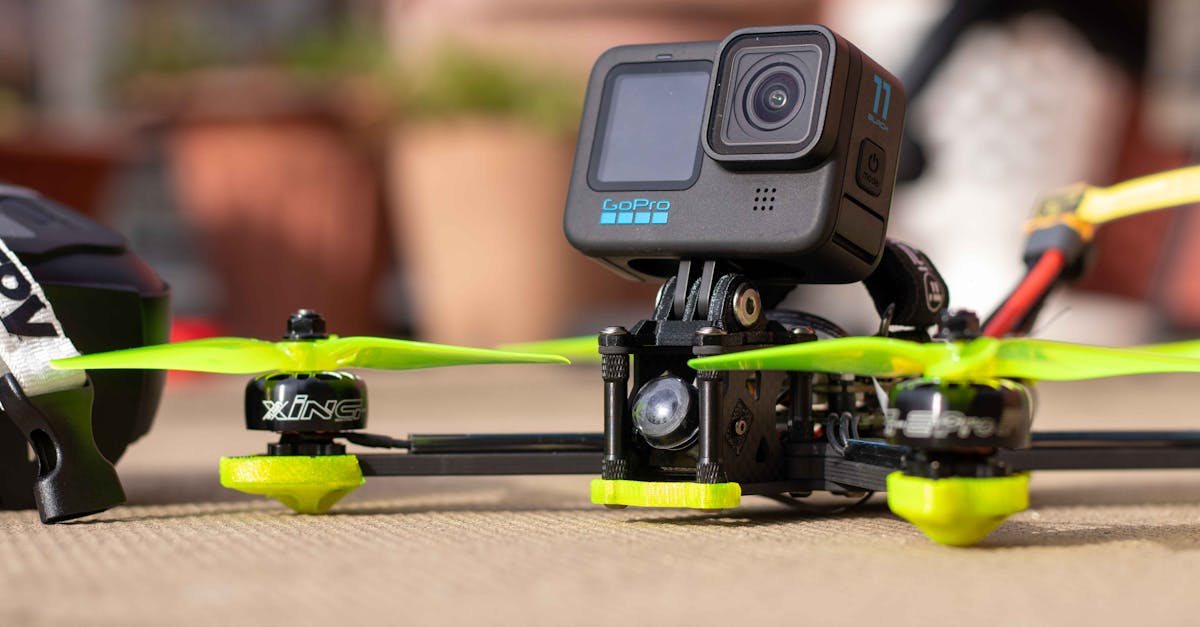
- Pull the right stick backward AND push the left stick up simultaneously
- The subject shrinks as the landscape grows
- The diagonal flight path creates a more dynamic reveal than a simple pull-back
Why it’s effective: The viewer sees the subject in detail first, then watches it shrink into its environment. The simultaneous backward-and-up movement creates the feeling of the camera “taking off” from the scene. This makes it powerful for ending sequences.
Many drones have an automated dronie mode in QuickShots. The automated version is smoother for beginners, but manual control lets you choose the exact angle and speed.
When to Use Each Reveal Type
| Reveal Type | Best For | Energy Level |
|---|---|---|
| Reverse reveal | Showing subjects in context (person, vehicle, building in landscape) | Slow, building |
| View reveal | Dramatic landscape reveals (coastlines, valleys, skylines) | Dramatic, awe-inspiring |
| Bird’s eye spin | Showing a subject’s isolation or connection to surroundings | Contemplative |
| Dronie | Self-portraits, group shots, closing sequences | Dynamic, departing |
Before executing any reveal, ask yourself: “What is the viewer NOT seeing right now that they WANT to see?” If you can’t answer this, the reveal won’t work. The power comes from the gap between what’s hidden and what’s revealed. A reveal of an empty parking lot after a beautiful tree line is disappointing. A reveal of a sweeping coastline after the same tree line is breathtaking.
Quick Check
Q: Why do reveals hold attention better than static wide shots? A: The brain invents what might be behind the obstacle, then compares its prediction to what appears. This comparison creates engagement that a static wide shot cannot.
Q: What’s the safety consideration for a reverse reveal? A: You must stand between the drone and the subject, with the drone facing away. This maintains visual line of sight while the drone flies backward.
Q: When should you use a bird’s eye spin versus a view reveal? A: Bird’s eye spin shows a subject’s relationship to surrounding space (isolation or connection). View reveal shows a hidden landscape. Choose based on whether the subject or the landscape is the star.
What’s Next?
Reveals mastered. Now let’s tackle orbits and tracking: following subjects through space.
Pilot Institute — the shot that justifies the drone.