Push-In, Pull-Back & Crane Shots
Why It Matters
Three movements form the backbone of nearly every drone video. Moving forward (push-in), moving backward (pull-back), and moving vertically (crane) account for most of the footage you see in professional work. These aren’t beginner shots to outgrow. They’re the foundation that professional cinematographers return to repeatedly. What separates amateurs from professionals isn’t using fancier shots. It’s executing these three foundational movements with precision and intention.
The Push-In (Dolly In)
The drone moves forward toward a subject. The simplest description masks surprising versatility.
How Camera Angle Changes Everything
The same forward movement creates completely different footage depending on where you point the camera:
90-degree angle (camera facing forward, level with horizon): Objects pass through the bottom of the frame. This is the most common setup. The viewer feels like they’re traveling somewhere, and the push-in creates anticipation about what lies ahead.
Diagonal angle (camera tilted slightly down): Objects pass through more of the frame, creating a stronger sense of speed and immersion. Use this when the forward movement alone isn’t generating enough visual motion. Tilting diagonal brings the ground into play.
Straight down (camera at -90°, aerial view): Forward movement shows the ground scrolling beneath. This creates the least sense of depth because everything is flat below. Useful for showing patterns and geometric landscapes, but less dramatic than angled shots.
The closer you are to the ground during a push-in, the faster objects appear to move past the camera. A push-in at 10 feet over a field feels dynamic and exciting. The same push-in at 200 feet feels slow and grand. Choose altitude based on the energy you want. Low for action, high for majesty.
When to Use Push-Ins
- Approaching a building or landmark
- Following a path or road toward a destination
- Entering a landscape (forest, canyon, valley)
- Creating a sense of discovery or arrival
- Building anticipation before a reveal
The Pull-Back (Dolly Out)
The drone moves backward away from the subject. The landscape expands as the subject shrinks, and context grows around your focal point.
The Reverse Push-In
A pull-back is simply a push-in filmed in reverse. This matters because you can film a push-in, then reverse the footage in editing to create a perfect pull-back. This gives you timing control. You can choose exactly when the landscape reveals itself.
When to Use Pull-Backs
- Ending a scene or closing a video
- Transitioning between locations
- Showing a subject within its broader environment
- Creating the feeling of departing or leaving
The Altitude Pull-Back
Fly backward while simultaneously gaining altitude. The subject shrinks while the landscape behind it grows. This is one of the most popular closing shots in travel films because it simultaneously shows the subject AND its beautiful surroundings.
The Crane Shot
The drone moves straight up or straight down with no horizontal movement, purely vertical. Simple to execute but surprisingly powerful.
Crane Up (Revealing)
Starting low and rising. The camera reveals what surrounds the subject (the neighborhood, the landscape, the city). Crane shots work so well as transitions because they connect a specific subject to its broader context.
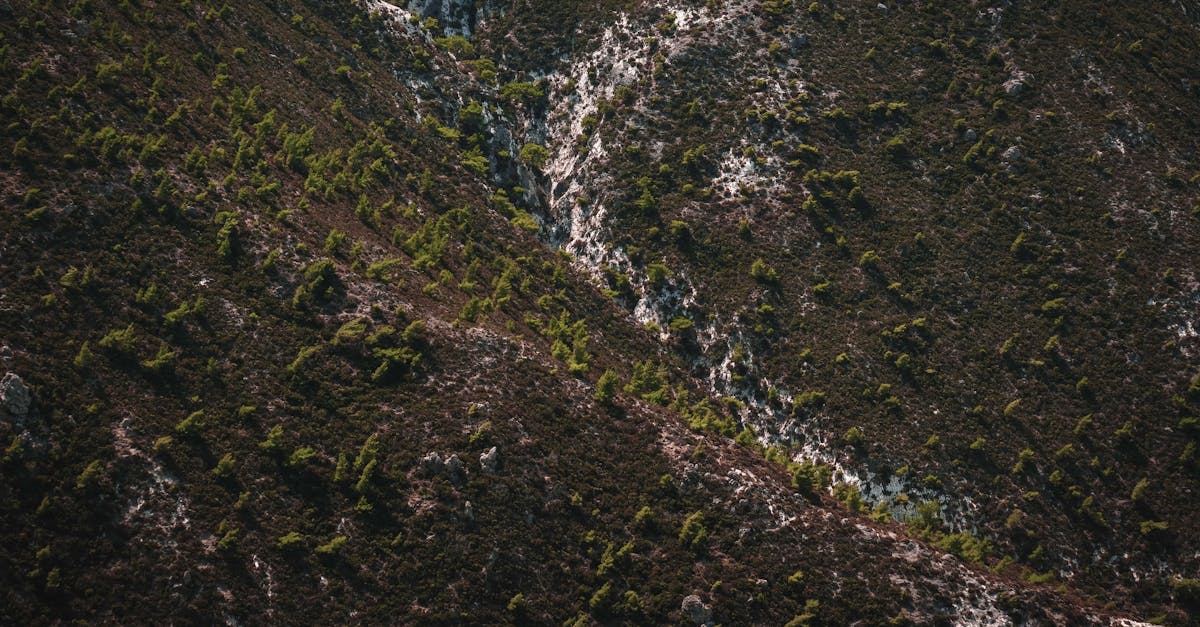
Real estate application: Start at neighborhood level, crane up to reveal the house within its surroundings. Cut to interior footage. The crane shot bridges exterior and interior by first showing context, then letting the editor cut to ground level.
Crane Down (Landing)
Starting high and descending. The camera focuses attention downward, narrowing the viewer’s world. This creates a natural ending. The camera “lands” and the viewer feels the sequence is complete.
The crane shot is one of the most powerful transition tools in drone videography. Crane up to end one scene and enter another. Crane down to close a sequence and switch to ground-level footage. Many editors use the crane down literally, showing the drone landing, then cutting to handheld footage. This creates a seamless “air to ground” transition.
The Stationary Crane
Position the drone directly above a subject with the camera pointed straight down. Rise slowly. The subject stays centered while the surrounding space expands outward, revealing how isolated or connected the subject is within its environment. This is the bird’s eye spin without the spin.
Practice: Combining Forward/Backward with Altitude
The real power of these three movements emerges when you combine them with altitude changes:
| Combination | Effect | Best For |
|---|---|---|
| Forward + descend | Diving toward the ground | Dramatic intros |
| Forward + ascend | Rising over obstacles | Entering valleys |
| Backward + ascend | Subject shrinks, landscape grows | Closing shots |
| Backward + descend | Pulling away while lowering | Moody transitions |
| Crane up + gimbal tilt down | Rising while maintaining subject focus | Scale reveals |
During any push-in or pull-back, slowly tilting the gimbal up or down adds another layer of movement. A pull-back with a simultaneous gimbal tilt upward creates a sweeping reveal. A push-in with a gimbal tilt downward creates a diving effect. These combinations are where single movements become cinematic.
Quick Check
Q: How does altitude affect the feel of a push-in? A: Low altitude makes objects fly past quickly, creating energy and action. High altitude makes the same movement feel slow and grandiose.
Q: Why are crane shots effective as transitions? A: A crane up reveals context (connecting a subject to its surroundings), while a crane down narrows focus (creating a natural ending point). Both bridge scenes naturally.
Q: What does a backward + ascending combination achieve? A: The subject shrinks while the landscape expands, simultaneously showing the focal point and its beautiful context. One of the most popular closing shots in travel films.
What’s Next?
Foundational movements covered. Let’s look at the most powerful cinematic drone technique: the reveal.
Pilot Institute — three movements, infinite possibilities.