Drone Etiquette & Travel Troubleshooting
Why It Matters
The technical side of drone flying is well-documented. The social and logistical side (dealing with people, charging batteries in hotels, fixing problems without your workbench) is rarely covered. Yet these practical challenges cause more travel drone trips to fail than any technical issue.
Flying Without Drawing Attention
When Drone Pro Academy instructor Chad Smith sees a drone flying near him, he’s not excited. Most people feel the same way. Here’s how to minimize negative attention:
Choose Your Launch Spot Carefully
- Avoid parking lots with people around (unless totally vacant)
- Avoid private property: find public land, parks, or open spaces
- Look for natural cover: trees, buildings, or hills that shield you from view
- School parking lots (outside school hours) are often good: open, flat, and empty
- Drive around the area first to assess foot traffic and find the quietest spot
Be Quick and Quiet
- Pre-flight setup: do your calibration and settings on the ground before takeoff, not in the air
- Get to altitude quickly: once you’re above 100 feet, you’re much less noticeable from the ground
- Use a quiet drone: smaller drones (Mini series, Air series) are much less conspicuous than large ones
- Don’t hover low over people: even if legal, it makes people uncomfortable
One instructor positions his car and uses a parked school bus as a shield between himself and the nearest buildings. Out of sight, out of mind. If people can’t see the pilot, they’re much less likely to be bothered by the drone.
Handling Confrontations
Sooner or later, someone will approach you about your drone. How you respond determines whether it’s a conversation or a conflict.
Common Scenarios
- “Is that legal?” Know the local regulations and answer calmly. “Yes, I’m flying under Part 107 rules. I checked the airspace and we’re clear.”
- “You’re invading my privacy.” “I’m photographing the landscape, not pointing at houses or people. Look at my screen if you’d like to see what the camera sees.”
- “You can’t fly here.” If they’re wrong (you checked regulations), be polite but firm. If they’re right, land immediately.
Principles
- Stay calm and respectful, even if the other person isn’t
- Show your screen: letting people see the camera view usually reassures them
- Know your rights, but also know when to just leave. It’s not worth a confrontation.
- Have your registration and license accessible: if asked, produce it confidently
Battery Management While Traveling
Charging drone batteries on the road is a constant challenge:
Hotel Charging
- USB charging (Mini series): plug into any USB port or laptop
- Wall charging: bring the correct adapter for the country you’re visiting
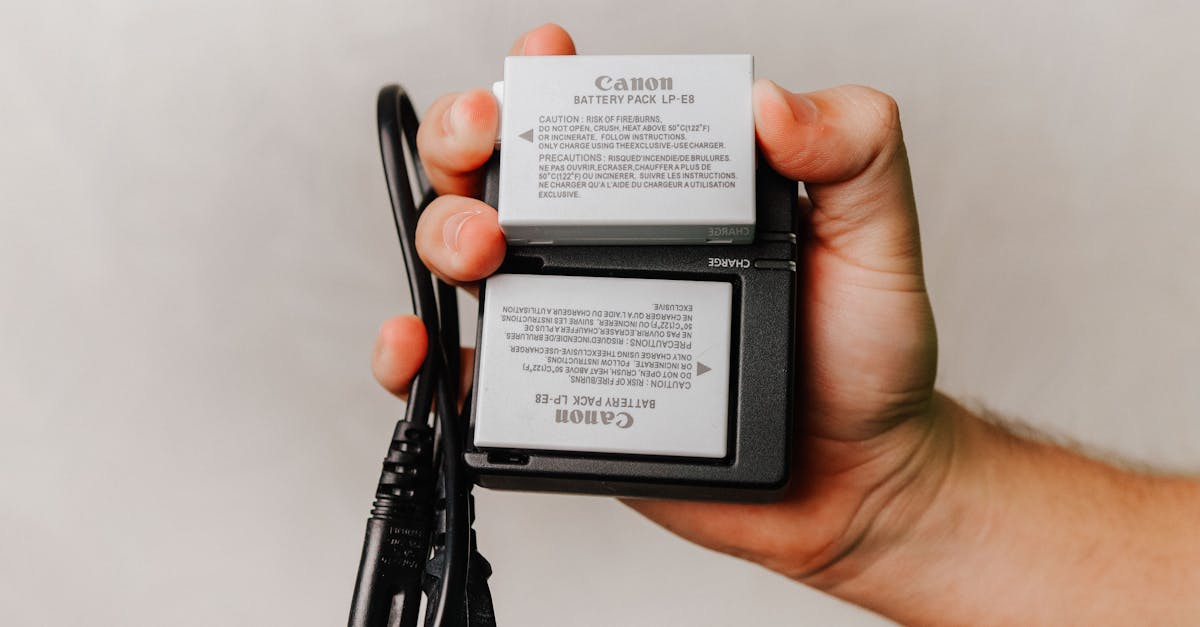
- Charging hub: charge multiple batteries sequentially from one outlet
- Car inverter: charge from a rental car’s cigarette lighter
Flight Day Strategy
- Charge all batteries overnight
- Carry a portable power bank for controller and phone
- Number your batteries and use them in rotation
- Don’t drain batteries below 20%: you may need an emergency flight
Never charge LiPo batteries unattended. Use a fireproof battery bag. Some hotels explicitly prohibit drone battery charging. Check before you plug in. A battery fire in a hotel room is a life-threatening emergency.
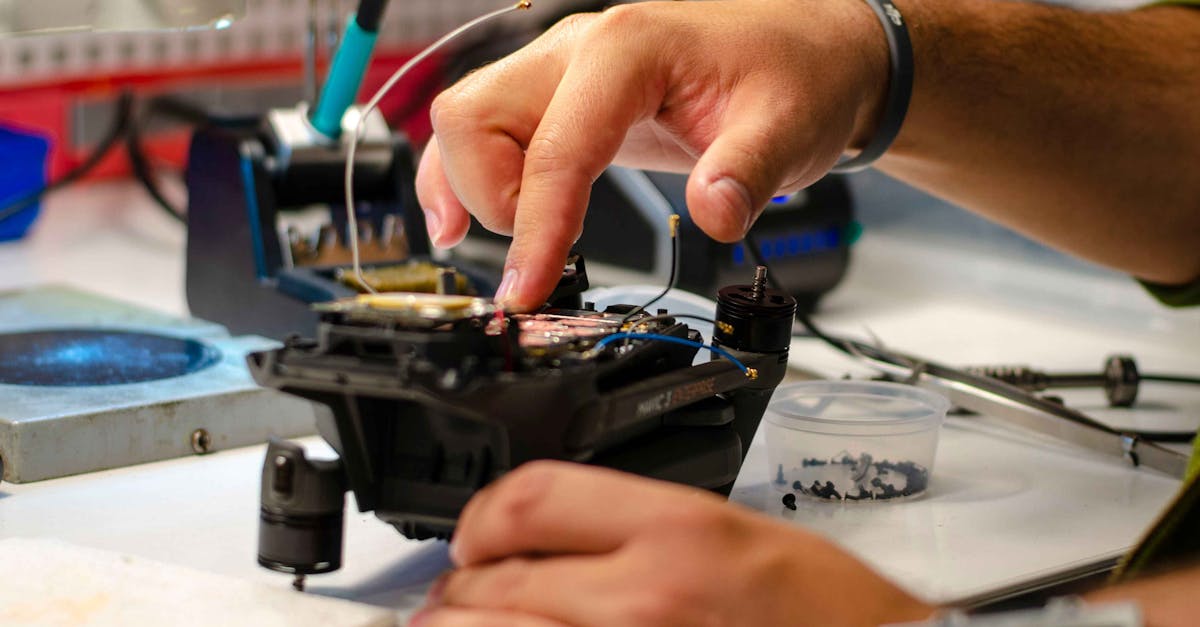
Troubleshooting Far From Home
When your drone has problems in a foreign country, you can’t just drive to the store.
Common Travel Problems and Solutions
| Problem | Solution |
|---|---|
| Gimbal error after flight | Let the drone sit powered off for 5 minutes. Calibrate gimbal on a perfectly level surface. If persistent, the gimbal ribbon cable may be damaged. |
| Compass error in new location | Calibrate compass away from metal, concrete, and power lines. Do it at your flying location, not in your hotel. |
| Propeller damage | Always carry spare propellers. They’re small, light, and the most commonly damaged part. |
| SD card full | Carry two cards. Offload footage to a laptop or portable SSD nightly. |
| Controller firmware mismatch | Check for firmware updates before your trip, not during it. Don’t update firmware while traveling: a failed update bricks the drone. |
| Lost GPS in new country | Allow 2-3 minutes for satellite acquisition after powering on in a new location. GPS needs to download new almanac data. |
| App crashes | Close all other apps before flying. Restart your phone/controller before each session if the app is unstable. |
Emergency Landing in Unfamiliar Terrain
If your drone needs to land immediately:
- Land on the nearest flat, visible surface: road, parking lot, field
- Note the last GPS coordinates shown on your controller
- Use “Find My Drone” feature in the app
- Walk directly to the location: don’t try to fly it back if something is wrong
- Carry a bright flashlight: essential for retrieving drones at dusk
Update all firmware, calibrate everything, and test-fly your drone at home before the trip. Travel is not the time for first-time setup or troubleshooting. If something needs fixing, fix it in your garage where you have tools and internet access.
Quick Check
Q: How can you minimize attention while flying at a travel destination? A: Choose a hidden launch spot (natural cover, empty lots), get to altitude quickly, use a small/quiet drone, and avoid hovering low over people.
Q: What should you always do before a confrontation escalates? A: Stay calm, show your screen to demonstrate what you’re filming, know the local regulations, and be willing to leave rather than argue.
Q: What drone maintenance should happen before a trip, not during? A: Firmware updates, compass calibration, gimbal calibration, propeller inspection, and test flights. A firmware update that fails during travel can brick your drone.
What’s Next?
Practical logistics covered. Let’s wrap up with how to build something lasting from all this travel footage.
Pilot Institute: fly smart, travel far.