Your First Takeoff and Landing
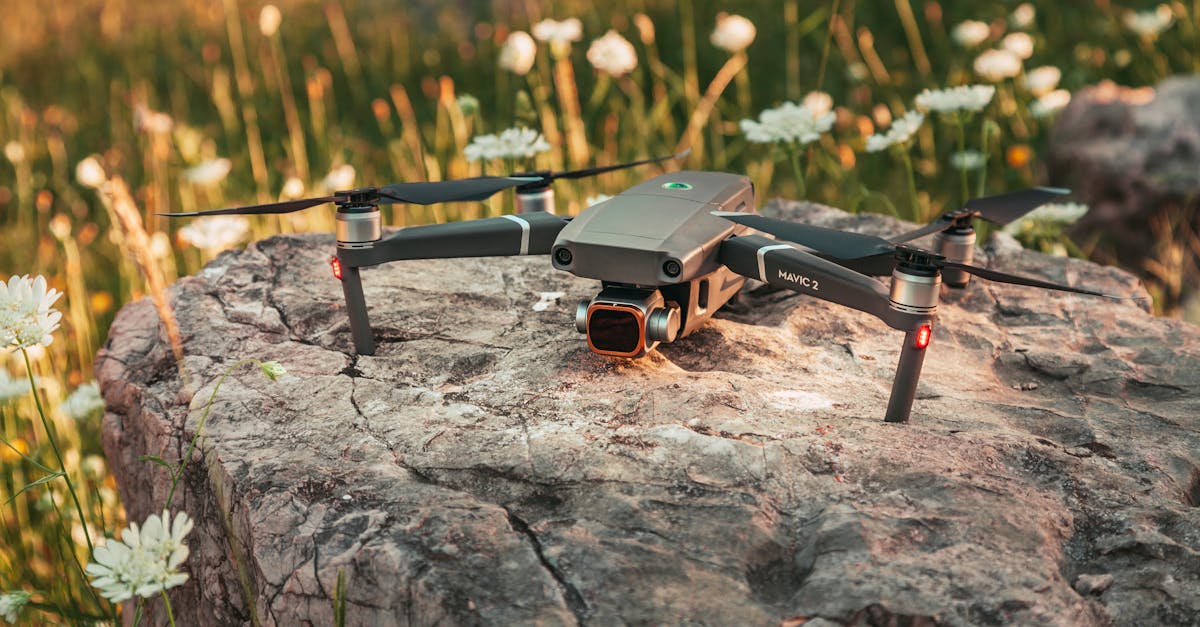
Before You Power On
You are at your flying location. You checked the airspace. The weather is calm. Your batteries are charged, your SD card is formatted, and the gimbal protector is off.
Walk the area first. Look for:
- Power lines overhead
- Trees near your launch spot
- People, dogs, or animals nearby
- A clear, flat surface for takeoff and landing
Pick your launch spot. The drone should face away from you (camera pointing forward) when it takes off. This keeps the controls intuitive: right on the stick moves the drone to your right.
Place the drone on your landing pad or a flat, clean surface. Do not launch from the top of your car or any metal surface because metal can interfere with the compass.
Power-On Sequence
- Turn on the remote controller. Wait for it to boot up.
- Connect your phone or tablet to the controller (USB cable or built-in holder).
- Open the drone app. It should connect to the controller automatically.
- Turn on the drone (usually press, then press and hold the power button).
- Wait for GPS lock. The app will show “GPS: Ready” or the home point icon will turn green. Do not take off until GPS is locked. This is what enables return-to-home if something goes wrong.
- Verify the home point. The app shows a “H” or home icon on the map at your current location. Confirm this matches where you are standing. If it shows yesterday’s location, restart the drone and wait for GPS to recalculate.
- Check for warnings. The app will flag any compass errors, IMU issues, or firmware problems. Resolve these before flying.
Takeoff
Most camera drones offer two ways to take off:
Auto takeoff — Tap the takeoff button in the app. The drone starts its propellers, rises to about 1.2 meters (4 feet), and hovers in place waiting for your input. This is the recommended method for beginners.
Manual takeoff — Pull both sticks down and toward the center (or down and outward, depending on the drone) to start the propellers. Then gently push the left stick up to climb.
After takeoff, let the drone hover at about 3 meters (10 feet) for 20 seconds. Do not try to fly anywhere. Just watch it. Check that it holds position (GPS is working) and that the camera view on your screen looks normal. If anything seems wrong (drifting badly, strange noises, error messages), land immediately.
Hovering
Hovering is the most important skill in drone flight. If you can hold a steady hover, everything else builds from there.
Practice:
- Take off to 3 meters and let go of both sticks. The drone should hold position on its own (GPS does this for you).
- Gently push the right stick forward. The drone moves forward. Let go. It stops and hovers.
- Push right. Let go. Push left. Let go. Push back. Let go.
- Use the left stick to yaw (rotate) left and right. Let go.
- Climb a few meters higher. Descend a few meters.
Do this for an entire battery. Resist the urge to fly far away. Stay within 15 meters of yourself. The goal is to feel comfortable with each direction of movement, one at a time.
Landing
Auto land — Tap the land button in the app. The drone descends and lands where it is. You can also press and hold the return-to-home button to have it fly back to the takeoff point and land there.
Manual landing — Position the drone over your landing pad using the right stick. Slowly pull the left stick down to descend. Reduce throttle gently. When the drone touches the ground, hold the left stick fully down. The propellers will slow and stop after a few seconds.
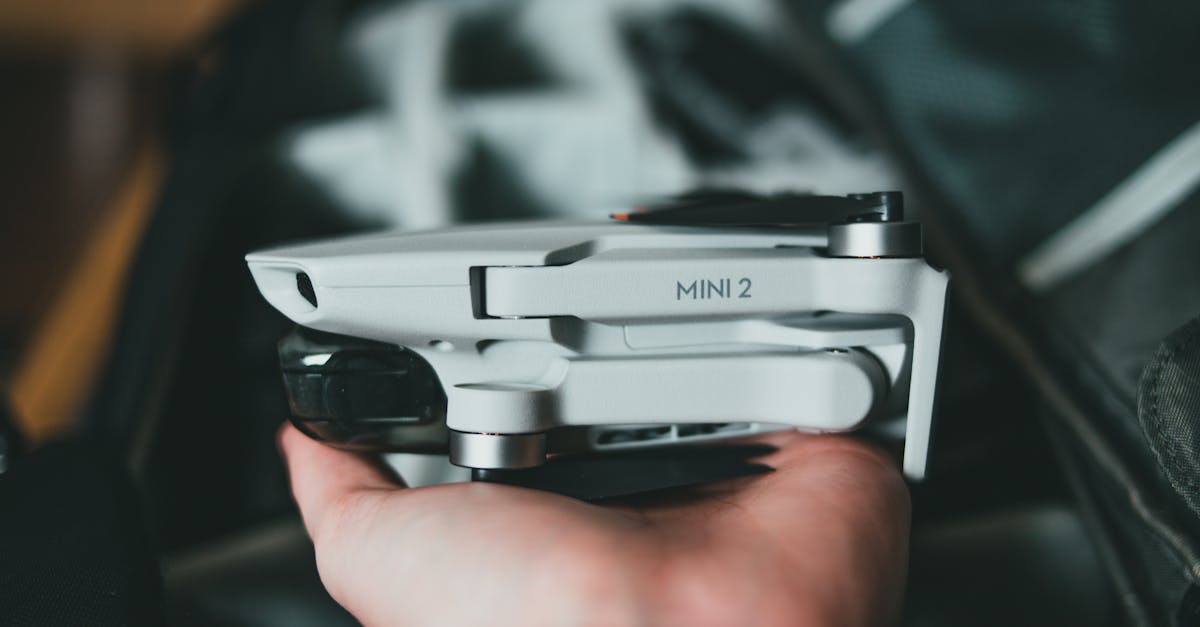
After landing:
- Turn off the drone first (press, then press and hold the power button).
- Turn off the controller.
- Close the app.
- Put the gimbal protector back on.
- Remove the battery and swap in a fresh one if you are flying again.
What Your First Flight Should Look Like
One battery. One takeoff. Hover in place. Move forward, back, left, right. Rotate. Climb and descend. Land in the same spot. No distance records. No fancy maneuvers. Just getting comfortable.
If you feel nervous, that is normal. Every drone pilot felt nervous on their first flight. The GPS is holding the drone for you. Take a breath. Move slowly.
Quick Check
Q: What should you wait for before taking off? A: GPS lock. The app should confirm the home point is set at your current location.
Q: What is the safest way to take off as a beginner? A: Use the auto takeoff button in the app. The drone rises to a safe height and hovers on its own.
Q: What should you do in the first 20 seconds after takeoff? A: Hover at about 3 meters and verify the drone holds position, the camera feed works, and there are no error messages.
What’s Next?
One flight down. Now let’s build real skills with some structured practice exercises.
For detailed flight instruction videos with step-by-step demonstrations, Pilot Institute’s courses are an excellent resource.