Flying Safely
Safety Is Not Optional
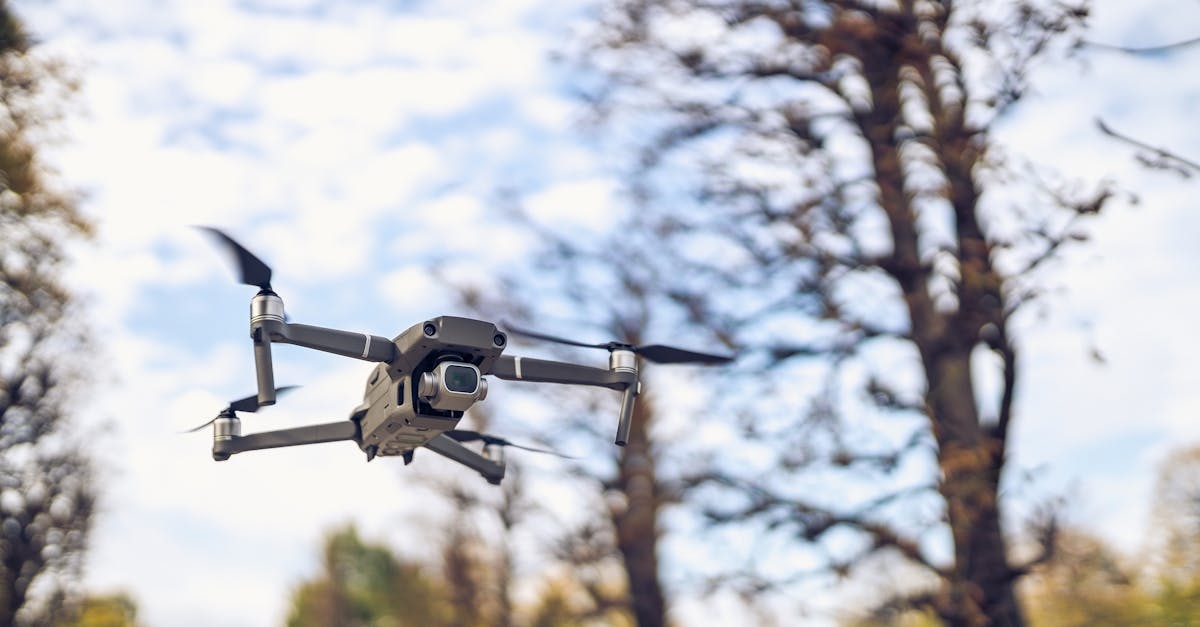
A consumer drone weighs between 250 grams and one kilogram. That is enough mass to cause serious injury if it hits someone, and enough to damage property or vehicles. Flying safely protects you, the people around you, and your drone.
The good news: most consumer drones have multiple built-in safety features. The bad news: those features cannot protect you from poor judgment.
Line of Sight
Keep the drone where you can see it with your own eyes at all times. This is not just a rule; it is practical. When you lose sight of the drone, you lose your ability to judge its distance, altitude, and proximity to obstacles. The camera feed on your screen has no depth perception.
If you find yourself flying entirely by screen, look up. Find the drone. Reorient yourself. Then keep glancing between the screen and the sky every few seconds.
Every new pilot wants to see how far their drone can go. Resist this urge. Range tests are how drones get lost. Fly within 100 to 200 meters for your first few dozen flights. You have plenty to practice close to home.
Battery Management
Your drone app shows battery percentage and estimated remaining flight time. These are estimates, not guarantees. Cold weather, wind, aggressive flying, and aging batteries all reduce flight time.
The 30 percent rule: Start heading back when your battery hits 30 percent. Do not wait until 20 percent. At 30 percent, you have plenty of time to fly back at a relaxed pace. At 20 percent, the app may start issuing low-battery warnings, and the drone might auto-land on its own.
Battery warning levels:
- 30% — Start returning. No more exploring.
- 20% — The app may flash a yellow warning. Fly directly home.
- 10% or lower — The drone may initiate auto-landing wherever it is. This might be over water, a road, or someone’s backyard.
Other battery safety tips:
- Do not fly with a swollen or damaged battery. If a LiPo battery looks puffy or dented, dispose of it properly (at a battery recycling center, not in the trash).
- Let batteries cool before recharging. They come down warm from flying. Charging a hot battery degrades it faster.
- Store batteries at about 50% charge if you are not flying for more than a few days. Fully charged batteries stored for weeks degrade faster.
- Label your batteries with numbers so you can rotate them evenly and track any that are performing poorly.
Wind and Weather
Wind is the most common reason beginners crash. Here is how to read the conditions:
- 0 to 5 mph — Perfect. Barely noticeable.
- 5 to 10 mph — Fine for beginners. The drone handles it easily.
- 10 to 15 mph — Manageable, but the drone will drift and you will work harder to hold position. Lightweight drones (under 250g) start to struggle.
- 15 to 20 mph — Experienced pilots only. The drone is fighting to hold position and your footage will show it.
- Above 20 mph — Stay home. Even if the drone can technically handle it, the footage will be unusable and the risk of a gust pushing you into something is high.
Watch for gusts, not just average wind speed. A 10 mph average with 20 mph gusts is more dangerous than a steady 15 mph wind because the gusts catch you off guard.
If you are airborne and the wind picks up unexpectedly, fly lower. Wind is stronger at higher altitudes. Descend to 5 to 10 meters where the ground provides some shelter, then fly back to your landing spot.
Obstacle Avoidance
Most modern camera drones have forward, backward, and downward obstacle sensors. Some have lateral and upward sensors too. These are helpful but not perfect:
- They struggle with thin objects like power lines, branches, and wire fences
- They may not detect clear or reflective surfaces like glass buildings
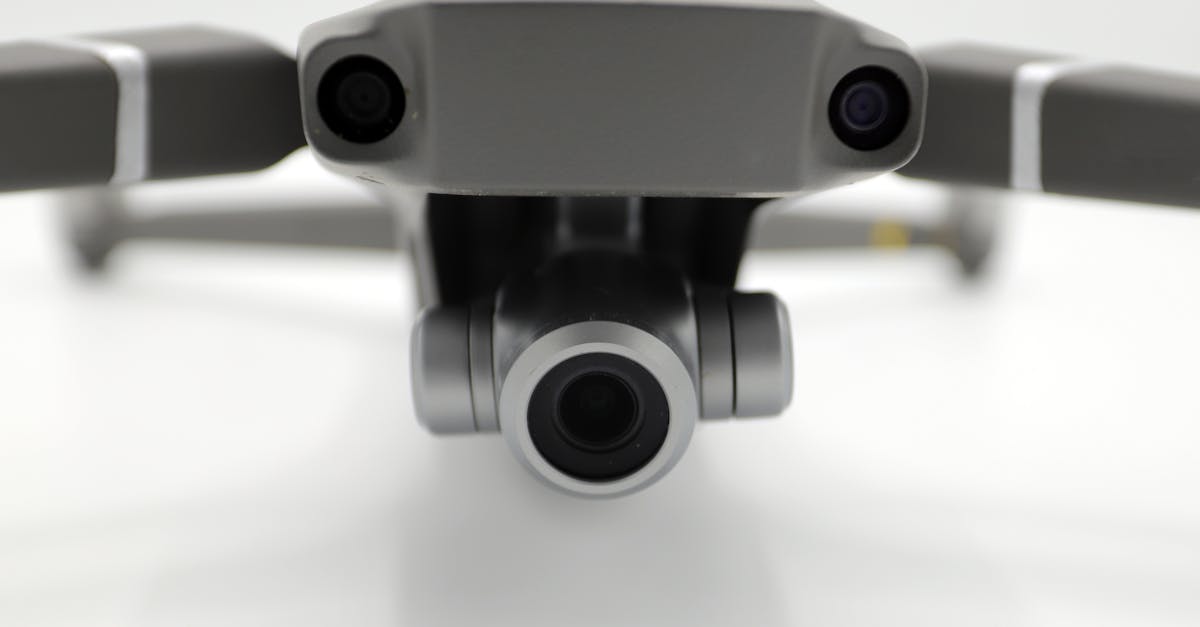
- They have a minimum detection distance — if you are flying fast, the drone may not stop in time
Obstacle avoidance is a backup, not a replacement for paying attention. Know what is around you and fly accordingly.
Spatial Awareness
Before each flight, do a 360-degree scan of your surroundings. Note the location of:
- Trees and their height
- Power lines
- Buildings
- Roads and traffic
- People and animals
- Other aircraft (helicopters, small planes)
Mentally map out a safe flying box and stay inside it. If you notice people approaching your flying area, land and wait for them to pass. Curious bystanders will walk up to you asking questions. Be polite but stay focused on the drone.
Quick Check
Q: At what battery percentage should you start flying back? A: 30 percent. Do not wait until the low-battery warnings start.
Q: What wind speed is the upper limit for a beginner pilot? A: About 10 to 15 mph. Above that, the drone becomes harder to control and the footage suffers.
Q: What types of obstacles do drone sensors struggle to detect? A: Thin objects like power lines and branches, and transparent or reflective surfaces like glass.
What’s Next?
You can fly safely. Now let’s talk about the specific mistakes that catch beginners off guard.
For detailed safety training and flight procedures, Pilot Institute’s courses cover emergency procedures and risk management in depth.