Mapping Equipment
Why It Matters
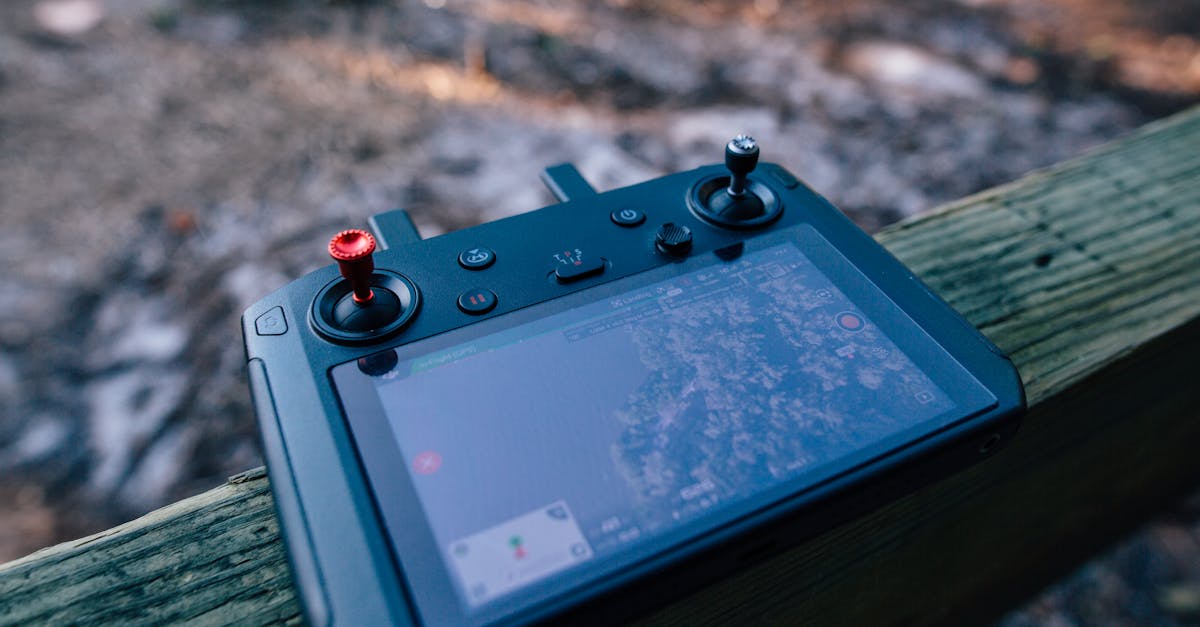
You can’t produce accurate maps with consumer-grade equipment and hope. Mapping demands specific capabilities: a camera with a mechanical shutter, sufficient overlap control, and either ground control points or RTK positioning for accuracy. The wrong drone or missing GCPs turn a mapping mission into an expensive flight that produces unreliable data.
Mapping-capable drones have become affordable. What once required a $10,000 rig now costs a fraction of that.
Mapping-Capable Drones
Key Requirements
A mapping drone needs:
- Mechanical shutter: electronic (rolling) shutters create distortion during forward flight, degrading accuracy. A mechanical (global) shutter freezes the image instantly.
- GPS/GNSS: geotags each photo with coordinates for processing
- Programmable flight: supports automated grid flights with controlled overlap and speed
- Stable flight platform: wind resistance and vibration control affect image quality
Recommended Drones
| Drone | Camera | Shutter | RTK Option | Notes |
|---|---|---|---|---|
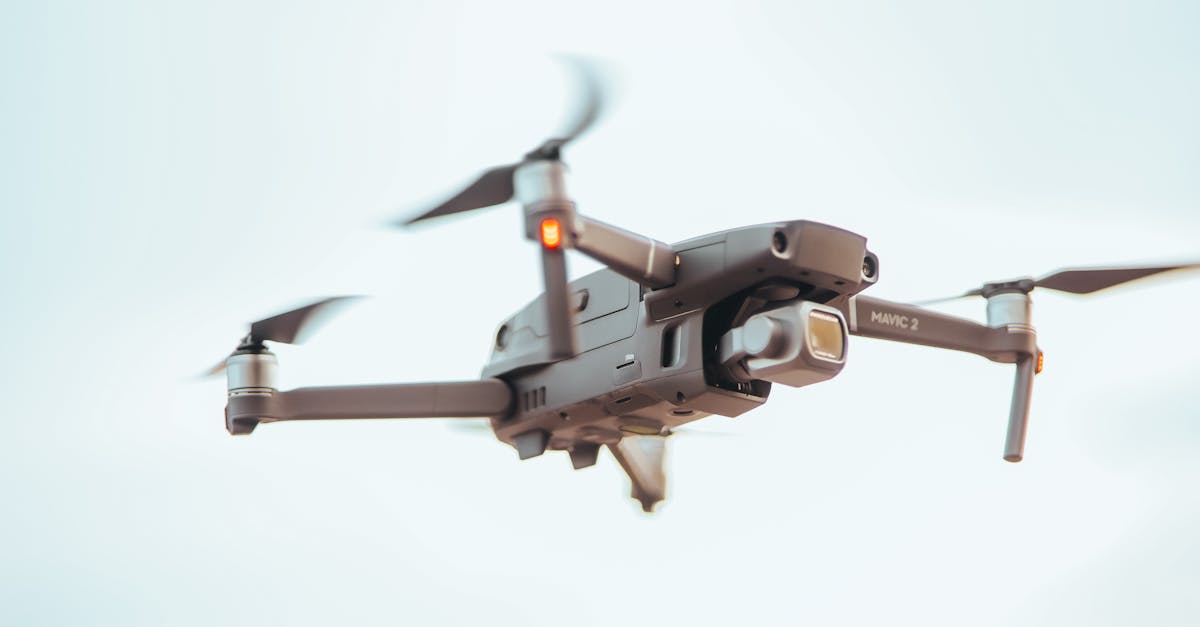
| DJI Mavic 3 Enterprise | 20MP mechanical | Global | Yes | Best all-around mapping drone |
| DJI Phantom 4 RTK | 20MP mechanical | Global | Built-in | Industry standard for mapping |
| DJI Mini 4 Pro | 48MP electronic | Rolling | No | Budget option, limited accuracy |
| Autel EVO II Pro | 20MP mechanical | Global | No | Alternative to DJI |
| Skydio X10 | 50MP mechanical | Global | Yes | Enterprise-grade |
The DJI Mavic 3 Enterprise and Phantom 4 RTK are the most common mapping platforms. The Phantom 4 RTK has built-in centimeter-level positioning, eliminating the need for GCPs in many applications.
Can You Map with a Consumer Drone?
Yes, with caveats. A DJI Mini series drone with an electronic shutter can produce orthomosaics, but the rolling shutter distortion limits accuracy. For non-critical applications (real estate marketing, progress photos, general site overviews), it works. For survey-grade deliverables, you need a mechanical shutter.
Camera Settings for Mapping
Mapping photography is different from creative photography:
- Focus: set to infinity or manual focus. Out-of-focus images break the alignment process.
- Aperture: f/5.6 to f/8 for maximum sharpness across the frame
- ISO: 100. Image noise degrades feature matching.
- Shutter speed: 1/1000 or faster to freeze motion during flight
- White balance: manual, consistent across all photos
- Format: RAW preferred for processing flexibility; JPEG acceptable
RTK and PPK Positioning
Why GPS Alone Isn’t Enough
Standard drone GPS is accurate to about 1-3 meters. For mapping, that’s not good enough. You need centimeter-level positioning. RTK (Real-Time Kinematic) and PPK (Post-Processed Kinematic) achieve this by using correction data from a base station.
RTK (Real-Time Kinematic)
RTK receives correction data in real time during flight via a radio link or cellular connection from a base station. The drone’s photos are tagged with corrected coordinates as they’re taken.
Advantage: real-time accuracy. You know data quality during the flight. Disadvantage: requires continuous communication between base station and drone.
PPK (Post-Processed Kinematic)
PPK records raw GPS data during flight and corrects it afterward using base station logs or online correction services. No real-time link needed.
Advantage: simpler field setup. Fly and correct later. Disadvantage: you don’t know accuracy until processing is complete.
RTK Drones vs Ground Control Points
RTK drones (like the Phantom 4 RTK) can achieve survey-grade accuracy without GCPs in many scenarios. However, most professional mappers still use a few GCPs as verification. Trust but verify.
Ground Control Points (GCPs)
What They Are
GCPs are visible markers placed on the ground at known, surveyed coordinates. The photogrammetry software uses them to align the model to real-world coordinates and verify accuracy.
GCP Targets
Commercial GCPs are typically checkerboard patterns printed on durable material, 60cm to 1 meter square. They need to be:
- High contrast: black and white or black and yellow
- Clearly visible from flight altitude: large enough to identify in photos
- Flat on the ground: not tilted or obstructed
- Permanently placed during the flight: don’t move them between flights
How Many GCPs Do You Need?
A general rule: 3-5 GCPs minimum, distributed around the site perimeter and interior. For larger sites or higher accuracy requirements, use more. At least one should serve as a check point (not used in processing, but measured afterward to verify accuracy).
Software Options
Flight Planning
- DJI GS Pro / DJI Pilot 2: free, works with DJI drones
- DroneDeploy (mobile app): subscription-based, full mapping platform
- Litchi: affordable third-party app with waypoint missions
Photogrammetry Processing
| Software | Type | Price | Notes |
|---|---|---|---|
| WebODM | Desktop (open source) | Free | Best free option, active community |
| Agisoft Metashape | Desktop | ~$3,500 USD | Professional-grade, steep learning curve |
| Pix4Dmapper | Desktop | Subscription | Industry standard for construction |
| DroneDeploy | Cloud | Subscription | Easiest to use, cloud processing |
| RealityCapture | Desktop | ~$4,000 USD | Extremely fast processing |
Quick Check
Q: Why does a mapping drone need a mechanical (global) shutter? A: Electronic rolling shutters create distortion during forward flight, degrading the geometric accuracy of photogrammetric reconstruction.
Q: What is the difference between RTK and PPK? A: RTK applies GPS corrections in real time during flight. PPK records raw GPS data and corrects it afterward during processing.
Q: How many ground control points should a mapping mission have at minimum? A: 3-5 GCPs minimum, distributed around the site perimeter and interior.
What’s Next?
With the equipment sorted, let’s plan a mapping flight: altitude, overlap, grid patterns, and the calculations that determine your data quality.