Ground Control Points
Why It Matters
Without ground control points, your drone map looks right but may be off by meters. The shapes are correct, the detail is there, but the real-world coordinates are wrong. For a marketing video, that’s fine. For a construction site where a 10cm error means concrete is poured at the wrong elevation, it’s a disaster.
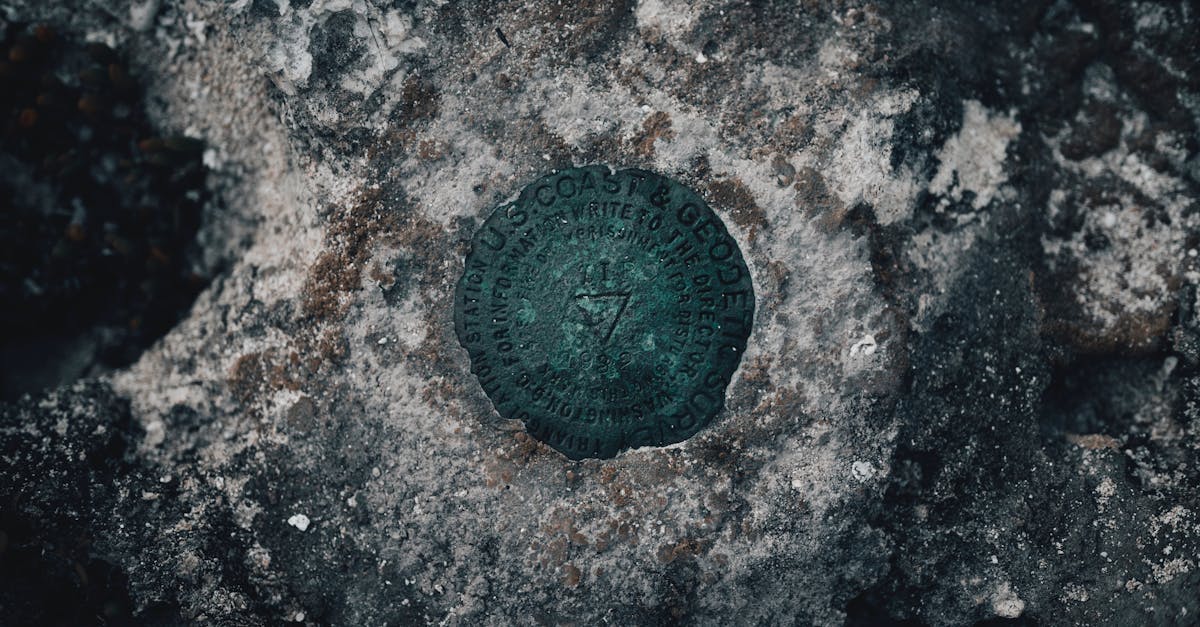
GCPs are the bridge between your drone’s internal GPS and real-world survey coordinates. They anchor your photogrammetric model to known positions, correcting for GPS drift, camera calibration errors, and lens distortion.
How GCPs Work
The Problem They Solve
Your drone tags each photo with GPS coordinates, but standard GPS is only accurate to 1-3 meters. When the photogrammetry software aligns all your photos, it builds a self-consistent model where everything is accurate relative to everything else. But the entire model might be shifted or tilted relative to the real world.
GCPs give the software known reference points. The software stretches, rotates, and shifts the model until the GCPs in the model match their surveyed real-world positions.
Relative vs Absolute Accuracy
- Relative accuracy: how accurate measurements are within the model. Two points 100 meters apart in the model are measured correctly relative to each other.
- Absolute accuracy: how accurately the model is positioned in the real world. A point in the model at coordinates X,Y actually corresponds to real-world X,Y.
GCPs improve absolute accuracy. Good overlap and processing improve relative accuracy.
Placing GCPs
Where to Put Them
Distribute GCPs across the entire mapping area:
- Corners and edges: at least one GCP near each corner of the survey boundary
- Interior points: at least one in the center for larger sites
- Elevation variation: if the terrain has significant elevation changes, place GCPs at both high and low points
- Accessible locations: you need to reach them with GPS equipment
Avoid placing GCPs:
- On slopes (the target may not be visible from above)
- Near buildings or trees (shadows and obstructions)
- On moving surfaces (vehicles, water)
- At the very edge of the mapping area (poor photo coverage)
Setting Up Targets
- Lay the target flat on firm ground, no wrinkles, no tilt
- Secure it with pins, sandbags, or weights so wind doesn’t move it
- Center mark: most commercial targets have a center crosshair. This is the point you’ll survey.
- Number each GCP: use a marker to write a unique number on each target for identification during processing
- Photograph each GCP from the ground: helps with identification during processing
Surveying GCP Coordinates
RTK GPS Equipment
To survey GCP coordinates, you need RTK GPS equipment, a survey-grade GPS rover that receives correction data from a base station. This provides centimeter-level coordinate accuracy.
Common RTK GPS units:
- Trimble R-series: industry standard, expensive
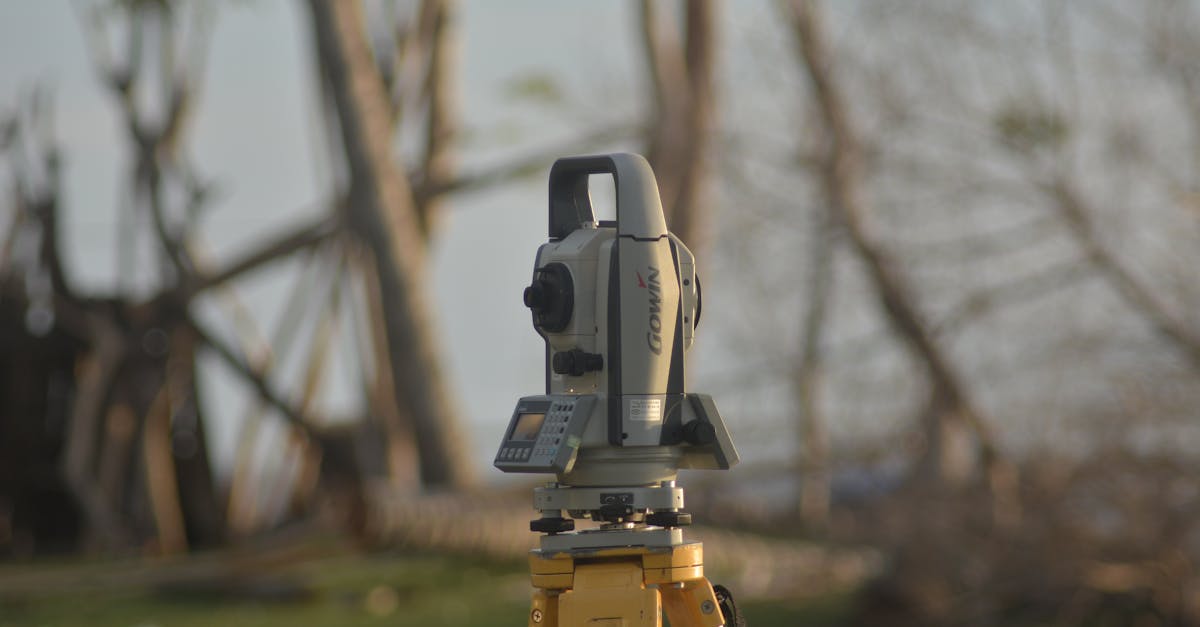
- Emlid Reach RS2/RS3: affordable RTK GPS (around $1,000)
- DJI D-RTK 2: designed for DJI mapping drones
Surveying Workflow
- Set up the base station (or connect to an NTRIP correction service via cellular)
- Place the rover on the center mark of each GCP target
- Level the rover pole using the built-in bubble level
- Record the coordinate: collect data for 30-60 seconds per point for averaging
- Record the coordinate system: note the EPSG code and datum used
- Log all GCP positions in a spreadsheet with point number, coordinates, and elevation
Coordinate Systems
Your GCP coordinates must use a known coordinate system (EPSG code). Common choices:
- EPSG:4326: WGS84 latitude/longitude (GPS standard)
- EPSG:3857: Web Mercator (Google Maps projection)
- Local UTM zone: best for regional mapping with minimal distortion
- State plane coordinates: used for construction and legal surveying in the US
Match your processing software’s coordinate system to your GCP survey. A mismatch produces shifted results.
How Many GCPs?
| Site Size | Minimum GCPs | Recommended |
|---|---|---|
| Under 5 acres | 3-4 | 5 |
| 5-50 acres | 5-6 | 8-10 |
| 50-200 acres | 8-10 | 12-15 |
| 200+ acres | 10+ | 15-20+ |
Always include at least 1-2 check points: GCPs that are surveyed but NOT used in processing. After processing, measure where these check points appear in your model. The difference between their model position and surveyed position tells you your actual accuracy.
Quick Check
Q: What is the difference between relative and absolute accuracy? A: Relative accuracy measures how correct distances are within the model. Absolute accuracy measures how correctly the model is positioned in real-world coordinates.
Q: How are check points different from GCPs? A: Check points are surveyed like GCPs but NOT used in processing. They measure actual accuracy by comparing their known position to their position in the processed model.
Q: What coordinate system do most mapping projects use? A: It depends on the project. Local UTM zones, state plane coordinates, or WGS84 are common. The key is matching the coordinate system between your GCP survey and processing software.
What’s Next?
Next up: the field workflow for capturing mapping data, from arrival to data download.