Your First Real Flights
Why It Matters
You have put in hours on the simulator, and your muscle memory is building up nicely. But the moment you lift off with a real drone for the first time, something feels different. The simulator gave you a forgiving sandbox with instant resets and zero consequences. Out here, wind pushes your drone around, the psychological weight of real hardware sinking into the ground is palpable, and there are no do-overs. Your sim skills absolutely transfer, but expect a gap between what you can do in the sim and what feels comfortable in real life.
This lesson bridges that gap. We will walk through exactly what to do before you fly, how to structure your first few flights so you build confidence instead of frustration, and what to focus on during those precious early battery packs. The goal is not to pull off impressive maneuvers. It is to establish a foundation of safe, controlled flight that everything else builds on.
Think of your first real flights as a calibration process. You are calibrating your thumbs to a new drone, your eyes to a real camera feed, and your brain to the reality that mistakes cost money. Take it slow, stay humble, and trust that the skills will come.
Pre-Flight Checklist
Before you even think about arming, run through this list every single time. Skipping steps is how expensive mistakes happen.
Props: Make sure they are on tight, spinning in the correct direction, and in good condition. A loose prop flying off mid-flight is bad news. Always verify props with no power applied to the motors.
Battery: Fully charged and securely strapped in. A battery ejecting mid-flight means a dead drone dropping from the sky.
Radio: Bound to your drone and tested. Move every stick and switch to confirm they respond correctly.
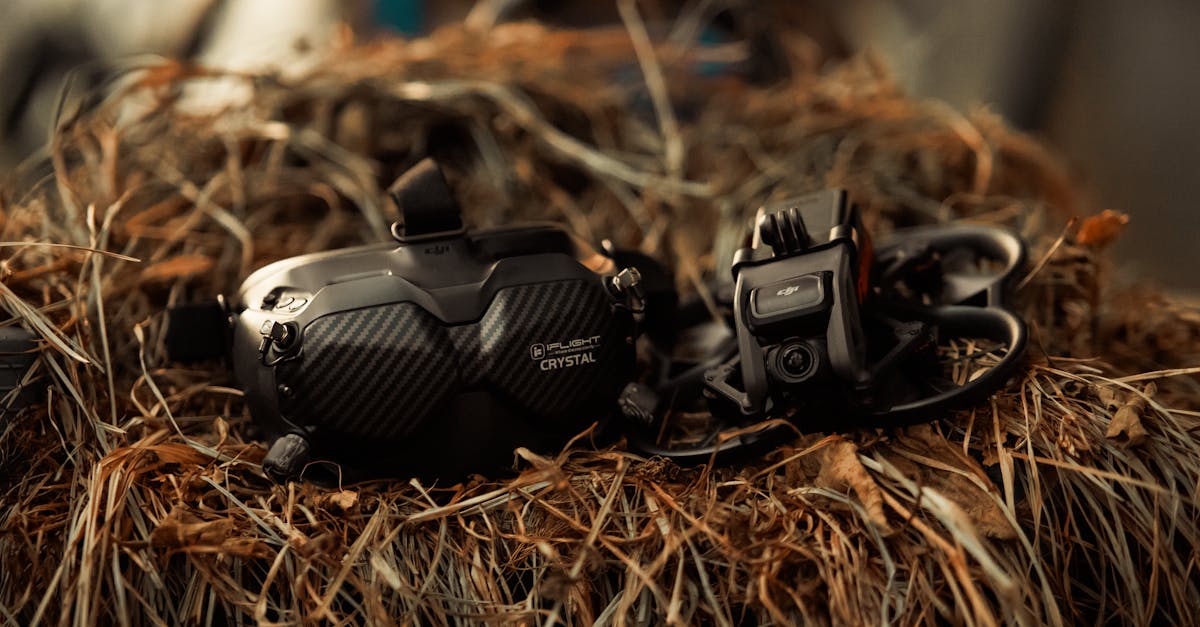
Goggles: Powered on and receiving a clean video signal. No static, no dropout.
Arm Switch: Toggle it on and off to verify it works. Know exactly where it is without looking.
Environment: Open area, no people, no obstacles, no wind if possible. Have a spotter if you can, especially in public spaces.
Your First Flight: Angle Mode
Start in Angle mode. Not Horizon, not Acro. Angle mode gives you a safety net. The drone will not flip over no matter how far you push the pitch or roll sticks. This lets you focus on throttle control and orientation without the constant threat of a full-throttle punch into the dirt.
Arm the drone, then gently add throttle. Focus on making the drone rise smoothly off the ground to about chest height. Do not go higher. Just get comfortable with the feeling of it leaving your hand or the ground. Once you are at that height, try to hover.
Hovering is harder than it sounds. You will drift. That is normal. Make small corrections to hold position, and resist the urge to overcorrect. If you drift two feet left, do not yank the stick right. Nudge it. Quality of movement matters more than speed right now.
The Orientation Problem
Here is the thing that catches almost every new pilot off guard. When the drone is facing away from you, pushing the pitch stick forward makes it fly away. Makes sense. But when the drone turns and faces you, those controls reverse. Forward on the stick now brings the drone toward you. Left becomes right, right becomes left.
This reversal is the number one cause of crashes for new pilots. Your brain knows what it wants the drone to do, but your thumbs send the wrong input because you are not consciously tracking which direction the drone is pointing.
The fix is simple but requires discipline. Before every input, consciously note which way the drone’s nose is pointing. If you are unsure, do not move. Let it hover while you figure it out. With practice, this becomes automatic, but in the beginning it demands active thought.
Your First Forward Flight
Once you can hover reasonably well, it is time to move. Push the pitch stick forward gently to tilt the drone, and simultaneously add a little throttle. Here is why: the greater the tilt angle, the faster the drone moves, but the steeper the descent becomes. Without that throttle increase, you will fly forward and drop altitude at the same time.
To slow down, tilt the drone in the opposite direction (pitch back), and increase throttle briefly during this opposite tilt. Once the drone stabilizes in a level position, reduce the throttle back to your hover point. Simply leveling the drone will not stop it, because inertia keeps it sliding sideways even after you center the sticks.
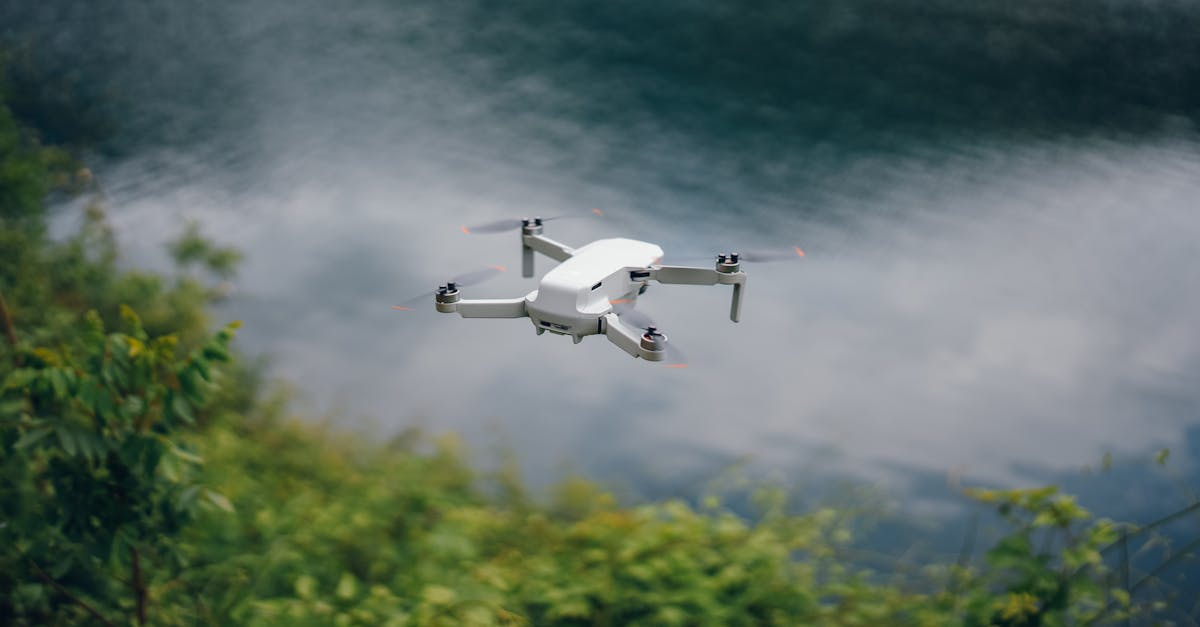
Practice this pattern: gentle forward tilt with throttle, brief opposite tilt with throttle to stop, level out. Do it at slow speeds, close to the ground, in an open area. Repeat until the coordination feels natural.
Landing Safely
Landing is where a lot of pilots get impatient and make mistakes. The right approach is boring: gradually reduce throttle, let the drone descend at a steady pace, and ease it down the last foot or so. Do not cut power abruptly. Dropping the last few feet puts unnecessary stress on your gear and can bounce the drone into an unexpected position.
If you are hand-catching (common with Tiny Whoops), grab the drone firmly from the side, then disarm. Never reach underneath a spinning drone.
When Things Go Wrong
Even with careful preparation, things will go sideways eventually. Knowing how to react keeps a bad moment from becoming a disaster.
If you lose orientation and do not know which way the drone is facing, cut the throttle immediately. The prop wash will catch the drone and slow its descent, usually preventing serious damage. Trying to guess your way out of a disorientation moment almost always ends worse.
If you crash, disarm immediately. A crashed drone with spinning motors can chew through grass, dirt, or whatever it landed on, potentially damaging components or throwing debris. Get your thumbs off the sticks and kill the motors.
After any crash, inspect before rearming. Check props for cracks, arms for bends, motors for wobble. A hairline crack in a prop that looked fine on the ground can fail mid-flight and send your drone out of control.
Quick Check
Q: Why is Angle mode recommended for first real flights? A: Angle mode prevents the drone from flipping over, giving you a safety net while you focus on basic throttle control and orientation without the risk of a catastrophic roll.
Q: What happens if you simply level the drone after moving forward? A: The drone continues moving sideways due to inertia. You must tilt in the opposite direction and briefly increase throttle to actively stop.
Q: What should you do immediately if you lose orientation? A: Cut the throttle. The prop wash will slow the descent, and trying to guess your way out of disorientation typically leads to a worse crash.
What’s Next?
Now that you have gotten your first real flights under your belt, it is time to talk about flying responsibly. The next lesson covers FPV safety and regulations, the rules that keep you, other people, and the hobby itself safe. Understanding these is not optional. It is part of being a pilot worth calling yourself.
Learn everything from flight basics to advanced cinematography at Pilot Institute.