Your First Flight
Pre-Flight Checklist
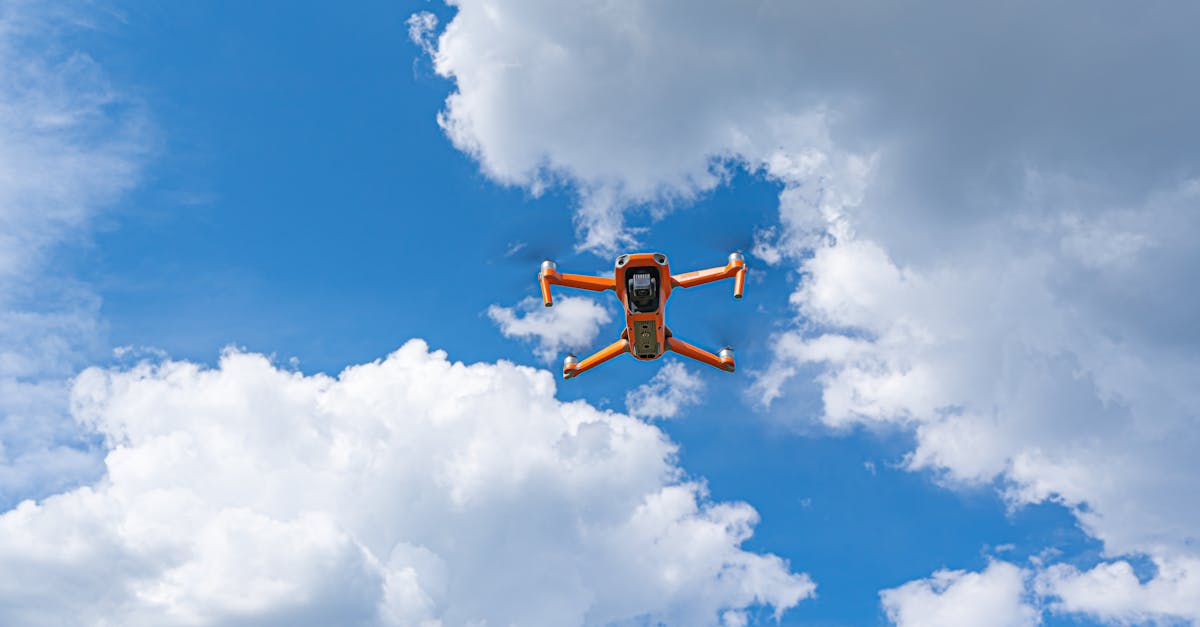
Before you even think about throttling up, run through this checklist every single time. Skipping steps leads to crashes.
Power and connections: Verify all XT60 connections are secure. Check that your flight controller, receiver, GPS, and ESCs are firmly plugged in.
Battery: Use a cell checker to verify voltage. Each cell should read at least 3.7V. A 3S pack should show 11.1V or higher. Never fly a puffed or damaged battery.
Propellers: Double-check prop orientation. CCW props go on the diagonal pair that spins counterclockwise, CW props on the other diagonal. Wrong props mean instant flip on takeoff. Ensure all props are tight on the motor shafts.
Environment: Clear area at least 30 meters in all directions. No people, pets, or obstacles. Grass is forgiving. Pavement is not.
Systems: Verify GPS lock with at least six satellites. Confirm home point is set. Check transmitter and receiver are bound with correct telemetry.
Takeoff Procedure
Position your drone on level ground with clear space around it. Stand behind it so forward on your transmitter matches forward on the drone.
Arm your motors using your assigned stick command. Most setups use throttle down and yaw right. You should hear confirmation beeps.
Slowly raise throttle until the drone lifts off. Aim for 1 to 2 meters altitude, then stop. Let it hover.
Watch how it behaves. With GPS lock, it should hold position with minimal drift. Some slight movement is normal. Constant drifting in one direction means recalibration is needed.
Testing Controls
While hovering at low altitude, make small inputs on each control:
- Pitch: Push forward and backward slightly. Smooth response both ways.
- Roll: Push left and right. Same smooth response.
- Yaw: Rotate left and right. Drone should spin in place without moving laterally.
Keep inputs small. This is a test flight, not an acrobatic demonstration. If anything feels wrong, land immediately.
Landing
Slowly reduce throttle. Let the drone descend gradually. As it approaches the ground, reduce throttle to zero just before touching down. The drone should settle gently.
Disarm immediately after landing to prevent accidental motor spin-up.
Post-Flight Inspection
Check these items while everything is still warm:
Feel each motor and ESC. Warm is fine. Burning hot indicates binding, wrong prop size, or failing hardware.
Check battery voltage with the cell checker. Compare to pre-flight reading. If voltage drops too fast or any cell is significantly lower than others, that cell may be degrading.
Visually inspect for loose wires, cracked frames, or hardware that vibrated loose. Tighten anything that moved.
Troubleshooting Common Issues
Flipping on takeoff: Motor order is wrong or props are reversed. Double-check your wiring diagram and prop orientation.
Spinning uncontrollably: CW and CCW props are likely swapped. Recheck which props go on which motors.
Constant drifting: Accelerometer or compass needs recalibration. Do not fly again until fixed.
Motors not spinning evenly: ESC calibration issue or a bad ESC. Recalibrate and test again.
Quick Check
Q: What voltage should each cell read before flight? A: At least 3.7V per cell. A 3S pack should show 11.1V or higher total.
Q: What does it mean if the drone immediately flips on takeoff? A: Motor order wiring is wrong or propellers are on the wrong motors. Check that diagonal pairs match.
Q: Why should you feel the motors after landing? A: Burning hot motors indicate binding, wrong prop size, or failing bearings. Inspect before flying again.
What’s Next?
You built it, calibrated it, and flew it. From here, practice builds confidence. Try our other courses to take your skills further.
Ready to get certified? Our free Part 107 course covers everything you need to pass the FAA exam and fly commercially. If you want to turn your building skills into income, check out the Drone Business course.