Calibration
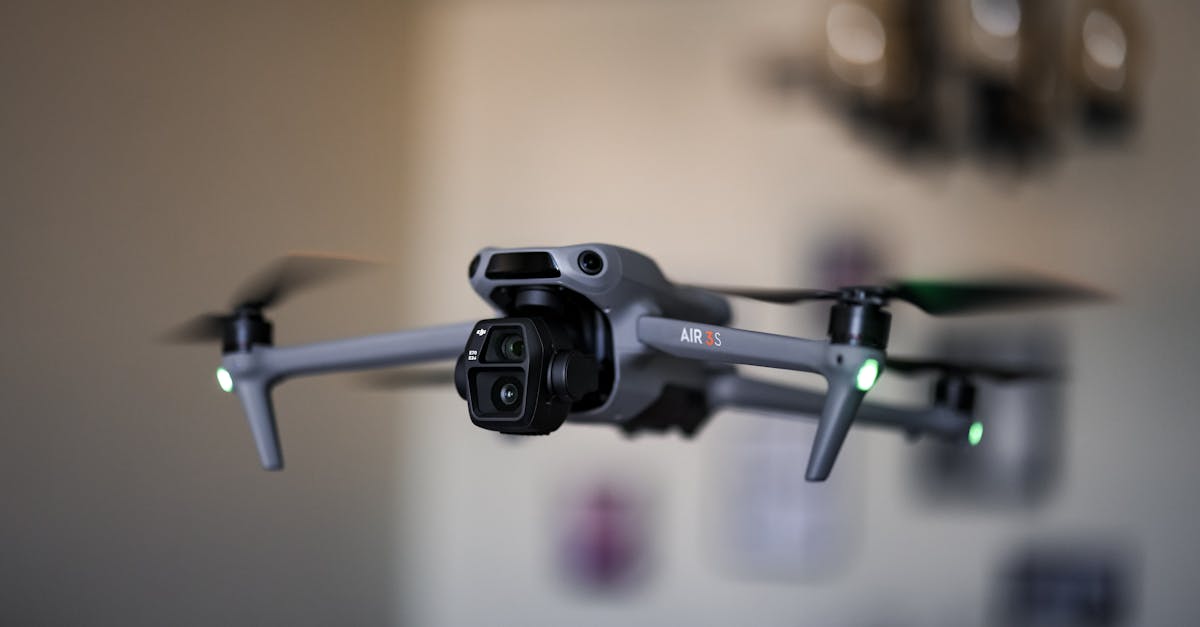
Why Calibration Matters
Skip calibration and your drone will fly erratically or crash. The flight controller needs accurate sensor data to keep the drone stable. Garbage in, garbage out.
Proper calibration teaches your flight controller exactly what “level” means, which way is north, how far your sticks move, and what throttle range your ESCs expect. Do this once correctly and you rarely need to repeat it unless something changes.
Accelerometer Calibration
The accelerometer tells your flight controller which way is down. If it is off, your drone will constantly try to correct itself in the wrong direction.
Place your drone perfectly level on a flat surface. A small square box helps keep it stable during the process. Open Mission Planner, connect, and start the accelerometer calibration.
The software will prompt you to place the drone in six positions: level, on its left side, on its right side, nose up, nose down, and on its back. Hold each position still for a few seconds until you hear confirmation tones.
Compass Calibration
The compass keeps your drone oriented relative to magnetic north. Bad compass data causes flyaways and strange drift behavior.
This requires the “compass dance.” Go outdoors, away from metal structures, rebar in concrete, electric fences, and power lines. Hold your drone horizontally and rotate it a full 360 degrees. Then point the nose straight down and rotate 360 degrees again.
Mission Planner shows progress with a visual indicator. When it turns green, you are done.
Radio Calibration
Your transmitter sends signals, but the flight controller needs to learn the exact range of each channel. During radio calibration, you move every stick and switch to its full extremes.
Go to the radio calibration screen. Move each stick in circles, hitting every corner. Toggle all auxiliary switches through their full range. Move throttle from minimum to maximum. The bars on screen should move smoothly and reach both ends.
Center all sticks and switches when finished.
ESC Calibration
ESCs need to know the minimum and maximum throttle signals they will receive. Remove your props before starting.
Put your transmitter throttle to maximum, power on the flight controller, then plug in your battery. Wait for the confirmation beep sequence. Now lower throttle to minimum and wait for a second set of beeps. Your ESCs have learned their range.
GPS Lock Verification
Before flying, verify your GPS has acquired a 3D fix with at least six satellites and good signal strength. In Mission Planner, check the satellite count and HDOP value. Lower HDOP means better accuracy.
Flying without GPS lock disables position hold and return-to-home features.
Quick Check
Q: What happens if you skip accelerometer calibration? A: The drone flies erratically because the flight controller does not know which way is level, causing constant incorrect corrections.
Q: Why must compass calibration be done outdoors away from metal? A: Metal and electrical interference distort magnetic fields, causing the compass to capture false readings that lead to flyaways.
Q: Why must you remove propellers before ESC calibration? A: Motors spin at unexpected speeds during calibration. Props can cause serious injury or damage.
What’s Next?
Calibration complete. Your drone is finally ready to leave the ground. Next up, your maiden flight.
For video walkthroughs of every calibration step, Pilot Institute covers Pixhawk and ArduPilot setup in detail.