What's in a Pro Drone Pilot's Kit
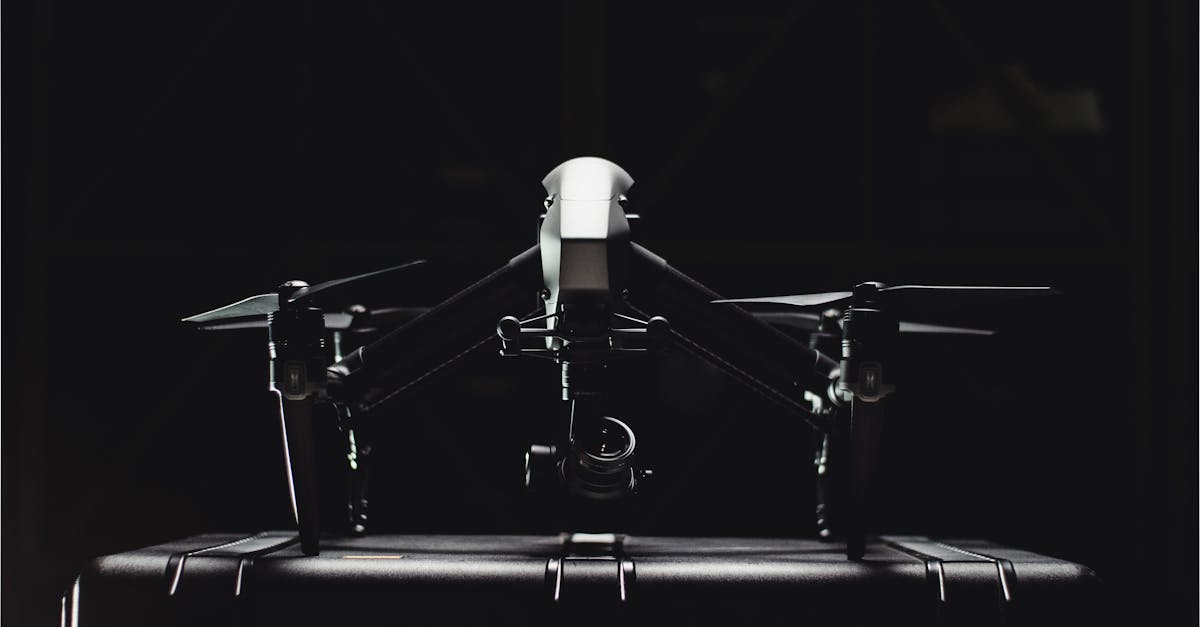
More Than Just the Drone
Showing up to a job with the right gear separates professionals from hobbyists. Clients notice when you’re prepared, organized, and have contingencies.
The Core Kit
Flight Essentials
- Extra batteries: minimum 3 total, 4-5 is better. Nothing kills a shoot faster than waiting for a charge.
- Fast SD cards: V30 speed rating, 128GB minimum. SanDisk Extreme or Samsung Pro Plus. Carry spares.
- ND filter set: essential for cinematic footage. Start with ND8, ND16, ND32.
- Landing pad: protects your drone from dust, sand, and debris. Folds flat, costs $15-$30.
Visibility and Control
- Tablet + sunshade: your phone works, but a tablet gives better visibility in direct sunlight. A sunshade is $20 and makes a big difference.
- Tablet mount: secure your device to the controller. Don’t trust your $1,000 drone to a cheap clip.
Field Supplies
- Lens cleaning kit (microfiber cloth + cleaning solution)
- Spare propellers (at least two full sets)
- Small toolkit (screwdrivers, Allen keys for prop guards)
- Basic first aid kit
- Water and snacks (you’ll be out longer than you think)
- Pen and notepad for site notes
Start with the basics. A $200 thermal sensor won’t pay for itself until you’re actively selling thermal inspection services. Buy gear when jobs demand it, not before.
Transport
Hard case (Pelican, Nanuk): maximum protection, waterproof, looks professional. Downside: bulky and heavy.
Padded backpack (DJI, Manfrotto): portable, good for hiking to remote locations. Less protection than a hard case.
Choose based on your typical jobs. Real estate in suburban neighborhoods? Backpack works. Construction sites and rough terrain? Hard case.
The Backup Strategy
What happens when your primary drone fails mid-job? This isn’t hypothetical. Drones fail, firmware glitches happen, batteries die unexpectedly.
Option A: carry a backup drone (even a cheaper model that can capture basic shots) Option B: have a relationship with a local pilot who can cover emergencies Option C: be honest with the client, reschedule, and discount the job
Option A is ideal. Option B works if you network. Option C happens to everyone eventually. The key is communicating quickly and professionally.
Review Footage On-Site
Before you leave any job, review your footage on your laptop or tablet. A 5-minute check catches problems that become impossible to fix once you’re home:
- Blurry shots
- Prop shadows or reflections you didn’t notice
- Missing key angles
- Memory card errors
There are no reshoots once you leave the location. That golden hour light is gone. The property staging has changed. Review everything before packing up.
The Pre-Job Checklist
Run through this before every single job:
- Batteries fully charged (all of them)
- SD cards formatted and empty
- Airspace checked (B4UFLY, LAANC authorization if needed)
- Weather verified (wind, visibility, precipitation)
- Client brief reviewed
- Flight log ready (note date, location, weather, purpose)
Quick Check
Q: How many batteries should you carry? A: Minimum 3, ideally 4-5. You’ll use more than you expect.
Q: Why do you need ND filters? A: They reduce light entering the camera, enabling slower shutter speeds for natural motion blur in video.
Q: What should you do before leaving every job site? A: Review your footage on a screen to catch problems while you can still reshoot.
What’s Next?
Now let’s walk through the complete professional workflow, from first client contact to final delivery and getting paid.
Build professional skills with Pilot Institute.