Tag: editing
11 articles
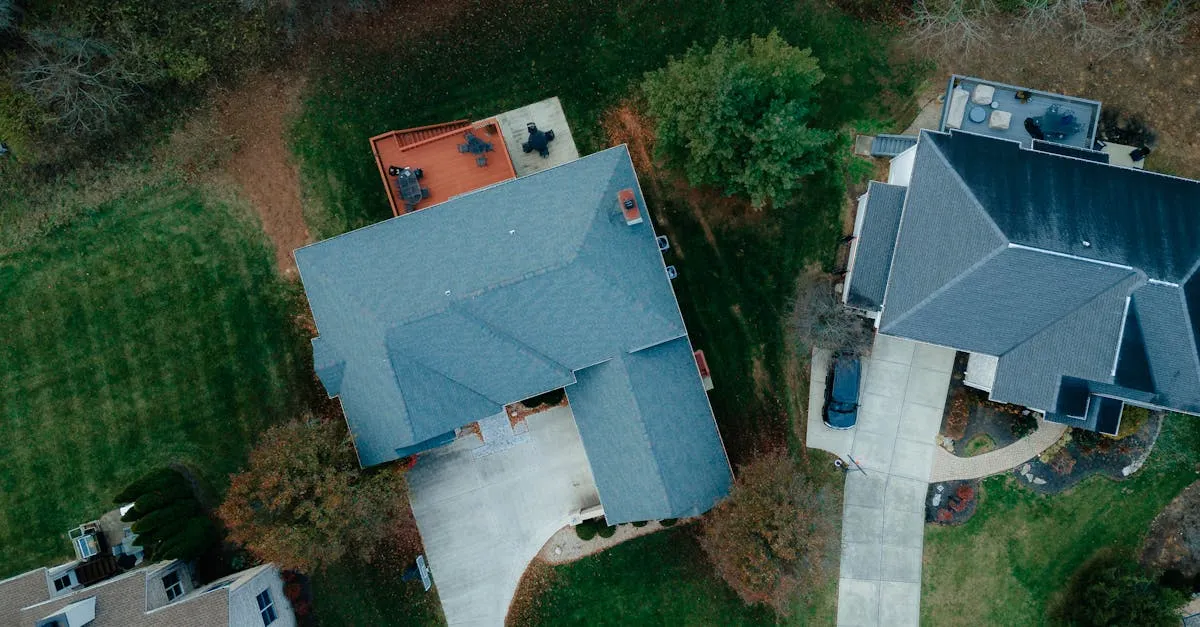
How to Edit Real Estate Drone Videos That Sell Properties
Clean cuts, proper pacing, and the right music transform raw aerial footage into property videos that help agents close deals.
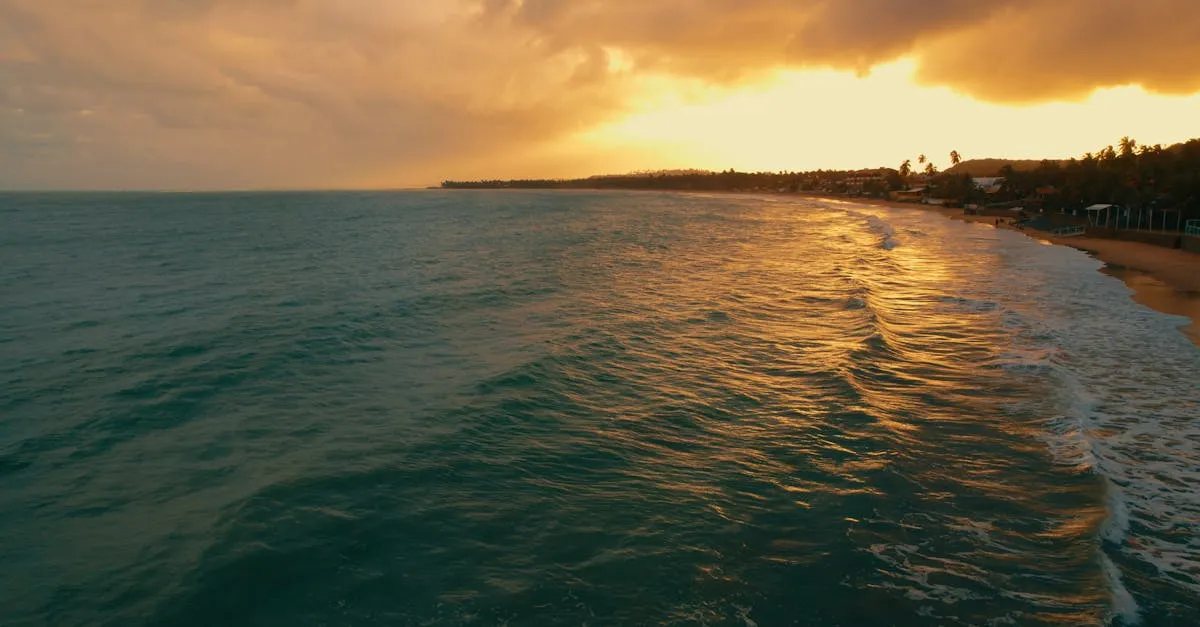
How to Get the Orange and Teal Look on Drone Footage
The classic Hollywood color grade works beautifully on drone footage. Here is exactly how to create the orange and teal look step by step.
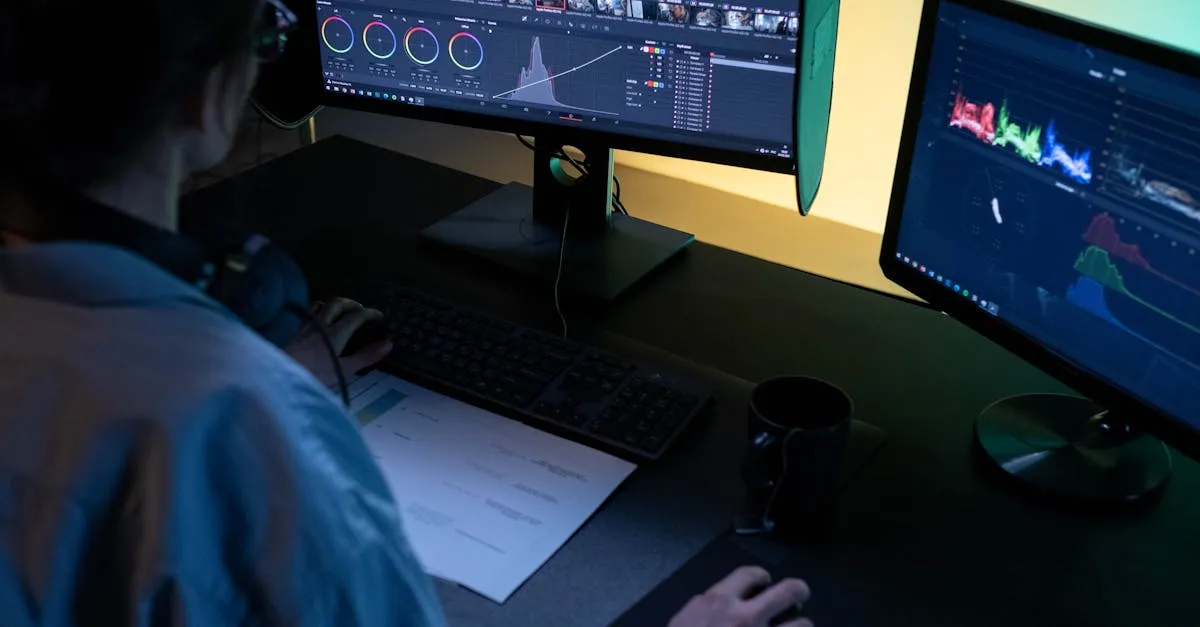
Color Grading vs Color Correction for Drone Footage
Color correction fixes problems. Color grading creates style. Understanding the difference is the first step to professional drone footage.
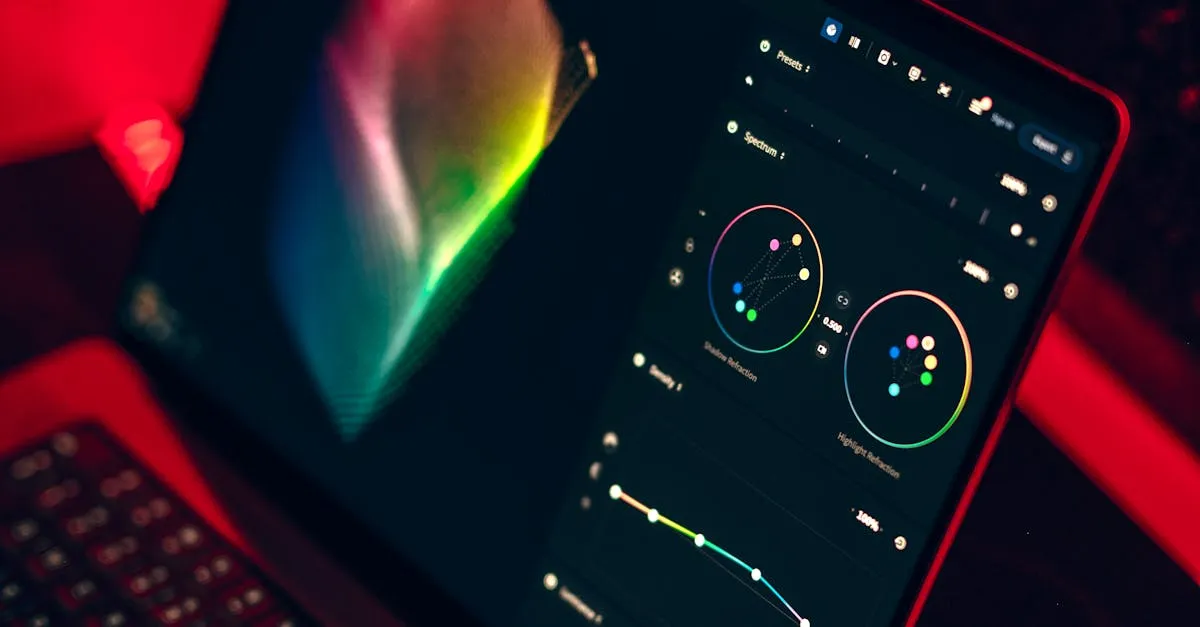
DaVinci Resolve for Drone Pilots: Complete Beginner Guide
The industry-standard color grading software is completely free. Here is how drone pilots can get started with DaVinci Resolve.
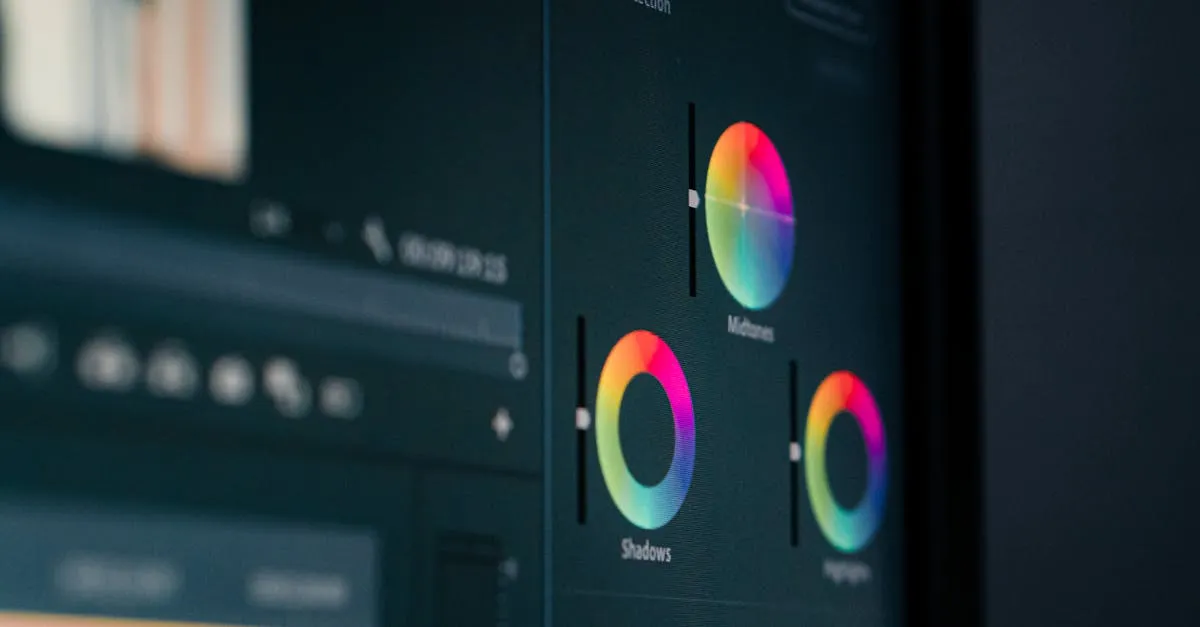
How to Use LUTs on Drone Footage (Premiere, Resolve, FCPX)
LUTs transform flat drone footage into cinematic video with one click. Here is how to apply them correctly in every major editing program.

Drone Flat Profiles Explained: D-Log vs HLG vs Normal
Flat profiles like D-Log and HLG look terrible straight from the camera but give you incredible editing flexibility. Here is when to use each one.
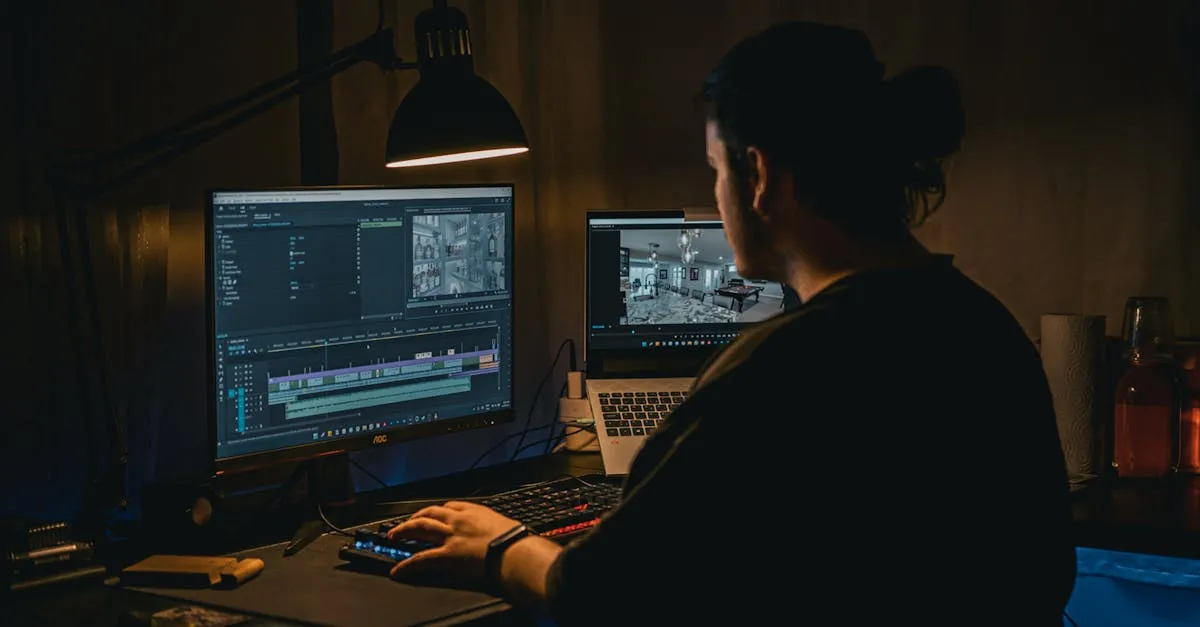
Drone Video Editing for Beginners: Start to Finish Workflow
Raw drone footage to polished video. Here's the complete beginner workflow covering software, organization, editing, color, and export.
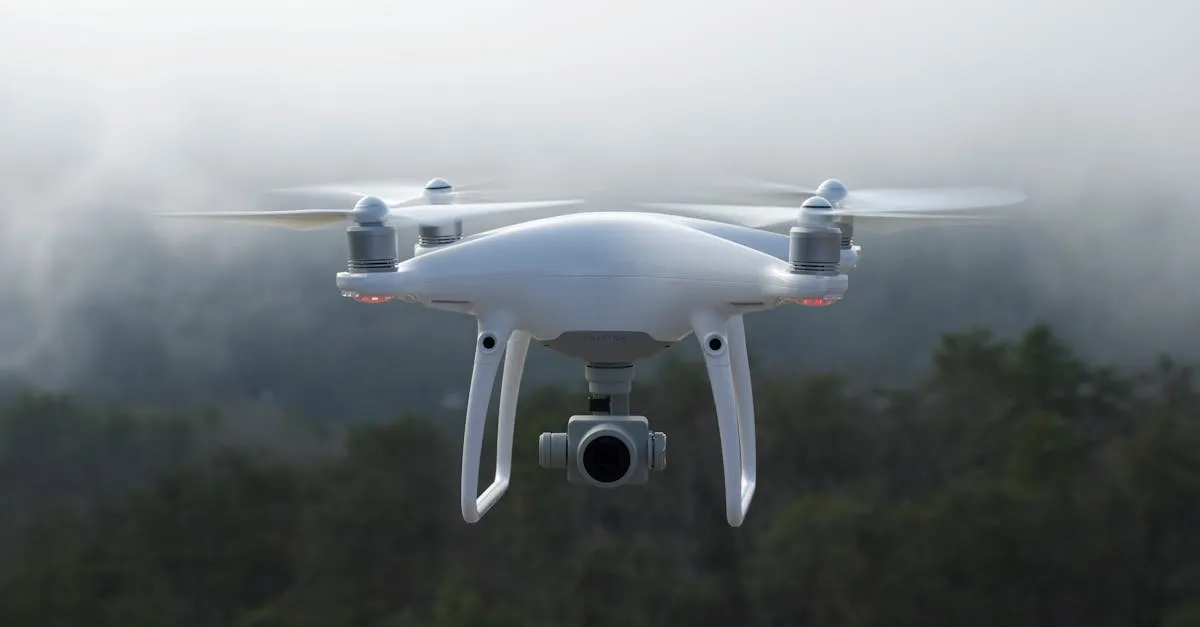
How to Remove Noise from Drone Footage
You captured a golden hour sunset but the shadows are grainy. Here's how to prevent noise in-camera and remove it in post with the right tools and workflow.
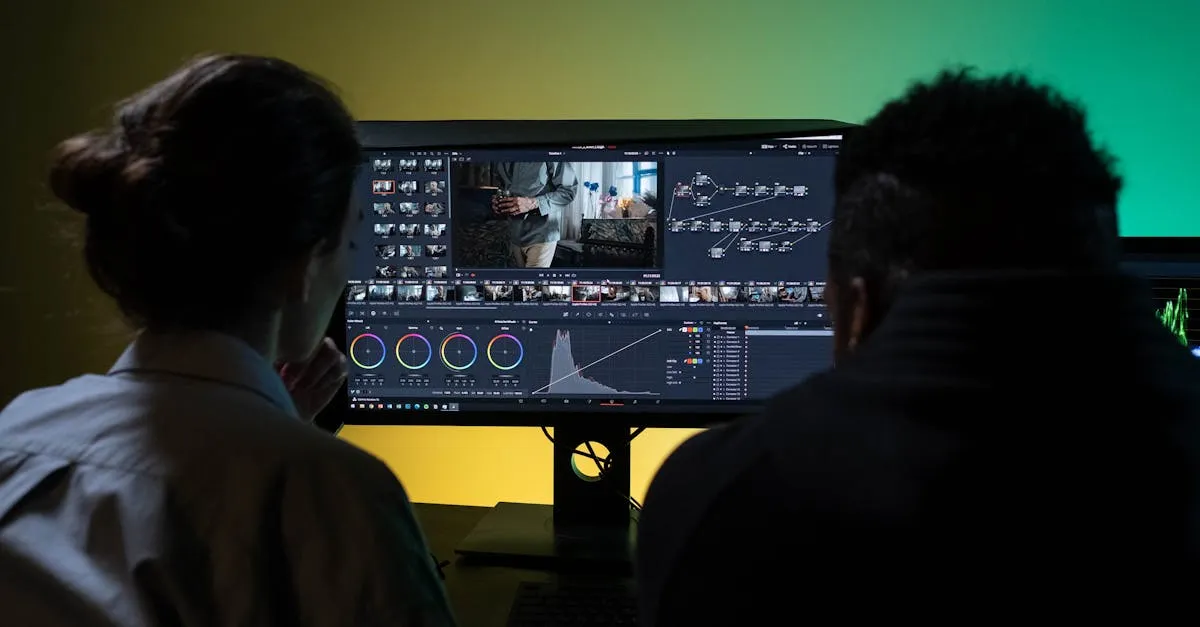
Color Grading Drone Footage in DaVinci Resolve
Free, powerful, and industry-standard. Here's the complete step-by-step workflow for color grading your drone footage in DaVinci Resolve.

Editing Drone Photos in Lightroom: Complete Workflow
From import to export, here's the exact Lightroom workflow professional drone photographers use to turn flat RAW files into stunning aerial images.

Drone HDR: How to Use AEB Bracketing
One exposure can't capture bright sky and dark ground simultaneously. AEB bracketing solves this — here's the complete workflow from capture to Lightroom merge.