Remote ID Is Now Mandatory: What Drone Pilots Need to Know in 2026
Remote ID became law in September 2023. If you're still confused about compliance, broadcast modules, and the 250-gram exemption, here's everything you need to know.
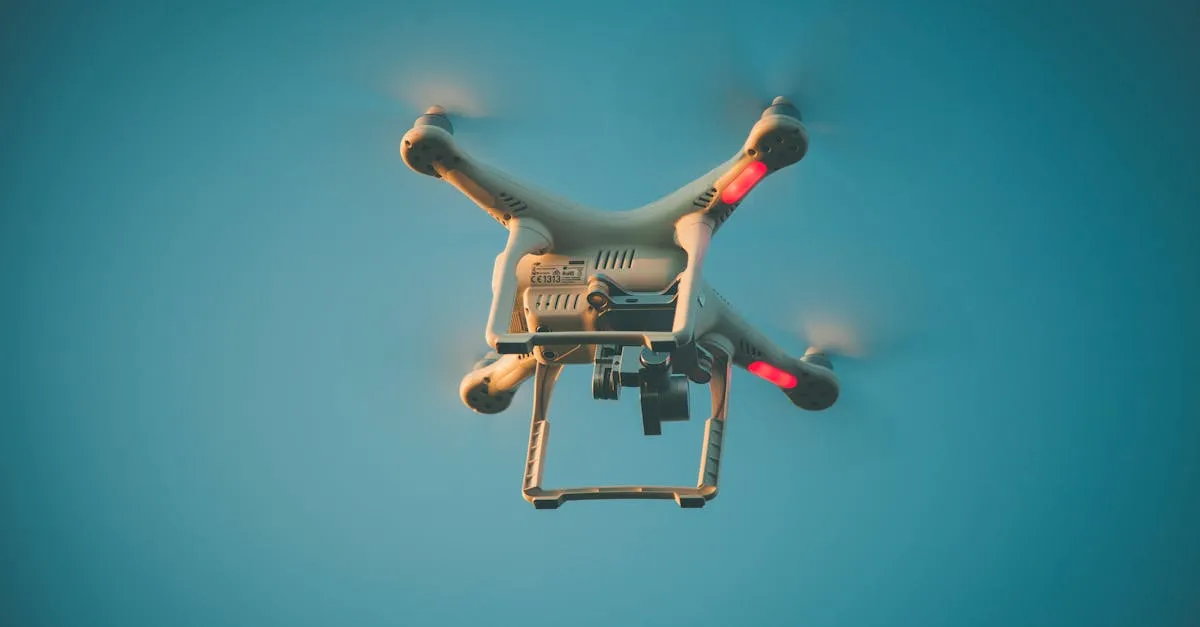
Remote ID became mandatory on September 16, 2023. Any drone that has to be registered — everything weighing 250 grams (about half a pound) or more, plus any drone flown commercially under Part 107 regardless of weight — must broadcast identification and location information while it flies. Sub-250g drones flown purely recreationally are exempt, but the moment you fly that same drone under Part 107, registration and Remote ID both apply.
If you’re flying a drone outdoors in the United States in 2026, Remote ID is no longer a future problem to worry about. It’s the law. The deadline passed on September 16, 2023, and the FAA isn’t handing out warnings anymore. If your drone requires Remote ID and you don’t have it, you’re flying illegally.
A lot of pilots are still confused about how the rule actually works on a practical level. Does your specific drone need it? What if you fly commercially? Can you still fly at your local park? Let’s cut through the confusion and break down exactly what you need to do to stay in the air.
What Exactly Is Remote ID?
Think of Remote ID as a digital license plate for your drone. Just like a car has a physical plate that law enforcement can use to identify the vehicle, Remote ID broadcasts a set of identifying information over radio frequencies while your drone is in the air.
What gets broadcast depends on which kind of Remote ID you use:
Standard Remote ID (built into the aircraft) broadcasts:
- The drone’s Remote ID serial number (a code tied to the drone through the FAA’s records — not your registration number)
- The drone’s location, altitude, and velocity
- The location and altitude of the control station (where you’re standing)
- A timestamp
A Remote ID broadcast module (an add-on device) broadcasts the same drone position, altitude, velocity, and timestamp information, plus the module’s serial number — but instead of your live control-station position, it broadcasts the drone’s take-off location.
You don’t need to connect to the internet or cellular service for this to work. The drone broadcasts this information locally (over Bluetooth or Wi-Fi), and anyone with the right receiver can pick it up.

The Two Ways to Comply
You have two options to meet the Remote ID requirement. You either fly a drone with Standard Remote ID, or you attach a Remote ID Broadcast Module to an older drone.
Standard Remote ID
If you bought a newer drone, you likely already have this. Standard Remote ID is built directly into the aircraft’s hardware — the model must appear on an FAA-accepted Declaration of Compliance. Drones like the DJI Mini 4 Pro, Air 3, Mavic 3, and Autel EVO Lite+ ship with Standard Remote ID out of the box.
If you have a drone with Standard Remote ID, your job is simple: keep your firmware updated. The drone handles the broadcasting automatically. Just make sure the Remote ID setting is turned on in your DJI or Autel app before you take off.
Remote ID Broadcast Module
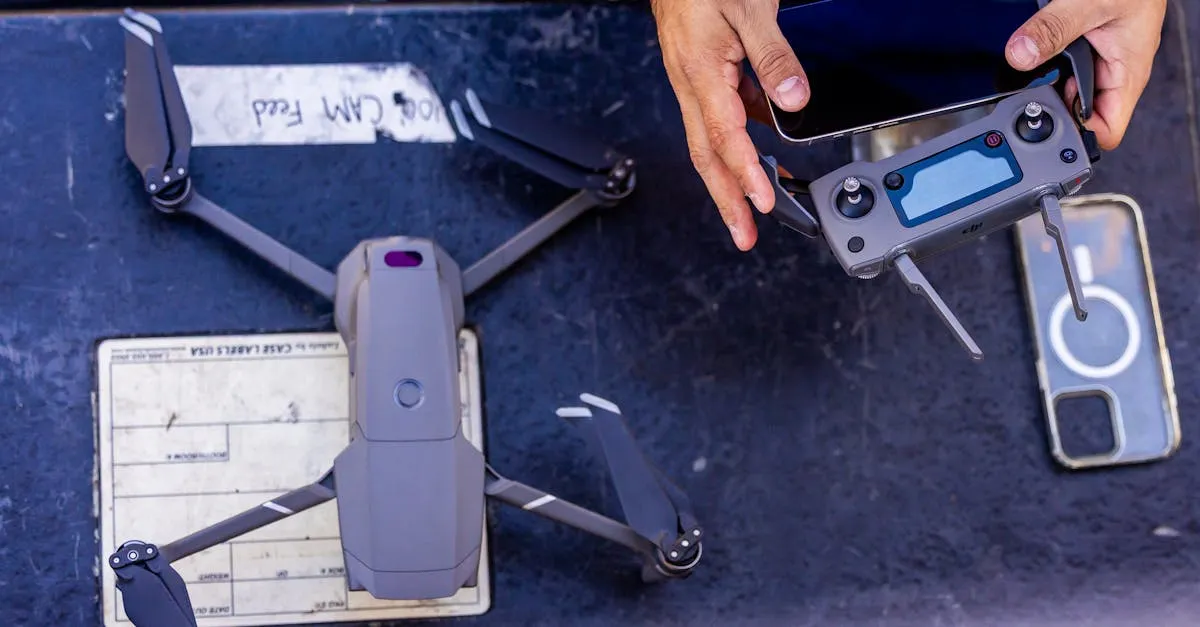
If you’re flying an older drone that doesn’t have built-in Remote ID, you have to buy an add-on broadcast module. These are small devices from manufacturers such as Dronetag, uAvionix, and Pierce Aerospace that mount to your aircraft. Expect real prices, not accessory money: Dronetag’s FAA-accepted modules run from about $89 for the basic BS up to roughly $379 for the Mini 4G (as of late 2026) — budget somewhere in the $90–$400 range depending on features.
Don’t just buy the module, slap it on, and fly. The FAA requires the module to be registered — and the registration step is simpler than most forum threads make it sound. In FAADroneZone, you add one device entry of type “Remote ID broadcast module.” In that single entry you enter the module’s Remote ID serial number and list the drone’s make and model it will fly on. There is no separate registration for the module, no “linking” step between two registrations, and no second $5 fee — the module entry is the registration. Mark your registration number on the outside of the aircraft and you’re done.
The 250-Gram Rule and Part 107
This is where the majority of pilots get tripped up. The rules change depending on how much your drone weighs and why you’re flying it.
If your drone weighs under 250 grams and you’re flying purely for fun, you’re exempt from Remote ID. You don’t need it, and you don’t even need to register the drone.
However, the moment you fly that same sub-250g drone for any commercial purpose under Part 107, the exemption vanishes. You must have Remote ID, and you must register the drone. The FAA doesn’t care about the weight when money is involved.
For any drone weighing 250 grams or more, Remote ID is required all the time. It doesn’t matter if you’re a weekend hobbyist or a full-time professional aerial photographer. Part 107 pilots don’t get a free pass. No Remote ID means no flying. Period.
What About FRIAs?
When the Remote ID rule was first announced, the FAA created FRIAs — FAA-Recognized Identification Areas. These are geographically defined flying sites where drones don’t need Remote ID equipment. Both the drone and the pilot have to stay within the FRIA’s boundaries, and the pilot must keep the aircraft in visual line of sight the whole time.
FRIAs are a live, ongoing program — not a loophole that closed. Only FAA-recognized community-based organizations (like the Academy of Model Aeronautics) and educational institutions — schools, colleges, trade schools, and universities — can sponsor one, applying through FAADroneZone. Designations run for 48 calendar months and are renewable.
The practical catch is that FRIAs exist only where a qualifying sponsor requested one. The FAA publishes every approved FRIA on an interactive FRIA locations map, so before assuming you can fly Remote-ID-free, check the map for a site near you. For most pilots there won’t be one nearby — in that case, assume you need Remote ID everywhere you go.
How Law Enforcement Uses Remote ID
The whole point of this system is accountability. Before Remote ID, if someone flew a drone over a stadium, a wildfire, or an airport, it was incredibly difficult to figure out who was responsible.
Now, law enforcement agencies carry mobile receivers and use smartphone apps that pick up Remote ID signals. When a drone is in the sky, an officer can see the broadcast on their screen: the drone’s position, altitude, and speed, plus the serial number it’s broadcasting. The broadcast itself doesn’t say your name — ownership is resolved by querying the FAA’s registration database with that serial number. Standard Remote ID also shows the control station’s location; a broadcast module shows where the drone took off from.
If you’re flying recklessly or in restricted airspace, they no longer have to hunt for you. They can start at the broadcast location and take it from there.
Registering Your Drones and Modules
Every single drone that requires Remote ID must be registered with the FAA. There are no exceptions for Part 107 pilots, and no exceptions for heavier hobby drones.
You handle all of this through the FAA DroneZone portal.
If you’re flying a drone with Standard Remote ID, you register the drone like normal, pay the $5 fee, and put the registration number on the outside of the aircraft. During registration you’ll answer “Yes” to the Remote ID question, pick “Standard Remote ID” as the device type, and enter the drone’s Remote ID serial number.
If you’re using a Remote ID Broadcast Module, the module is the device you register. Add one device, choose “Remote ID broadcast module” as the type, enter the module’s Remote ID serial number, and list the drone’s make and model in the same entry — the FAA’s own instructions describe exactly this flow. One entry, one $5 fee. Mark your registration number on the aircraft’s exterior and mount the module securely.
One wrinkle: recreational flyers can list one module’s serial number against several drones in a single inventory, but Part 107 pilots register each device individually. If you fly several module-equipped drones commercially, each module gets its own device entry.
Remote ID Compliance Checklist
If you have a newer drone (Standard Remote ID):
- Verify your drone is on an FAA-accepted Remote ID Declaration of Compliance (check the FAA’s DoC list or manufacturer specs)
- Update your drone’s firmware to the latest version
- Ensure Remote ID is toggled ON in your mobile app before taking off
- Register your drone with the FAA DroneZone (if over 250g or flying Part 107)
- Mark your drone’s exterior with your FAA registration number
If you have an older drone (Broadcast Module):
- Purchase an FAA-accepted Remote ID Broadcast Module (Dronetag, uAvionix, Pierce Aerospace, and others — roughly $90–$400)
- Confirm the module appears on an FAA-accepted Declaration of Compliance
- Register it in FAA DroneZone as a single device entry of type “Remote ID broadcast module,” entering the module’s RID serial number and the drone’s make/model together
- Mark your registration number on the outside of the aircraft
- Securely mount the module to your drone before flying
- Verify the module is functioning before takeoff — and keep the drone in visual line of sight the entire flight (module users don’t get visual-observer help)
For all pilots:
- Confirm you’re not flying in a restricted zone without authorization
- If flying under 250g recreationally, confirm you’re truly exempt (no commercial intent)
- Remember: No Remote ID (and no FRIA) means you cannot legally take off
Moving Forward
Remote ID isn’t going away. If you want to fly drones in 2026, compliance is just part of the process. Fortunately, getting set up is straightforward once you understand the steps.
Frequently Asked Questions
Does the 250-gram exemption apply to commercial flights? No. The Remote ID exemption for drones under 250 grams only applies to recreational flying. Operate that same sub-250g drone for any commercial purpose under Part 107 and you must have Remote ID and register the drone.
How do I register a Remote ID broadcast module? In FAADroneZone, add a device and select “Remote ID broadcast module” as the type. Enter the module’s Remote ID serial number and the drone’s make and model in that one entry, pay the single $5 fee, and mark the registration number on the aircraft. There’s no separate module registration and no linking step.
What information does Remote ID broadcast? A serial number (the drone’s for Standard Remote ID, the module’s for a broadcast module), the drone’s location, altitude, and velocity, a timestamp, and a position reference — the control-station location for Standard Remote ID, or the take-off location for a module. The broadcast happens locally over radio frequencies and does not require internet or cellular connectivity.
Can I still fly without Remote ID at a FRIA in 2026? Yes — FRIAs are an active program. But you have to be inside a designated FRIA’s boundaries with the drone remaining in visual line of sight, and FRIAs exist only where a qualifying community-based organization or educational institution sponsors one. Check the FAA’s FRIA locations map; if there’s no FRIA near you, Remote ID is required.
How much does a broadcast module cost? FAA-accepted modules from manufacturers like Dronetag, uAvionix, and Pierce Aerospace typically run from roughly $90 to $400 depending on the model and features (Dronetag’s line spans about $89–$379 as of late 2026). Registration is the standard $5 FAA fee per device.
Which drones have Standard Remote ID built in? Newer models like the DJI Mini 4 Pro, Air 3, Mavic 3, and Autel EVO Lite+ have Standard Remote ID in their hardware. Check the FAA’s accepted Declarations of Compliance to confirm your exact model. Keep firmware updated and ensure Remote ID is enabled in your app before flying.
If you’re planning to get your Part 107 certificate to fly commercially, understanding Remote ID is just one small piece of the puzzle. You need to know airspace, weather, regulations, and operations. Check out the Pilot Institute Part 107 Course or enroll in our free Part 107 Complete Course to get your commercial license and fly the right way.