FPV Goggles Compared: Analog vs HD Digital
Your FPV goggles deserve more attention than any drone. You'll keep them longer, stare through them every second, and they directly affect how well you fly.
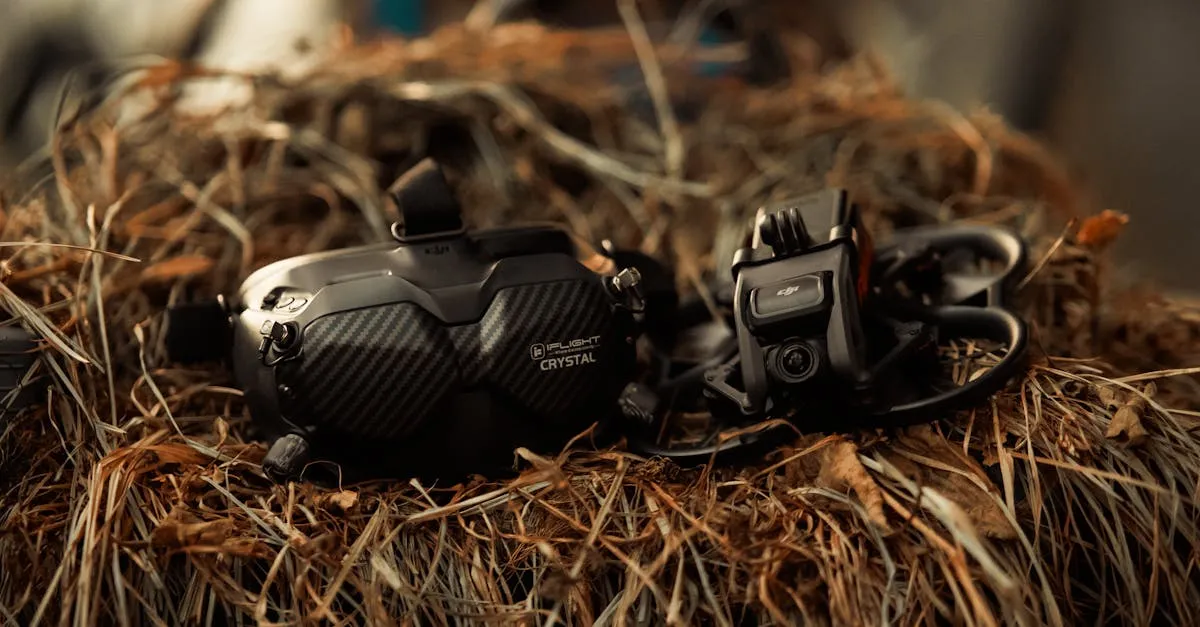
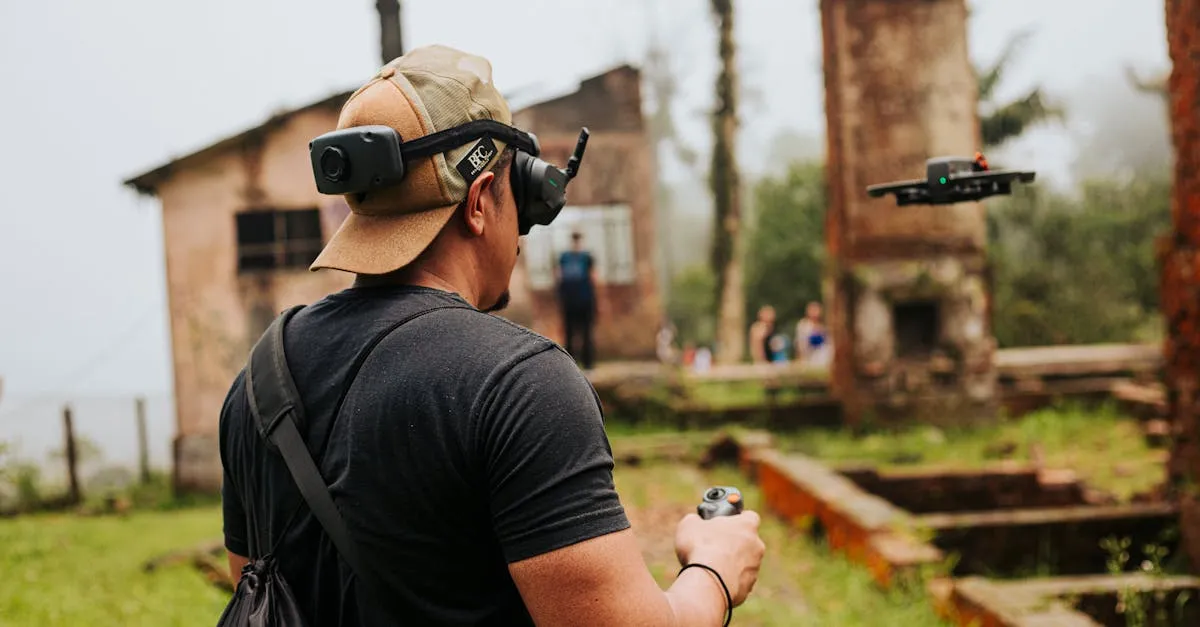
FPV goggles directly impact flying ability through image quality, latency, and comfort. Analog options like the Emax Transporter 2 ($80) offer budget-friendly entry, while digital systems like DJI Goggles 3 ($400-500) provide superior HD clarity. Since goggles outlast multiple drones, investing wisely pays long-term dividends.
Your FPV goggles deserve more attention than any drone. You’ll stare through them every second of every flight, and they directly affect how well you fly.
Why Goggles Matter More Than You Think
Most beginners obsess over drones and treat goggles as an afterthought. This is backwards.
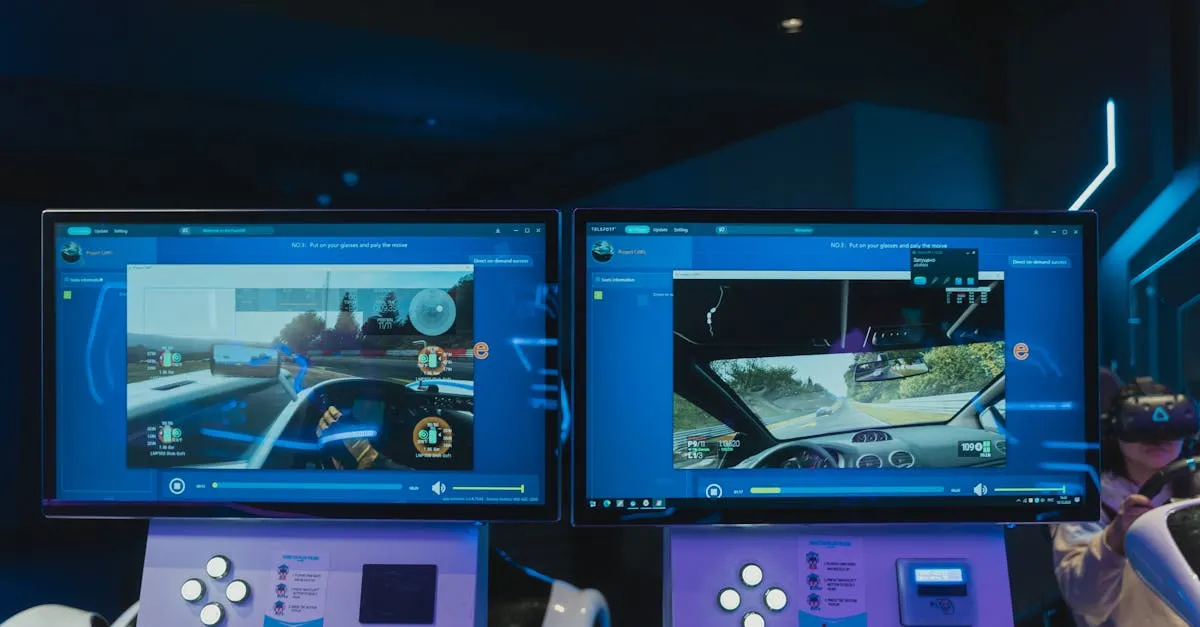
You’re staring at this screen for your entire flight. Every flaw becomes impossible to ignore when it’s inches from your eyes. Picture quality directly affects flying ability — can you see the gap? Can you tell if that branch is six feet away or fifteen? Better image means better depth perception, faster reactions, fewer crashes.
Latency matters more than you’d think. Even a small delay between real movement and what you see causes crashes at close range and high speed. Your brain expects instant visual feedback.
Comfort matters too. Heavy goggles cause neck fatigue in ten minutes. Poorly designed straps give headaches. Foggy lenses ruin flights. You’ll quit before you get good if every session is miserable.
And think long-term: goggles outlast drones by years. You might crash and replace four drones before your goggles need upgrading.
Analog FPV — The Budget Classic
How it works: Standard definition video signal transmitted from drone to goggles. Looks like old TV footage — functional but far from pretty.
Pros
- Cheap — $50-200 for decent goggles. Less than a single battery pack for some digital systems
- Lowest latency — nearly zero delay. Racing pilots have relied on analog for years
- Universal compatibility — any analog goggles work with any analog VTX. Mix and match brands, no lock-in
- Simple and reliable — fewer components, fewer things to break
- Tons of used gear — Facebook groups, forums, local pilots constantly selling analog
Cons
- SD resolution — 480p or less
- Grainy, washed-out image — muted colors, poor contrast, lose detail in shadows
- Hard to see details at distance — is that gap flyable or a death trap?
- Screen door effect — visible pixels create a mesh-like overlay
Best Analog Goggles
Emax Transporter 2 (~$80) — Best budget box goggles. Simple, functional, reliable. Perfect for trying FPV without spending hundreds.
Fat Shark Recon HD (~$199) — Better optics than budget alternatives. Fat Shark has been making FPV goggles forever. More comfortable, better image, still affordable.
Digital FPV — The Modern Choice
How it works: HD video transmitted digitally. Crystal clear, like watching HD video. Different manufacturers use different protocols, so goggles must match VTX from the same ecosystem.
Pros
- HD resolution — 720p or 1080p. The first time you fly digital, you’ll understand the premium price
- Crystal clear — text readable, distant objects identifiable, the world looks like the world
- No screen door effect — you stop seeing pixels and start seeing the flight
- Built-in DVR — captures what you actually see, perfect for sharing flights
- Easier on eyes — sharper image means less strain during long sessions
Cons
- Expensive — $200-600+ for goggles alone
- Higher latency than analog, though modern systems have closed this gap significantly
- Ecosystem lock-in — DJI with DJI, Walksnail with Walksnail, no mixing
- More complex setup — firmware updates, binding procedures, more configuration
Digital Ecosystems Compared
DJI Goggles 3 + O4 (~$400-500) — Best overall digital system. 1080p, ultra-low latency with O4 Air Unit. Works with DJI Avata 2 and custom builds. Most popular digital FPV system for good reason. Downside: DJI’s closed ecosystem.
Walksnail VRX (~$200-300) — Solid DJI alternative. 1080p, clever VRX module fits inside many analog box goggles. Growing ecosystem with more VTX options. Great for HD digital without DJI prices.
HDZero (~$200) — Open standard champion. 720p with the lowest digital latency available. Racing pilots love it — digital clarity with near-analog response. Open-source approach means more community development.
Which Should You Buy?
- Budget under $200 → Analog (Emax Transporter 2 or Fat Shark Recon HD). You can always upgrade later.
- Flying DJI Avata 2 → DJI Goggles 3 (required). The good news: you’re getting the best digital system.
- Digital without DJI lock-in → Walksnail (better resolution) or HDZero (lower latency, open source).
- Racing-focused → HDZero for lowest digital latency, or analog for absolute lowest period.
- Cinematic FPV → DJI O4. Unmatched image quality. Cinematic pilots prioritize gorgeous footage over millisecond advantages.
Comfort and Fit Tips
Box goggles vs compact: Box goggles (Emax Transporter) are larger and heavier. Compact goggles (Fat Shark, DJI) sit close to your face like sunglasses — lighter and more comfortable but pricier.
Adjust IPD: Interpupillary distance varies between people. Misaligned IPD causes eye strain and headaches. Measure yours and check goggle specs.
Prevent fogging: Apply anti-fog solution before flying. Small holes in foam around the nose improve airflow. A small fan also works.
Diopter lenses: If you wear glasses, check if your goggles accept diopter inserts. Flying with glasses under goggles is uncomfortable and often impossible with compact designs.
Frequently Asked Questions
What’s the main advantage of analog FPV goggles? Near-zero latency, ideal for racing. The Emax Transporter 2 costs just $80, and universal compatibility means you can mix any analog goggles with any VTX without ecosystem lock-in.
Why do digital FPV systems cost significantly more? Digital systems like DJI Goggles 3 ($400-500) deliver 720p-1080p resolution compared to analog’s 480p or less. You’re paying for crystal-clear image quality, built-in DVR recording, and reduced eye strain.
Can I mix different digital goggle brands with VTX units? No. Digital systems require ecosystem matching. DJI goggles only work with DJI VTX, Walksnail with Walksnail. HDZero offers an open-source alternative with 720p and the lowest digital latency for around $200.
How do I prevent goggle fogging during flights? Apply anti-fog solution before flying and ensure small holes in the foam around your nose allow proper airflow. Some pilots add a small fan for additional fog prevention.
What if I wear glasses? Check if your goggles accept diopter inserts, since wearing glasses under compact designs like Fat Shark or DJI is often impossible. Box goggles offer slightly more room but are heavier and cause neck fatigue faster.
Which digital system is best for cinematic FPV footage? DJI O4 paired with Goggles 3 offers unmatched 1080p image quality that cinematic pilots prioritize over millisecond latency advantages. At $400-500, it’s the most popular digital system.
Ready to start flying? Learn the fundamentals in our free FPV Drone Flying Course, or dive deeper into gear selection with our FPV Equipment Guide. Your goggles are the beginning of your FPV journey — choose wisely and they’ll be with you for years.