Best FPV Simulators: Practice Without Crashing
Every experienced FPV pilot will tell you the same thing: learn in a simulator first. Here's why — and which one to pick.
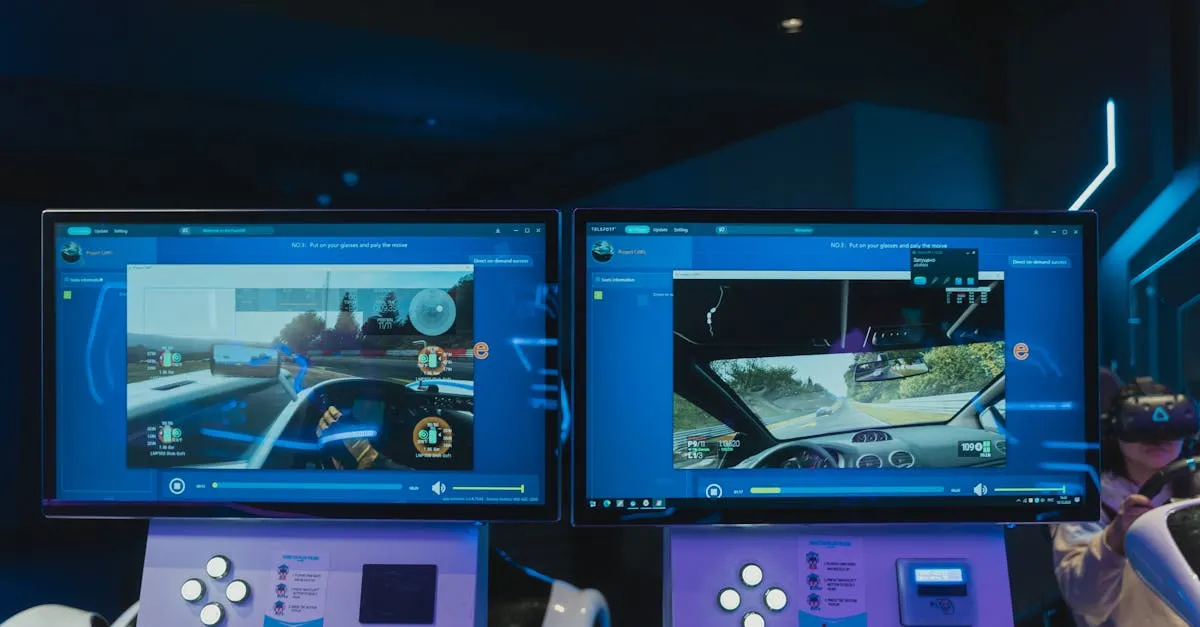
FPV simulators like Liftoff ($20) and VelociDrone ($19) let you build essential muscle memory without breaking real parts. With 40-50 hours of practice using your actual radio, you’ll develop the throttle control and Acro mode skills needed before your first real flight — start with our best FPV drones for beginners picks.
Every experienced FPV pilot will tell you the same thing: learn in a simulator first. It doesn’t matter how eager you are, how many YouTube tutorials you’ve watched, or how confident you feel. If you skip simulator training, you will crash. You will break parts. You will spend money that could have gone toward upgrades.
Here’s why simulators matter — and exactly which one to pick.
Why Simulators Are Non-Negotiable
An FPV simulator is specialized software that simulates control and flight of an FPV drone, designed for learning, practice, and improving piloting skills in a completely safe environment. Training in a simulator isn’t just recommended — it’s a mandatory step before flying a real drone.
Zero cost of crashing. In the real world, every crash costs. Broken prop: $5-10. Snapped arm: $15-25. Fried flight controller: $50-200+. In a simulator, crashes cost exactly nothing. Hit the ground at full throttle 500 times and your virtual drone is ready to fly again instantly.
Build muscle memory without consequences. FPV flying is fundamentally about muscle memory. Your thumbs need to know exactly how much stick input produces what response — without conscious thought. Simulators let you build that through hundreds of impossibly expensive repetitions.
Learn Acro mode gradually. Acro (rate) mode is where FPV pilots need to be, but it’s unforgiving. No self-leveling. A simulator lets you transition from angle mode to full Acro at your own pace without the risk of a lawn dart.
Any weather, any time. Raining? Too dark? Too windy? Your simulator doesn’t care. Consistent practice builds skill, and simulators make consistency possible.
The 40-50 hour minimum. Plan at least 40-50 hours before your first real flight. Spread over a few weeks of daily sessions, it goes faster than you’d expect.
Same radio, real and sim. The radio controller you use in the simulator controls your real drone. Every hour in the sim directly transfers.
What to Look For
Different simulators mainly differ in graphics, features, and flight physics accuracy.
- Realistic flight physics — most critical factor. If it doesn’t feel real, training value drops
- Radio compatibility — most modern radios (RadioMaster, TBS, FrSky) work plug-and-play via USB
- Graphics quality — affects depth perception, not just aesthetics
- Track variety — freestyle environments, racing circuits, technical courses
- Multiplayer — competing against others adds motivation and value
- System requirements — lag and low frame rates break the training connection
Top FPV Simulators Compared
Liftoff — Best Overall for Beginners
$20 on Steam
The most popular FPV simulator in the community, and for good reason. Solid balance of realistic physics, user-friendly interface, and extensive features. Physics feel authentic without being punishingly difficult. Track editor and drone customization let you match your eventual real-build specs. Large, active community with user-created content.
System requirements: 4GB RAM, 2GB VRAM minimum.
If you’re not sure which to pick, get Liftoff. You won’t go wrong.
VelociDrone — Best for Racing Realism
$19 — not on Steam; sold directly at velocidrone.com
The simulator competitive racers point to when they say “this feels the most real.” Flight physics widely regarded as the most accurate in the industry, particularly for racing. Excellent multiplayer racing scene. Rewards precise, clean flying.
Trade-off: less polished UI, fewer casual features. A tool for pilots serious about racing.
TRYFPV — Best Budget Option
$15 on Steam
Decent physics at the lowest price point. Simpler interface, less content than Liftoff, but the core experience is solid enough for fundamentals. The “good enough” choice if budget matters more than having the best.
DRL Simulator — Best Free Option
Free on Steam
The official Drone Racing League simulator. Polished graphics, structured career mode, built-in tutorials. Impressive for free. Physics are slightly less realistic than Liftoff or VelociDrone — experienced pilots notice. The obvious starting point to try FPV simulation without spending money.
Uncrashed — Best Alternative to Liftoff
$20 on Steam
Newer but gaining popularity fast. Arguably the best-looking FPV sim. Satisfying physics, excellent track variety. Occupies the same space as Liftoff — good all-around for racing and freestyle. Strong alternative if Liftoff’s aesthetic doesn’t appeal to you.
Setting Up Your Simulator
Connect your radio via USB. Most modern radios work plug-and-play. Some need a dongle or specific drivers.
Calibrate your axes. Verify full stick deflection registers correctly in each direction. A mis-calibrated radio teaches bad habits.
Start in self-level mode. Don’t jump to Acro. Begin with angle/horizon mode, gradually reduce assistance until comfortable in full Acro.
Follow a progression:
- Hover in place (throttle control)
- Controlled forward flight and turns
- Figure-8 patterns (both directions)
- Racing through gates
- Basic freestyle (power loops, rolls, flips)
Keep sessions to 30-60 minutes. Mental fatigue kills learning. Shorter, focused sessions beat marathon flying.
How Many Hours Before Real Flight?
20 hours: Basic control. Can hover somewhat, fly forward without immediately crashing. Not ready for real flight.
40-50 hours: Confident figure-8s, hitting racing gates consistently. Minimum threshold for real flight — but expect crashes.
60+ hours: Ready for first real flight. Enough muscle memory to not immediately destroy your quad. Start in an open field.
100+ hours: Comfortable and competent. Ready for freestyle around obstacles or competitive racing. This is where FPV gets fun.
Frequently Asked Questions
Which radio brands work plug-and-play with FPV simulators? Most modern radios from RadioMaster, TBS, and FrSky connect via USB without issues. Some models may require a dongle or specific drivers depending on the simulator.
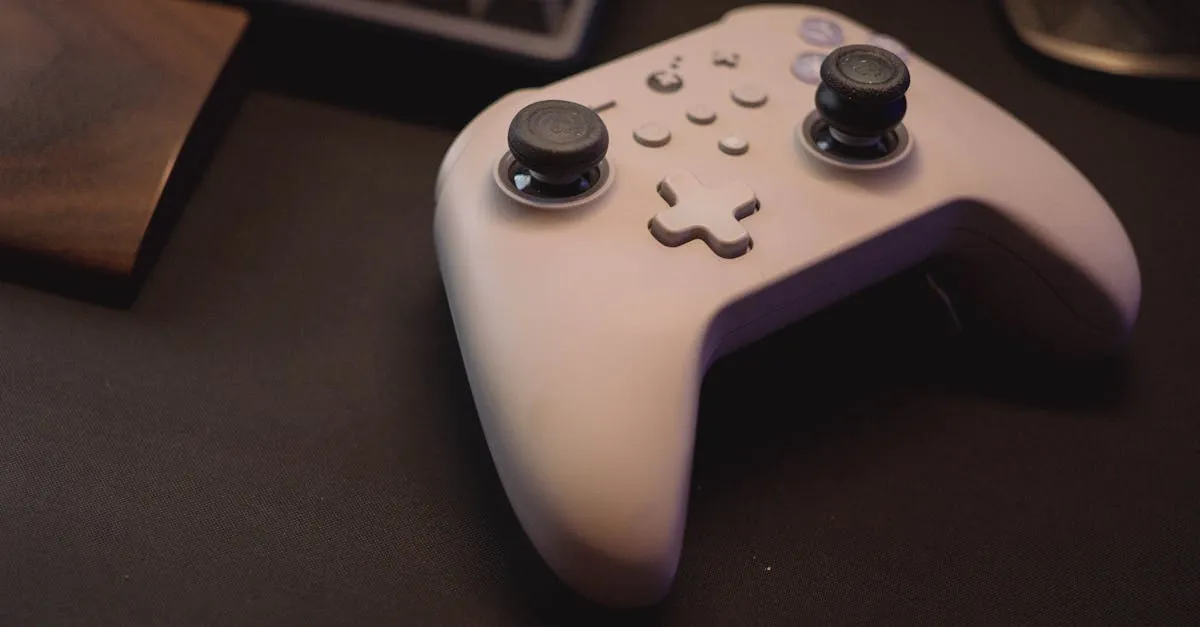
Can I use an Xbox or PlayStation controller instead of a real radio? Technically possible, but not recommended. Controller sticks have different resistance and throw than real FPV radios, so you won’t build transferable muscle memory.
Why is VelociDrone sold directly rather than on Steam? VelociDrone is sold directly through its own website, velocidrone.com, for $19 rather than through Steam’s storefront. This approach targets serious competitive racers.
What PC specs do I need to avoid lag? Liftoff requires at minimum 4GB RAM and 2GB VRAM, but lag and low frame rates break the training connection. Invest in specs above minimums for smooth, responsive control.
Which simulator is better for freestyle versus racing? Liftoff and Uncrashed ($20) offer strong freestyle environments. VelociDrone is specifically optimized for racing physics, rewarding precise lines over creative maneuvers.
How much money can simulator training save? Real crashes cost $5-10 for broken props, $15-25 for snapped arms, and $50-200+ for fried flight controllers. Simulator crashes cost nothing, letting you fail repeatedly without draining your budget.
Ready to start? Our free FPV Drone Flying Course provides a structured path from beginner to confident pilot. Dive into Start in a Simulator for detailed setup guidance and practice drills. Your future drone — and your wallet — will thank you.