Angle vs Acro Mode: The FPV Flight Mode Guide
Angle mode self-levels. Acro mode doesn't. Here's which one to start with, how to progress, and why sim practice matters.
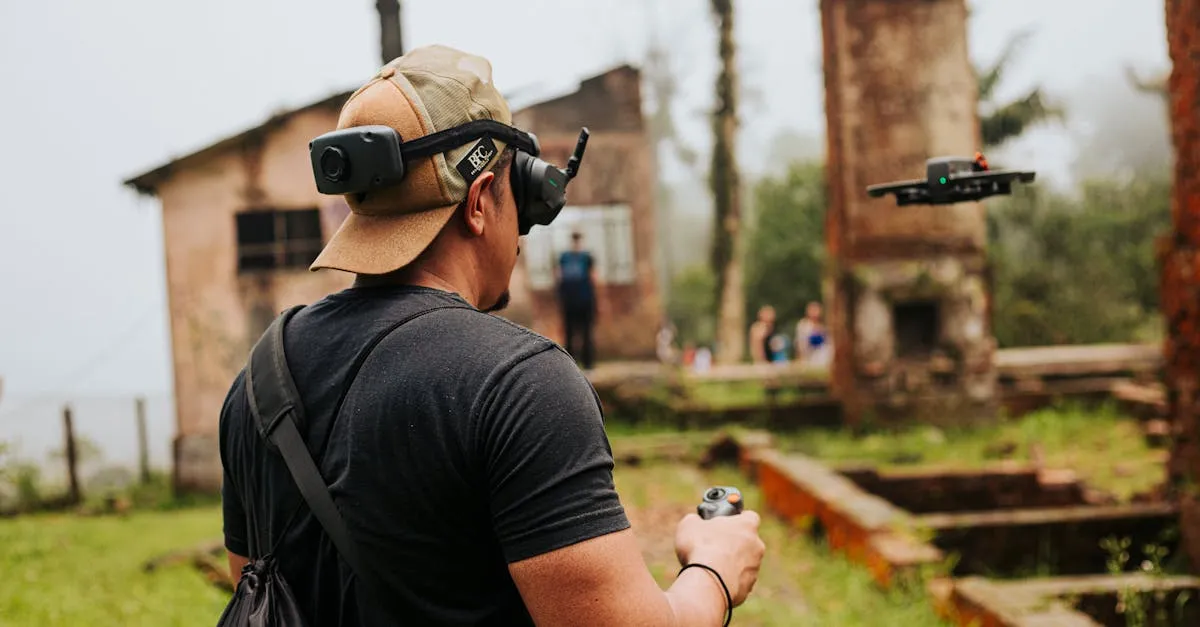
Angle mode self-levels your drone when you release the sticks, making it perfect for beginners. Horizon mode offers a hybrid, self-leveling at center stick while allowing flips at full deflection. Acro mode removes all assistance, giving experienced pilots complete freedom but requiring significant simulator practice first.
Flight Modes Are the Invisible Hand Holding Your Drone
Here’s something nobody tells you when you first get into FPV: picking the right flight mode is honestly more important than picking the right drone. You can have a two thousand dollar rig with the best goggles on the market, but if you’re flying in the wrong mode for your skill level, you’re going to have a bad time.
Flight modes basically determine how much the drone helps you. Some modes practically fly the drone for you. Others hand over complete control and say “good luck.” Understanding the difference between these modes—and knowing when to use each one—will save you from countless crashes and a whole lot of frustration.
The two modes you’ll hear about constantly are Angle and Acro. They’re the polar opposites of the FPV world. But there’s also a third option sitting right in the middle that deserves some attention. Let’s break them all down.
Angle Mode: The Training Wheels That Actually Work
Angle mode (sometimes called Stabilize mode depending on your flight controller) does one thing really well: it keeps your drone level. When you let go of the sticks, the drone automatically returns to a flat, hover-ready position. You don’t have to think about balancing. The flight controller handles that for you.
The way it works is pretty straightforward. The drone self-levels on both the roll and pitch axes. Push your roll stick to the right, and the drone tilts right. Let go, and it comes back to flat. Same thing with pitch—push forward to dive, pull back to climb, release to level out.
The big tradeoff with Angle mode is that your tilt angle is limited. You’re typically capped somewhere around 30 to 45 degrees of tilt, which means the drone will never completely flip over. You can fly around, make turns, and get comfortable with the controls, but you’re not going to be throwing any tricks in this mode.
And honestly, that’s the point. Angle mode exists so you can focus on the basics without the fear of losing control. You can push the sticks gently to change direction, get a feel for how responsive your drone is, and start building muscle memory. If you get disoriented or panicked, you just let go of the sticks and the drone fixes itself. That safety net is huge when you’re just starting out.
Angle mode is also great for getting smooth aerial footage. Since the drone won’t aggressively roll or flip, you can bank turns and make cinematic passes without worrying about sudden orientation changes ruining your shot.
Horizon Mode: The Best of Both Worlds (Kind Of)
Horizon mode is the weird middle child of flight modes, and a lot of people either love it or skip it entirely. Think of it as a hybrid between Angle and Acro.
Here’s how it behaves: when your sticks are near the center, the drone self-levels just like in Angle mode. But when you push the sticks all the way to their limits (full deflection), the self-leveling disengages and you can flip or roll the drone freely.
So you get the safety of self-leveling during normal flying, but you also get the ability to do basic tricks when you want to. Push the stick halfway, and you’re in Angle mode territory. Push it all the way, and suddenly you can do a barrel roll.
The problem with Horizon mode is that it can actually be a little confusing for beginners. The transition between self-leveling and unlocked movement happens at full stick deflection, and feeling that “click” where the drone stops helping you can be jarring. Some pilots find it hard to predict exactly what the drone will do right at that boundary.
Still, Horizon mode has its place. If you’re comfortable flying around in Angle mode and want to start attempting flips and rolls without going full Acro, Horizon gives you a sandbox to practice in. Just know that it’s a stepping stone, not a destination. Most pilots eventually move past it.
Acro Mode: Where FPV Actually Gets Fun
Acro mode (short for acrobatic) is where the magic happens. This is the mode that FPV pilots fly in 99 percent of the time once they know what they’re doing. And it’s the mode that will humble you faster than anything else in this hobby.
In Acro mode, all self-leveling is disabled. The flight controller stops holding your hand and just does exactly what you tell it to. Push the roll stick right, and the drone keeps rolling right until you tell it to stop. Let go of the sticks, and the drone just stays wherever it is—tilted, inverted, whatever. It will not level itself. You have to manually return it to a level position.
This means you need to make constant small balance movements to keep the drone flying the way you want. You’re always making tiny corrections, always anticipating what the drone is going to do next. It’s almost like balancing on a bicycle—you’re not really thinking about each individual correction, but your hands are constantly making small adjustments.
The biggest mistake new pilots make in Acro mode is holding the sticks in one position for too long. If you hold a direction input, the drone just keeps rotating. So instead of thinking “push stick right to turn,” you need to think “give a quick tap right, then center, then tap left to stop the rotation.” Smooth, anticipatory inputs. Small frequent movements. Not long holds.
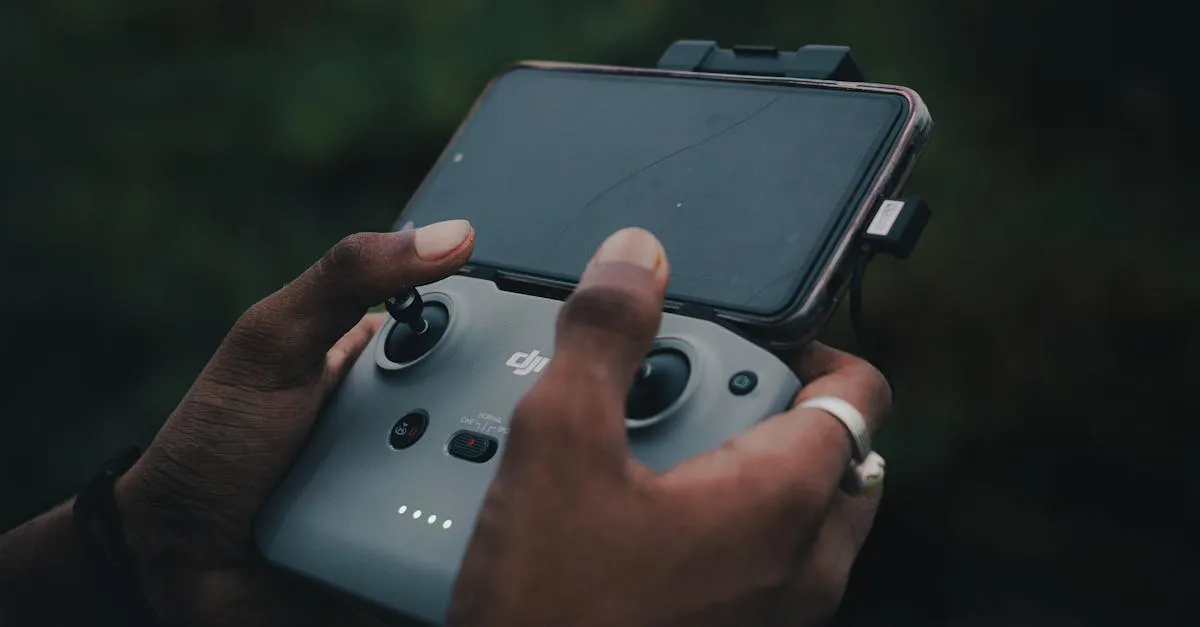
One technique that helps enormously in Acro mode is using your peripheral vision. Don’t stare directly at your drone or fixate on one spot in your goggles. Let your peripheral vision pick up reference points around you—the ground, trees, buildings. These spatial cues help your brain understand the drone’s orientation and make those tiny corrections without consciously thinking about it.
Acro mode has a steep learning curve, no way around it. But once it clicks, you have complete freedom. Unlimited flips, rolls, power loops, dives, splits—everything you see in FPV freestyle videos is done in Acro mode. The drone moves exactly how you want it to, with no software getting in the way.
The Progression Nobody Should Skip
If you’re wondering which mode to start with, there’s a pretty clear progression that works for almost everyone:
Start with Angle mode. Get comfortable with the controls. Learn what each stick does. Fly around until letting go of the sticks and watching the drone level itself feels boring. That’s your signal to move on.
Try Horizon mode next. Start pushing the sticks to their limits and attempting basic flips and rolls. Get used to the feeling of the drone not self-leveling during aggressive maneuvers. This is where you start building the recovery skills you’ll need for Acro.
Move to Acro mode when you’re ready. You’ll know you’re ready when you can flip or roll in Horizon mode and confidently recover to level flight without panicking. At that point, the only thing Acro adds is removing the self-leveling at center stick—and you should already be comfortable enough that you don’t need it.
Some pilots skip Horizon entirely and jump straight from Angle to Acro. That works too, especially if you’re putting in serious simulator time (more on that in a second). The key is just not jumping into Acro on day one with no preparation. That’s how drones get destroyed.
| Feature | Angle Mode | Horizon Mode | Acro Mode |
|---|---|---|---|
| Self-leveling | Yes (full) | Yes (partial) | No |
| Max tilt angle | Limited (~30-45 degrees) | Limited at center, unlimited at full stick | Unlimited |
| Flips/rolls | No | Yes (at full stick) | Yes |
| Learning curve | Easy | Medium | Steep |
| Best for | First flights, aerial photography | Transitioning pilots | Freestyle, racing |
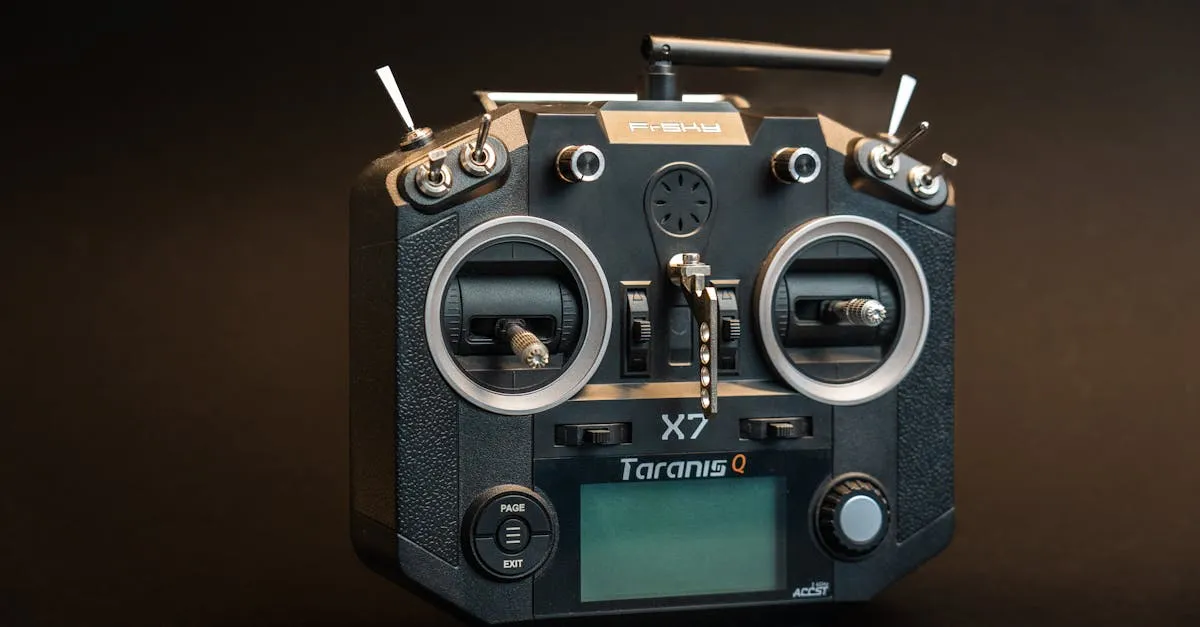
Why the Simulator Is Non-Negotiable
If you take one thing away from this article, make it this: do not try Acro mode for the first time on a real drone. Please. For your wallet’s sake.
Simulator practice is absolutely essential before you fly Acro in real life. There are no shortcuts here. When you’re learning Acro, you will crash. A lot. The drone will end up pointing straight at the ground and you won’t know which way is up. You’ll input the wrong correction and make things worse. That’s just part of the process.
In a simulator, crashing costs you nothing. You hit reset and try again. You can practice the same recovery maneuver fifty times in ten minutes. You can train your brain to make those small anticipatory inputs until they become automatic. That repetition is impossible to get with a real drone unless you have an unlimited budget for replacement parts.
Spend at least a few weeks in the sim before even thinking about Acro mode outside. Set a goal for yourself—maybe being able to do a clean flip, roll, and power loop consistently without crashing. Once you can do those things in the sim without thinking too hard, you’re probably ready to try them on your actual build.
And honestly, even after you’ve moved to real-world Acro flying, keep using the simulator. It’s the best way to practice new tricks without risk, and it keeps your muscle memory sharp when you can’t get out to fly.
Frequently Asked Questions
What happens if I let go of the sticks in Angle mode? The drone automatically returns to a flat, hover-ready position. This self-leveling on both roll and pitch axes provides a safety net for new pilots who get disoriented.
Why do experienced pilots prefer Acro mode? Acro disables all self-leveling, giving complete control for unlimited flips, rolls, power loops, and all the freestyle maneuvers seen in FPV videos.
Can I skip Horizon mode and go straight to Acro? Yes, many pilots skip Horizon entirely if they’re putting in serious simulator time. The key is not jumping into Acro on day one without preparation.
How much simulator time before flying Acro? At least a few weeks in the simulator. Set a goal of consistently performing clean flips, rolls, and power loops without crashing before transitioning to your actual drone.
What’s the biggest beginner mistake in Acro mode? Holding sticks in one position too long, causing continuous rotation. Use smooth, anticipatory inputs with small frequent movements rather than sustained pushes.
Is Angle mode useful beyond learning? Yes, Angle mode is excellent for capturing smooth aerial footage since the drone won’t aggressively roll or flip. You can bank turns and make cinematic passes without sudden orientation changes.
Ready to master FPV? Our free FPV Flying Course covers simulator training through your first real flights.