What to Do When Your Drone Loses Signal
That heart-stopping moment when your screen goes black doesn't have to mean disaster. Here's exactly what happens, what to do, and how to prevent it.
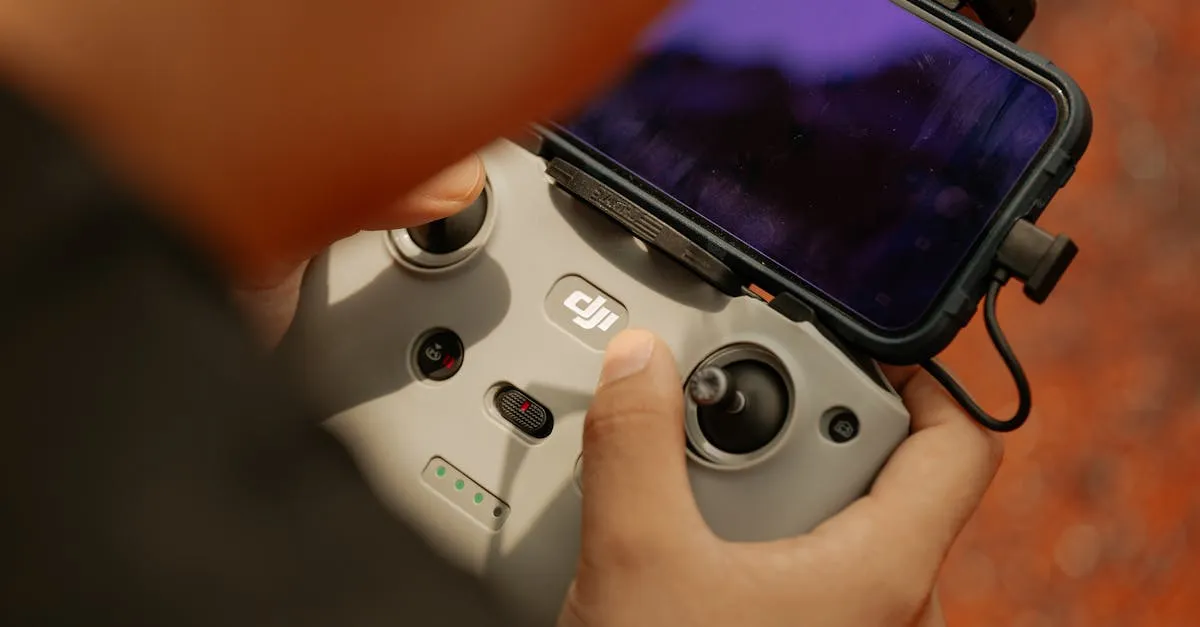
When your drone loses signal, stay calm and wait 30-60 seconds. Most drones automatically activate Return to Home using GPS. If it doesn’t return, check your app for last known coordinates, move to higher ground to clear obstacles, and search in expanding patterns, remembering to look up since drones often get caught in trees.
There’s nothing quite like that moment when your drone screen goes black, the controller starts beeping, and you realize you’ve lost connection. Take a deep breath. Signal loss happens to almost every pilot, and it doesn’t have to mean disaster.
Why Signal Loss Happens
Distance. Every drone has a maximum range. Manufacturers boast impressive numbers, but real-world conditions rarely match. You might get 5 miles in an open field but only 1,500 feet in a suburban neighborhood.
Obstacles. Buildings, trees, hills, and thick vegetation block or weaken signals. Flying behind a large structure is asking for a disconnection.
Interference. Power lines, cell towers, Wi-Fi networks, and other drones can disrupt your control signal. Flying near a radio tower you didn’t notice is a common cause.
Low battery. As battery drains, some aircraft reduce power to the transmission system, shrinking your reliable control range — a drone responsive at long range on a full charge may disconnect noticeably sooner when low. Behavior varies by model, so treat the last third of your battery as short-range territory rather than trusting the spec-sheet range.
What Happens Automatically
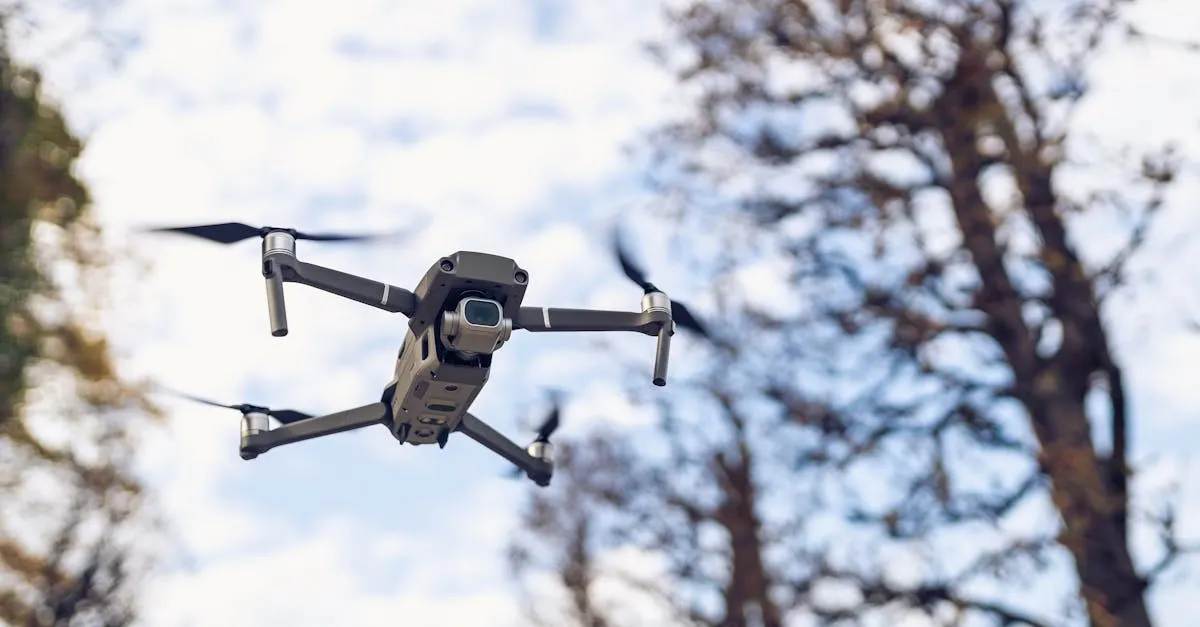
Modern drones handle signal loss gracefully. Your aircraft doesn’t just fall from the sky.
Return to Home (RTH) — Most drones automatically enter RTH when signal is lost for more than a few seconds. GPS guides the drone back to its takeoff point (or a designated home point). This works reliably in most conditions.
Hover in place — If RTH can’t engage (no GPS lock achieved), the drone hovers and waits for the signal to return, usually 30-60 seconds.
Auto-land — When battery becomes critical during signal loss, the drone lands automatically wherever it is. Better than falling, but you’ll need to go find it.
What YOU Should Do
Don’t panic. Panic leads to pressing buttons that might cancel the RTH you want.
Wait. Start counting. Give it 30-60 seconds. Often the signal flickers back as the drone moves during RTH or you shift position slightly.
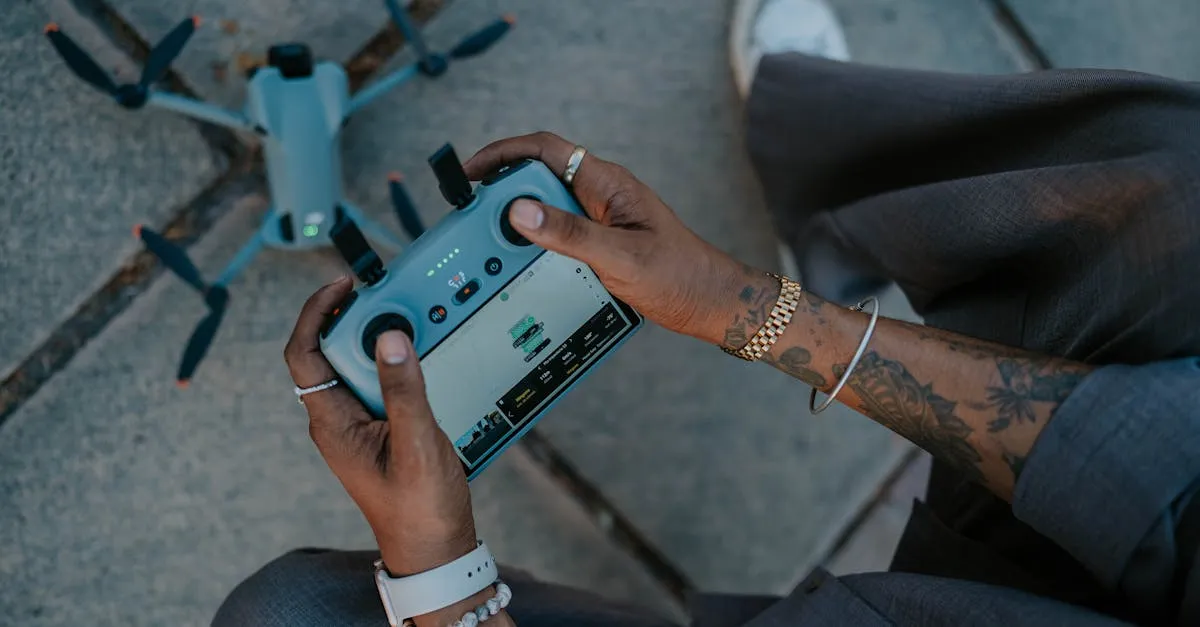
Check the map. Your controller app stores the last known position even after disconnection. Note those coordinates.
Move to higher ground. Elevation can eliminate obstacles between you and the drone. Walking up a small hill or to an open area might restore the signal. Sometimes reconnecting is just ten feet away.
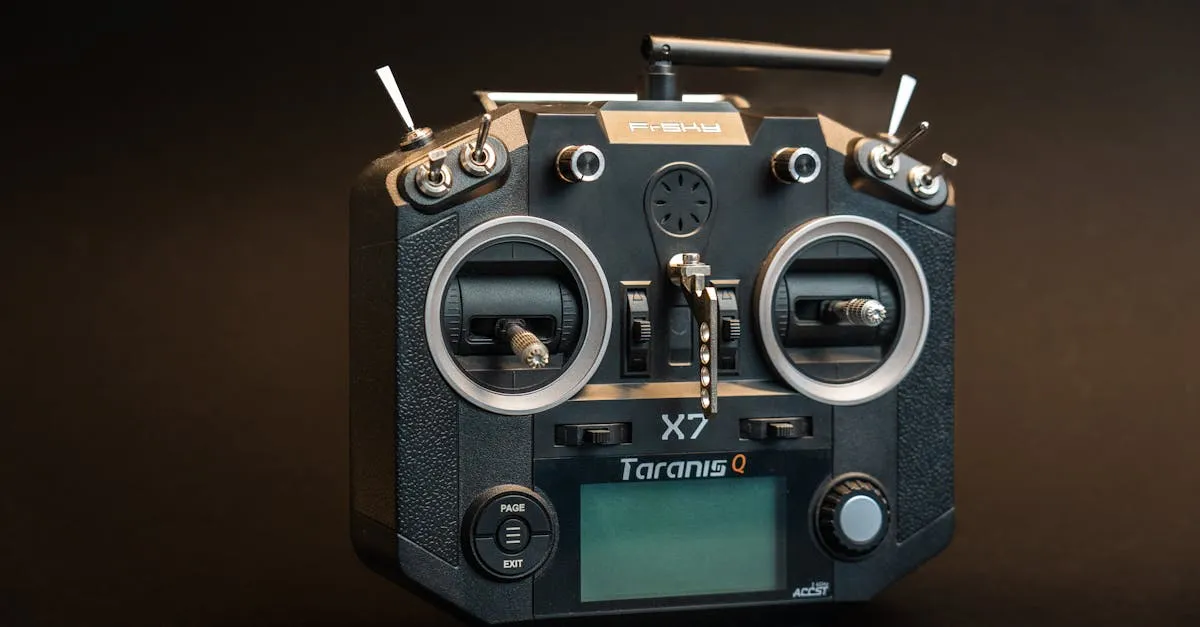
Point antennas correctly. The flat sides of the antennas emit the strongest signal, not the tips. Keep them parallel to the drone, not pointed directly at it.
How to Prevent Signal Loss
Maintain visual line of sight. Legal requirement in most places, and it ensures a clear signal path. If you can see your drone, you’re far less likely to lose connection.
Antenna positioning. Keep controller antennas pointing upward at about 45 degrees. Never point them directly at the drone — that’s the weakest signal direction.
Know your environment. Identify interference sources before flying: power lines, cell towers, industrial areas, crowded events with lots of Bluetooth and Wi-Fi. Give these a wide berth.
Set RTH altitude above obstacles. If there are 50-foot trees everywhere, set RTH altitude to at least 200 feet. Too many drones crash because they tried to RTH at 60 feet through a forest.
What to Do If It Doesn’t Come Back
Check flight logs for last GPS coordinates. Most apps record this — write the numbers down before they disappear.
Use Find My Drone. DJI and other manufacturers offer this feature, showing last known location on a map. Some drones beep or flash lights if still powered on and within Bluetooth range.
Physical search. Start at last known coordinates and search in an expanding pattern. Bring a friend — two sets of eyes are better than one.
Look up. Drones often get caught in trees rather than landing on the ground. That “lost” drone might be 40 feet up, perfectly visible once you tilt your head back.
Signal loss is scary but rarely catastrophic. Stay calm, trust your drone’s safety features, and you’ll likely be flying again within minutes.
Frequently Asked Questions
What causes drone signal loss? Exceeding range limits, physical obstacles like buildings and trees, radio interference from power lines or cell towers, and reduced transmission power as battery drains.
What happens automatically during signal loss? Most drones activate Return to Home using GPS. If GPS isn’t available, the drone hovers in place and auto-lands if battery becomes critical.
Should I try to control my drone during signal loss? No. Avoid pressing buttons that might cancel RTH. Wait patiently, check your map for last known position, and try repositioning to restore connection.
How can I prevent signal loss before flying? Maintain visual line of sight, position controller antennas at 45 degrees upward, identify interference sources beforehand, and set RTH altitude above nearby obstacles.
What if my drone doesn’t return? Check flight logs for last GPS coordinates, use the manufacturer’s Find My Drone feature, conduct a physical search in expanding patterns, and look up since drones often get caught in trees.
Why shouldn’t I point antennas directly at the drone? The weakest signal emits from antenna tips, while the strongest comes from the flat sides. Pointing directly at your drone actually reduces connection strength. Our free Getting Started with Drones Course covers emergency procedures, signal management, and everything you need before your first flight.