Ground Control Points Explained: Why GCPs Matter
Without ground control points, your drone map is just a pretty picture. Here's why GCPs are essential for survey-grade accuracy.
Ground control points transform visually appealing drone maps into spatially accurate, survey-grade models. By physically marking locations and measuring them with RTK GPS, GCPs anchor aerial data to exact real-world coordinates, reducing positional error from meters to centimeters for engineering, construction, and legal applications.
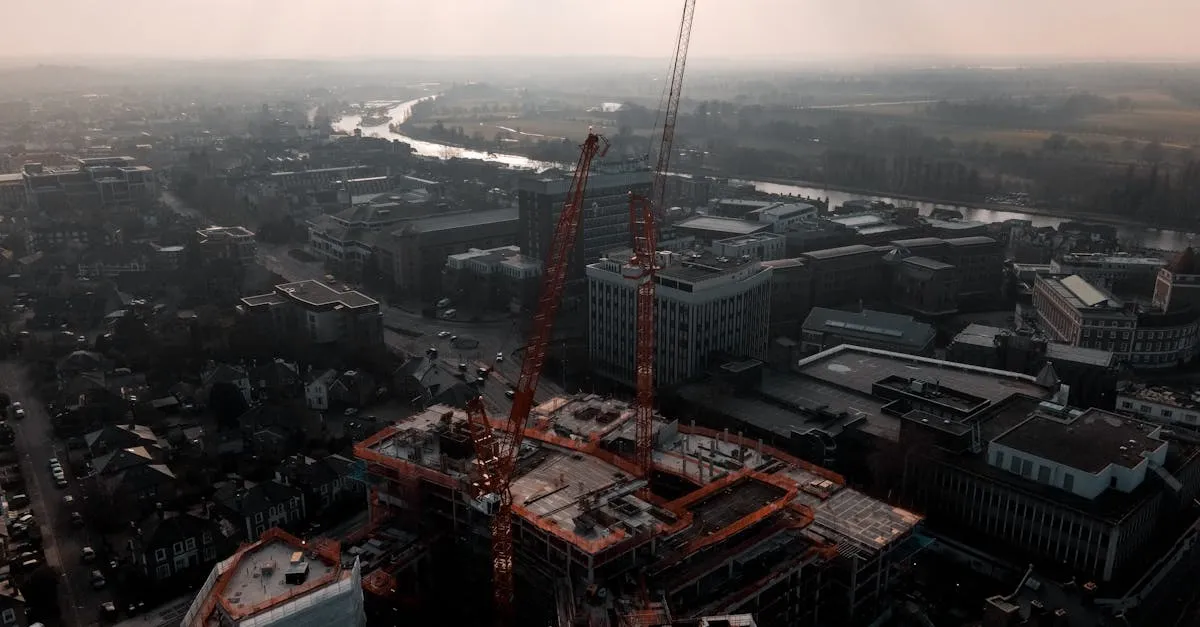
When you fly a drone to map a construction site, the drone collects hundreds of overlapping images. Software stitches them into a detailed 3D model or orthomosaic. But there’s a fundamental difference between a visually accurate map and a spatially accurate map.
A visually accurate map looks like the site. A spatially accurate map guarantees every pixel corresponds to its exact real-world location. Ground Control Points are the difference.
What Are Ground Control Points?
GCPs are physical markers placed on the ground before a drone flight — typically high-contrast checkerboard or crosshair targets made of vinyl, painted plywood, or aluminum. But a physical marker is only half the equation. The exact center must be surveyed with high-precision equipment, assigning known geographic coordinates (latitude, longitude, elevation) to that spot.
These known coordinates act as anchors that lock your drone map to the real world.
Why GCPs Matter
Standard consumer drones use onboard GPS to tag each photo’s location. Uncorrected GPS has a margin of error ranging from 1 to 5 meters horizontally, and even more vertically. A 2-meter error means a concrete foundation might appear 2 meters from where it actually sits in your model. Useless for engineers, architects, and surveyors.
GCPs shift reliance from drone GPS to professional land survey data. The margin of error drops from meters to centimeters.
How Many Do You Need?
Plan on 4-9 GCPs for a typical site — one in each corner of the mapping area, one in the center, and more as the site grows or the terrain gets varied. The exact count is an empirical trade-off, not geometry: more points constrain the model and expose errors, but each one costs field time.
Two rules matter more than a magic number. First, never put every point into the adjustment — hold back at least one (ideally two or three) as independent checkpoints to measure the accuracy your map actually achieved. Second, distribute what you use evenly; corner-plus-center placement prevents the map from warping at the edges.
Placement Strategy
- Distribute evenly across the entire flight boundary. Never cluster in one area — edges will warp with extrapolation error.
- Flat, stable ground — avoid steep slopes where the camera can’t see the target center straight-on.
- Avoid shadows — deep shade from trees or buildings reduces contrast and makes targets hard to identify.
- Bare ground, not tall grass — grass obscures the center point and introduces vertical measurement errors.
Measuring with RTK GPS
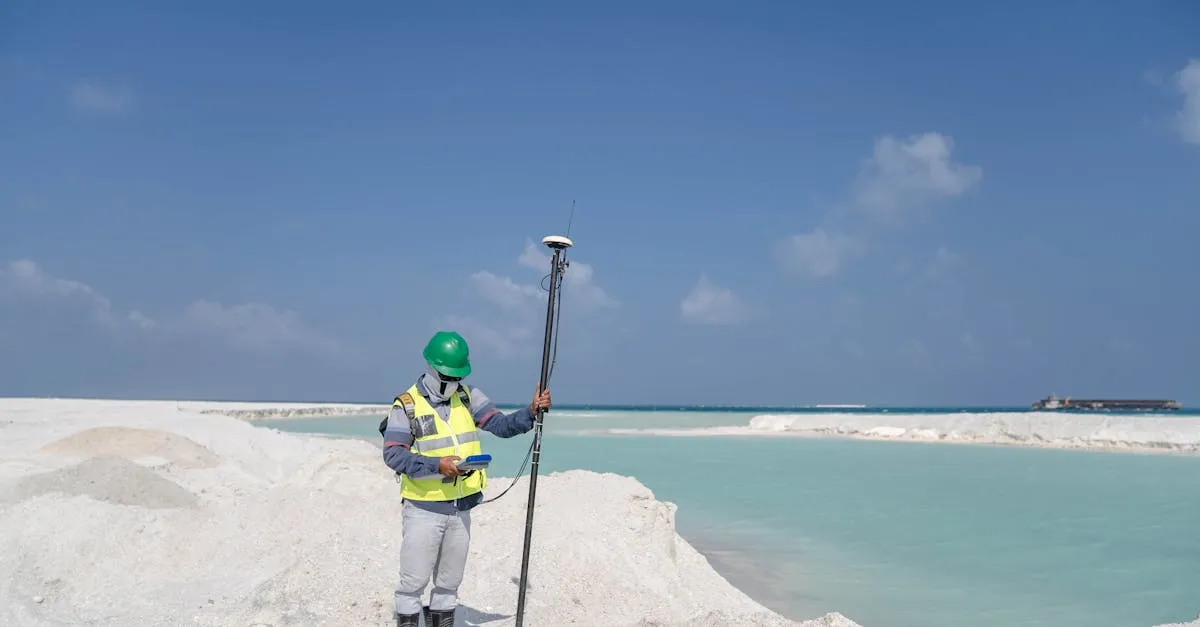
Use Real-Time Kinematic (RTK) GPS equipment to measure each GCP center. RTK uses a fixed base station to send real-time correction signals to a roving GPS pole, canceling atmospheric interference and satellite errors for centimeter-level precision.
Place the RTK pole tip directly in the target center. Ensure it’s perfectly plumb using the bubble level. Hold still for 5-10 seconds to achieve a fixed solution. Record coordinates and move to the next point.
Marking GCPs in Software
After the flight, upload images into photogrammetry software (Pix4D, Agisoft Metashape, DroneDeploy). Input the surveyed coordinates, then manually click the center of each target across multiple photos. The software triangulates the exact pixel location in 3D space.
Precision here dictates final accuracy. Being off by a few pixels when clicking the target center degrades your entire map.
Accuracy Comparison
| Method | Horizontal Accuracy | Vertical Accuracy | Best For |
|---|---|---|---|
| Drone GPS only (no GCPs) | 1-5 meters | 2-10 meters | Visual inspection, rough planning |
| RTK drone (no GCPs) | 1-3 cm | 3-5 cm | Flat terrain, fast turnaround |
| Standard drone + GCPs | 1-3 cm | 2-5 cm | General surveying, volumetrics |
| RTK drone + GCPs | 1-2 cm | 1-3 cm | Engineering design, legal work |
Even with an RTK drone, adding GCPs acts as quality control — eliminating residual drift and proving the map is grounded in verified physical survey data.
Frequently Asked Questions
What physical materials make good markers? High-contrast materials like vinyl, painted plywood, or aluminum with distinct checkerboard or crosshair patterns. This high visibility ensures photogrammetry software can easily identify their exact centers.
Why use GCPs if my drone already has RTK? Surveyed markers act as quality control, eliminating residual positional drift during flight. The combination reliably delivers 1-2 cm horizontal accuracy for strict engineering or legal work.
What happens if I use too few markers? With fewer points spread across the site, the model has less redundant constraint and is more susceptible to warping, especially at boundaries. Whatever count you fly, hold at least one or two back as checkpoints so you can prove the accuracy you achieved.
Where should I avoid placing targets? Avoid steep slopes where the camera can’t view them straight on, deep shadows that reduce contrast, and tall grass that obscures the precise center point.
How is the exact center measured in the field? Surveyors use RTK GPS equipment with a roving pole placed directly on the target center while perfectly plumb. Holding still for several seconds achieves a highly precise fixed coordinate.
How does software use the surveyed coordinates? Operators click the exact center of each target across multiple overlapping photos. The software triangulates these 2D pixel locations to determine true 3D positions. Even slight clicking errors can degrade accuracy.
GCPs are the bridge between aerial photography and professional land surveying. They take time to deploy but transform drone data into a reliable, measurable asset. Learn the complete workflow in our free Drone Mapping course.