Drone Buyer's Guide: What to Look For in 2026
Buying a drone shouldn't require an engineering degree. Here's what actually matters — and what's marketing fluff.

Focus on a 4K camera with a 3-axis gimbal, stay under 250 grams for relaxed regulations, and always buy at least two batteries. The DJI Flip at $300-500 offers the best balance of features and value for most first-time buyers.
Buying a drone shouldn’t require an engineering degree. But the moment you start comparing models, you get hit with a wall of jargon: O4 transmission, 1-inch sensors, 3-axis gimbals, VLOS, Remote ID. It’s enough to make anyone close their laptop and give up.
But here’s the good news: you don’t need to decode a technical manual to make a smart purchase. Most of those flashy specs don’t matter nearly as much as manufacturers want you to think. What actually matters? A few key features that dictate whether your drone will be a joy to fly or a frustrating waste of money.
Camera Quality
For most first-time buyers, the whole point of getting a drone is to capture photos and videos from perspectives you can’t get on the ground.
Resolution: 4K is the absolute minimum for anything serious in 2026. If you’re on a strict budget and just want to see what flying is like, 2.7K is acceptable. Just know it won’t look nearly as sharp on larger screens.
Frame Rates: 60fps is ideal for smooth motion. If you want cinematic slow-motion effects, look for 120fps capability.
Sensor Size: The spec that actually impacts image quality the most, yet beginners rarely look at it. A larger sensor captures more light — better footage in low light and higher dynamic range, keeping skies from blowing out and shadows from turning into black voids.
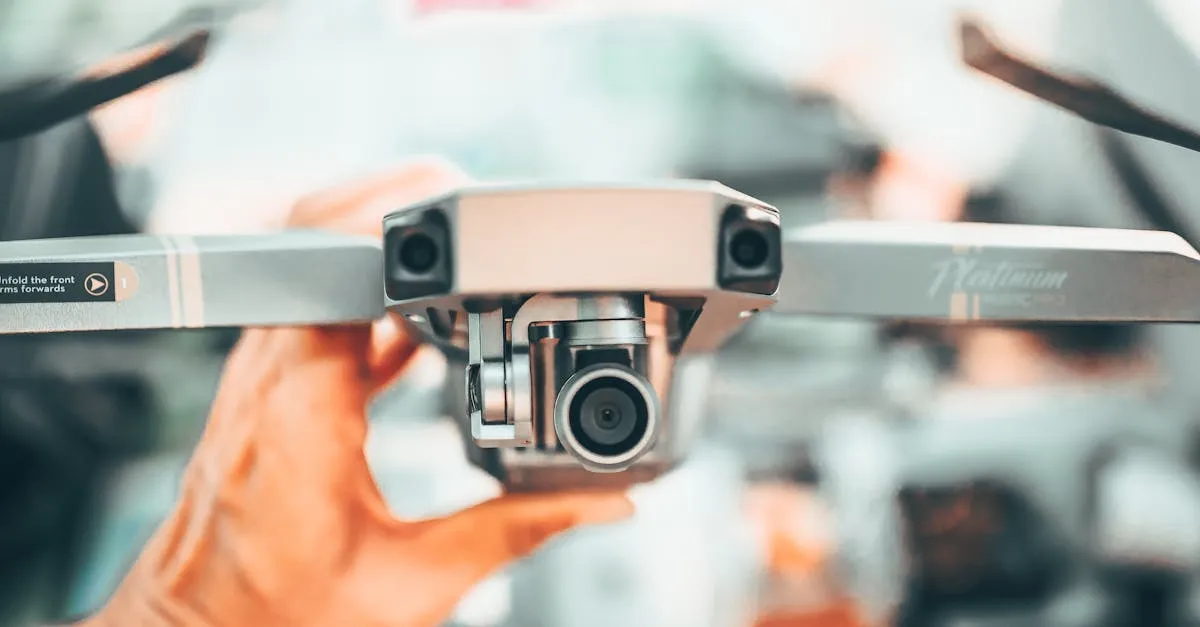
Gimbal: Non-negotiable. A 3-axis gimbal is the standard. Avoid anything less. Without it, your footage will look like you filmed it during an earthquake, no matter how steady you fly.
Flight Time and Batteries
Manufacturers love to plaster “40-Minute Flight Time!” on the box. Take those numbers with a massive grain of salt — that 40 minutes comes from hovering perfectly still in a windless room with the camera off. In the real world, expect 20 to 30 minutes from a full charge.
Because 25 minutes goes by incredibly fast when you’re framing shots, there’s an unwritten rule: always buy at least 2 batteries. Flying with one is an exercise in frustration.
This is why Fly More combos are almost always worth it. They include extra batteries, a multi-battery charging hub, extra propellers, and a carrying bag — all for less than buying separately. If you’re torn between a basic package and a Fly More combo, get the combo.
A quick word on battery safety: never charge unattended, and if you aren’t flying for a few weeks, store batteries at roughly 50% charge to preserve their health.
Range and Connectivity
It’s tempting to see “15 Kilometer Range” and imagine flying miles into the distance. Reality check: legally, you must maintain Visual Line of Sight (VLOS) with your drone at all times. For a consumer drone, that usually means about 1,500 feet before it becomes a tiny speck. Don’t obsess over max range numbers — you can’t legally use them anyway.
What does matter is how stable the connection is within your legal flying radius. DJI’s O4 (OcuSync 4) transmission is the gold standard in 2026, offering incredibly stable, low-latency HD video feeds. Older or budget models use O2 or O3 — still good, but O4 handles interference much better.
Speaking of interference: urban areas will dramatically reduce range. A drone that gets 10km in the country might only get 1km in a busy city park.
Weight and Portability
In the drone world, 249 grams is a magic number. Under 250g means a more relaxed regulatory category in the US — no Remote ID broadcast module for recreational flyers, fewer regulations overall, and easier to travel with.
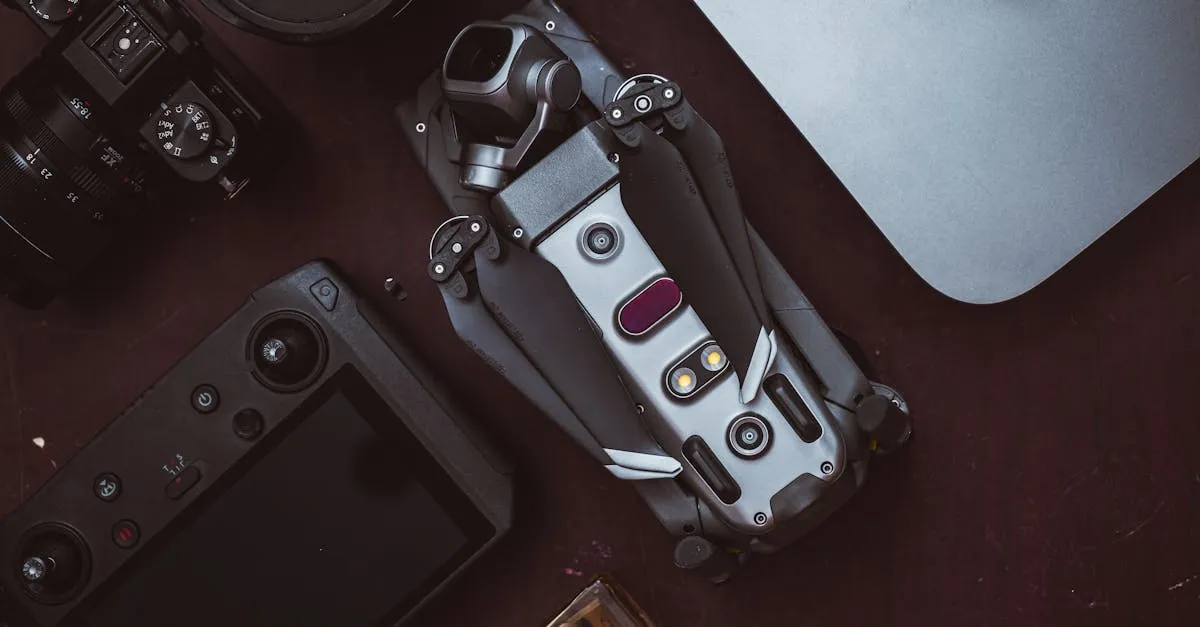
Most consumer drones are specifically engineered to be exactly 249 grams. Think about how you’ll transport it. Foldable arms have become the industry standard — the drone collapses to the size of a thick sandwich. Fixed-arm drones are sometimes more durable and handle wind better, but require a much bulkier case.
Obstacle Avoidance
If you’re a beginner, obstacle avoidance is literally a crash-prevention system, and it’s worth paying for.
Three tiers you’ll see:
- None — relies entirely on your reflexes
- Forward-only — stops you from flying into things head-on, but won’t help if you drift backward or sideways
- Omnidirectional — sensors on all sides build a 3D bubble around the drone
If you plan to fly near structures, trees, or in tight spaces, omnidirectional avoidance is worth every penny. But remember: it doesn’t replace good piloting. Sensors can fail in low light, can’t see thin objects like power lines, and won’t save you from every collision.
Smart Features
Return-to-Home (RTH) — Essential. Low battery, lost connection, or confusion — press one button and it returns to its exact takeoff point. Make sure your drone has advanced RTH that avoids obstacles on the way back.
ActiveTrack / Follow-Me — Locks onto a subject and follows it automatically. Fantastic for solo hikers, bikers, or anyone who wants to be in their own action shots.
Waypoint Missions — Draw a route on the map and the drone flies it automatically while you monitor the camera. Brilliant for repeatable, consistent shots.
QuickShots — Automated cinematic moves. Tap a button and the drone performs a Dronie (upward reveal), Helix (orbiting circle), or other complex maneuvers, generating a ready-to-post video clip.
Controller Options
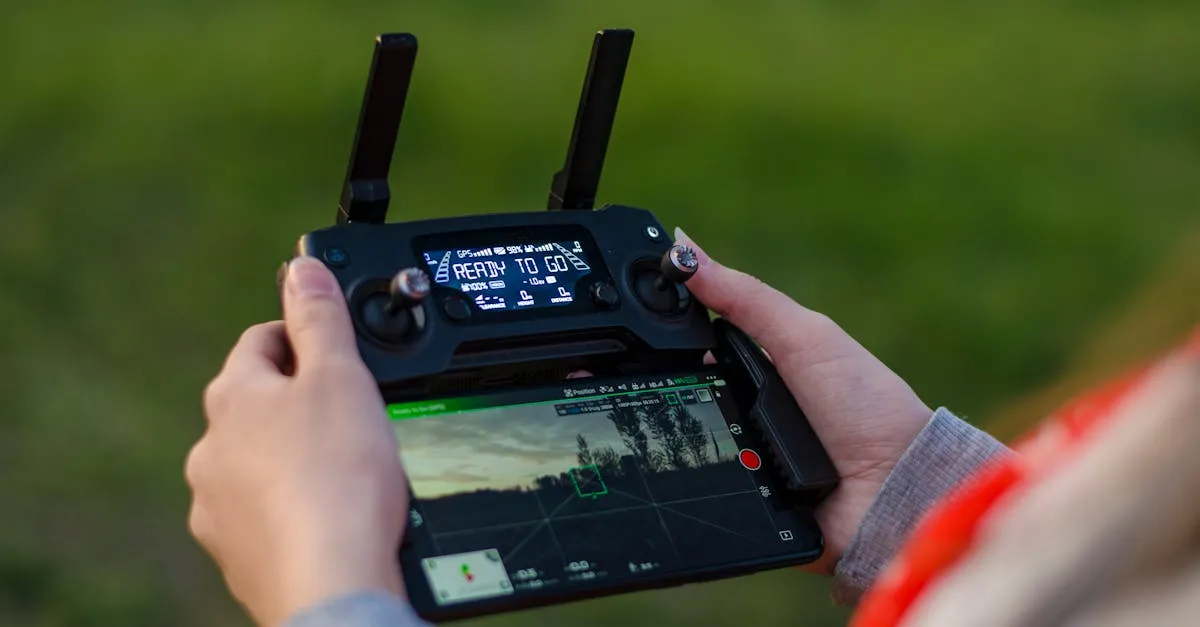
Two options in 2026: a controller with a built-in screen, or one that requires clamping your smartphone onto it.
Using your phone is more budget-friendly but has drawbacks — drains your phone battery, incoming notifications interrupt your screen, and phone screens are hard to read in direct sunlight.
Controllers with built-in screens are a massive quality-of-life upgrade: ultra-bright displays designed for sunlight, dedicated antennas for better range, and they don’t kill your phone battery. If your budget allows, built-in screen is highly recommended.
Avoid app-only flying (virtual joysticks on a phone screen). Those are toys, not tools.
Price Tiers
Under $300 — Entry-Level / Learning Only For figuring out if you even like flying. Cameras are mediocre, obstacle avoidance is rare. Look at the DJI Neo or Potensic Atom SE.
$300-500 — Capable Beginner Drones The sweet spot for most first-time buyers. Solid 4K cameras, decent gimbals, better build quality. The DJI Flip is a standout — great image quality and beginner-friendly features in a portable package.
$500-1000 — Serious Hobby / Entry Professional Where “prosumer” magic happens. Larger sensors, omnidirectional obstacle avoidance, premium controllers. The DJI Mini 4 Pro dominates this space while staying under 250 grams.
$1000-2000 — Professional Work Getting paid to fly? This is your tier. Dual-camera systems, top-tier reliability. The DJI Air 3S is king here.
$2000+ — Premium / Specialist Flagship drones for high-end cinematography, industrial mapping, or specialized work. The DJI Mavic 4 Pro is the pinnacle of consumer drone technology right now.
Ready to Choose?
Buying your first drone is exciting, but it’s easy to overthink. Focus on what actually impacts your experience: a good gimbal, a sensible weight class, and enough batteries to actually have fun.
Frequently Asked Questions
Do I need to register my drone or get a license to fly? In the US, all drones over 250 grams must be registered with the FAA for $5 per three years. Recreational flyers need to pass the free TRUST test, while commercial pilots require Part 107 certification. Even sub-250g drones are subject to local park rules and airspace restrictions.
What weather conditions should I avoid when flying? Avoid rain, snow, and heavy fog. Wind is the bigger concern for beginners: most consumer drones handle up to 20-25 mph, but anything over 10-15 mph makes smooth footage difficult and flying stressful for new pilots.
Do I need ND filters or other accessories right away? ND filters are worth buying early. They reduce light entering the camera, allowing proper shutter speeds for smooth video rather than the choppy look of too-fast shutter. A landing pad protects from dust on takeoff, but skip other accessories until you’ve flown a few times and know what you actually need.
How should I practice flying without crashing my new drone? Start in a large, open area away from people, buildings, and trees. Practice basic maneuvers at low altitude first: takeoff, hovering, gentle turns, and landing before attempting camera work. Most drones have a beginner mode that limits speed and range.
Why do firmware updates matter? Firmware updates fix bugs, improve stability, and sometimes add features including critical safety fixes. Never update right before a flight. Install updates at home where you can troubleshoot, and always start with a fully charged battery.
Why buy a Fly More combo? Extra batteries, charging hub, propellers, and carrying bag for less than buying separately. Since real-world flight time is only 20-30 minutes per battery, flying with just one is frustrating.
Check out our free Getting Started with Drones course, or dive straight into Choosing Your First Drone to find the exact model that fits your needs and budget.