DIY Drone Troubleshooting: 10 Common Build Problems
Motors not spinning? Drone flipping on takeoff? Here are the 10 most common DIY drone build problems and exactly how to fix each one.
DIY drone builds rarely fly perfectly on first power-up. This guide covers ten frequent issues from non-spinning motors and takeoff flips to video feed problems and short flight times. Each problem includes specific causes like bad solder joints or incorrect software settings, paired with practical fixes using multimeters and Betaflight configuration.
Building your own drone from scratch is an incredibly rewarding experience, but any seasoned builder will tell you that the real challenge begins when you power it on for the first time. It is rare for a custom build to fly perfectly right off the workbench. From wiring gremlins to software configuration hiccups, troubleshooting is a rite of passage.
If you are staring at a quadcopter that refuses to cooperate, do not panic. Here are the 10 most common DIY drone build problems, their underlying causes, and exactly how to fix them.
1. Motors Not Spinning
Cause: Bad solder joint, disconnected wire, incorrect ESC protocol in flight controller software, or dead motor.
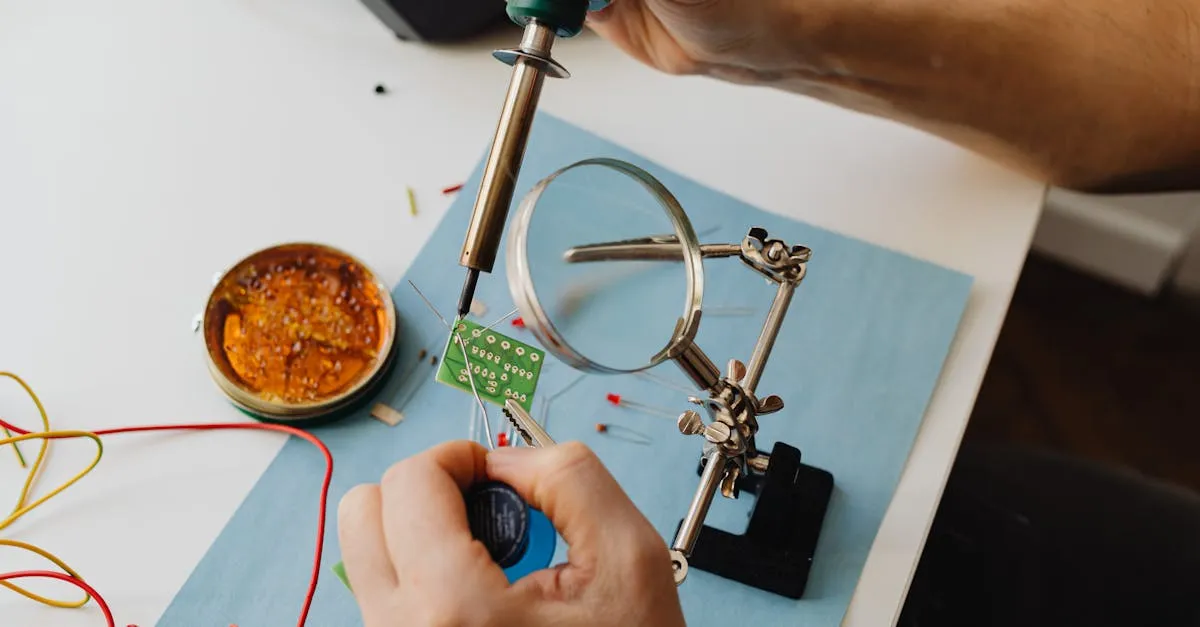
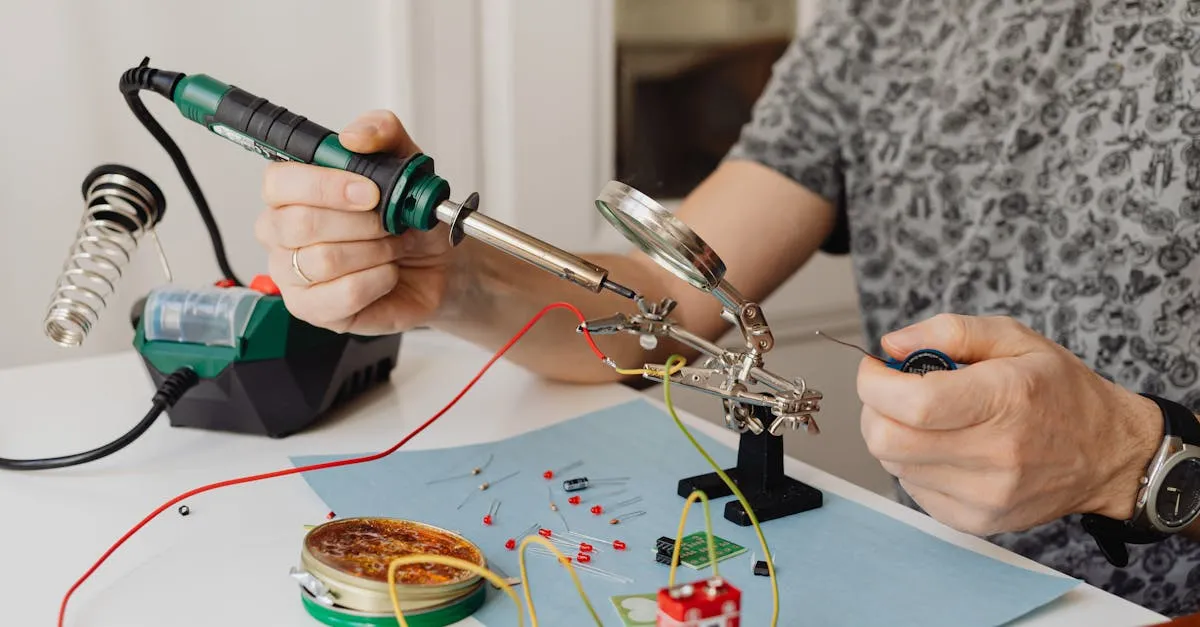
Fix: Check continuity across solder pads with a multimeter. Reflow any cold or cracked joints. Open Betaflight and verify the ESC protocol is set correctly (DSHOT300 or DSHOT600 for modern builds). Check the Motors tab to ensure the mixer maps to the correct output pins.
2. Wrong Motor Direction
Cause: Motor wires soldered to ESC in wrong order, or props installed on wrong motors.
Fix: In Betaflight Motors tab, click “Reverse” for the offending motor. Or swap any two of the three motor wires at the ESC for a hardware fix.
3. Drone Flips on Takeoff
Cause: Wrong propellers on wrong motors, incorrect board alignment, or warped frame.
Fix: Unplug immediately. Standard quads follow the diagonal-co-rotate, adjacent-counter-rotate CW/CCW pattern — verify your prop layout against the Motors tab diagram. Check “Board Alignment” in Betaflight matches your physical FC mounting. Put a straight edge across frame arms to check for bends.
4. Won’t Arm
Cause: Active failsafe, throttle not calibrated, arming switch not configured, or GPS lock requirement blocking indoor testing.
Fix: Check the Status tab — it tells you exactly why arming is disabled. Verify throttle stick is at lowest position. Confirm arming switch is assigned in Modes tab.
5. Jittery Flight
Cause: Unbalanced propellers, missing soft-mounting, or aggressive PID/filter settings picking up vibration noise.
Fix: Balance props with a prop balancer (add tape to lighter blade). Ensure FC is soft-mounted with rubber standoffs or silicone grommets. Enable dynamic notch filtering or lower gyro lowpass filter cutoff.
6. No Video Feed
Cause: Disconnected video wire, NTSC/PAL format mismatch, broken VTX antenna, or wrong channel.
Fix: Trace the video signal wire from camera to VTX. Set both camera and VTX to the same format (PAL preferred). Never power a VTX without an antenna — it will fry instantly. Verify goggles match VTX band and channel.
7. Receiver Won’t Bind
Cause: Wrong protocol in software, incompatible receiver firmware, or incorrect wiring (SBUS on non-inverted pad).
Fix: Verify wiring — CRSF uses standard UART, SBUS needs an inverter pad. Select correct protocol in Configuration tab. Re-flash receiver firmware if needed.
8. ESC Beeping Continuously
Cause: Repeating beeps = battery voltage too low. Single continuous tone = no throttle signal from FC.
Fix: Charge your battery if you hear repeated beep sequences. Check signal wires from FC to ESCs if you hear a constant tone.
9. Overheating Motors
Cause: Props too large/heavy for motor KV rating, bent motor shaft creating friction, or flying too aggressively without cooldown.
Fix: Downsize props. Spin motor bells by hand — if gritty or stiff, replace bearings or the motor. Let components cool between packs.
10. Short Flight Time
Cause: Build too heavy, degraded battery, or bent props creating drag.
Fix: Weigh your build — a 5” rig over 700g without battery needs lighter components. Test LiPo internal resistance; high resistance means the battery is done. Inspect props for chips or bends.
Quick Reference
| Problem | Cause | Fix |
|---|---|---|
| Motors not spinning | Bad solder, wrong protocol | Check continuity, verify DSHOT |
| Wrong motor direction | Wire order, prop placement | Reverse in software or swap wires |
| Flips on takeoff | Wrong prop layout | Verify CW/CCW pattern |
| Won’t arm | Failsafe, no switch assigned | Check Status tab |
| Jittery flight | Unbalanced props, vibration | Balance props, soft-mount FC |
| No video feed | Loose wire, format mismatch | Check wiring, standardize PAL |
| Receiver won’t bind | Wrong protocol, wiring error | Verify UART, select correct RX |
| ESC beeping | Low battery, no signal | Charge battery, check signal wires |
| Overheating motors | Props too heavy, bent shaft | Downsize props, replace bearings |
| Short flight time | Heavy build, old battery | Shed weight, replace LiPo |
Frequently Asked Questions
Why won’t my drone motors spin even though everything is wired? Check for cold or cracked solder joints using a multimeter for continuity. Also verify your ESC protocol setting in Betaflight matches your hardware, typically DSHOT300 or DSHOT600.
What causes a drone to flip immediately on takeoff? Propellers installed incorrectly for their motor positions. Standard quads follow the diagonal-co-rotate, adjacent-counter-rotate clockwise/counter-clockwise pattern. Verify your prop layout matches the Motors tab diagram.
How can I stop my drone from flying erratically? Balance propellers using a prop balancer and add tape to lighter blades. Ensure your flight controller is soft-mounted with rubber standoffs, and enable dynamic notch filtering to reduce vibration noise.
What do continuous ESC beeps indicate? Repeating beep sequences mean battery voltage is too low. A single continuous tone means the ESC isn’t receiving a throttle signal from your flight controller, so check signal wires.
Why is my video transmitter not sending a signal? Trace the video signal wire from camera to VTX for loose connections. Ensure both camera and VTX are set to the same format, and never power a VTX without its antenna attached.
How do I improve flight time? Reduce overall weight since a 5-inch quad over 700 grams without battery needs lighter components. Test your LiPo’s internal resistance, as high resistance indicates a degraded battery.
Troubleshooting is a skill that takes practice, but working through these issues methodically saves hours of frustration. Learn to avoid every one of these mistakes from the start in our free Build Your Own Drone course.