Creating and Selling LUTs
Why It Matters
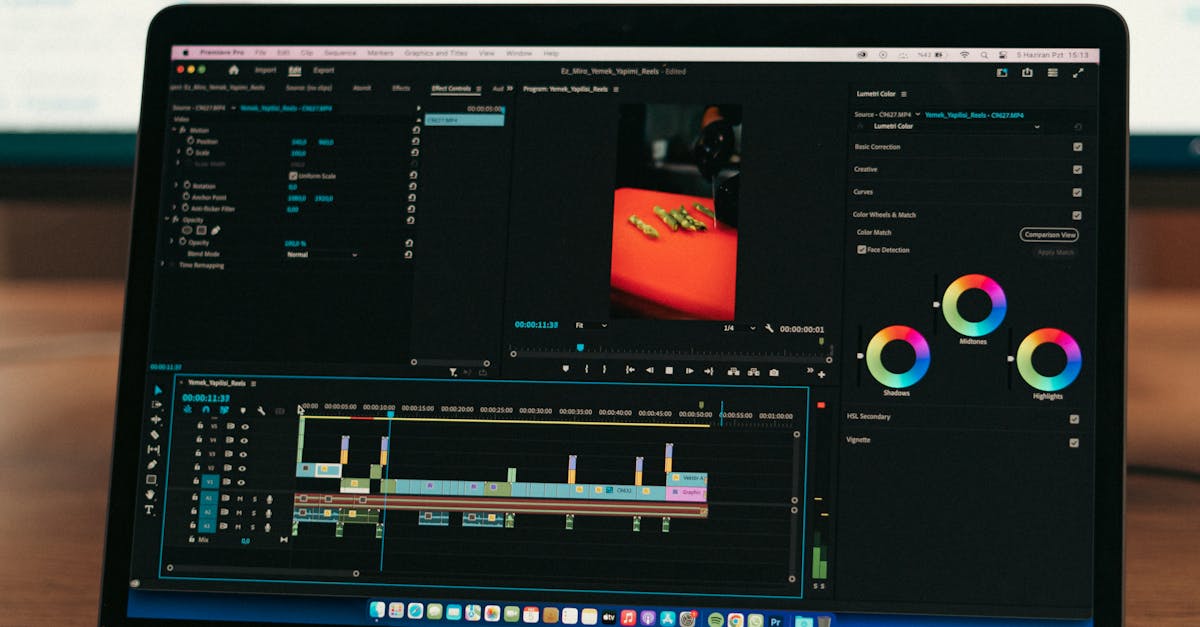
If you have spent any time color grading drone footage, you have probably stumbled onto a workflow that makes your shots look great. What if that exact workflow could pay you repeatedly while you sleep? LUTs (Look-Up Tables) are essentially recipe cards for color grading, preset files that transform the flat, washed-out look of D-Log footage into a finished, cinematic image. Drone pilots buy them because recreating a specific look from scratch takes time, and most people would rather spend $15 than two hours tweaking curves.
The Creation Workflow
Start by shooting footage in D-Log. Pull a still frame from a clip that represents typical lighting conditions. Avoid extremes like harsh midday sun or deep shadows for your base grade. Open that frame in Lightroom or DaVinci Resolve and build your look. Adjust white balance, add contrast, tweak the color wheels until you have something that feels right.
Here is where the magic happens: use the free IWLTBAP LUT Generator to convert your Lightroom preset or Resolve grade into an actual .cube LUT file. The tool reads your color adjustments and generates a file that applies those same transformations to video footage.
Packaging Your LUT Pack
Single LUTs do not sell well. Buyers want options, so bundle 5-10 related looks into a pack. Common themes include:
- Natural/Warm: Subtle contrast boost with slightly warm shadows, great for real estate
- Golden Hour: Enhanced oranges and warm highlights
- Moody/Teal: Lifted blacks with pushed teal in shadows
- Vibrant: Saturated colors with punchy contrast
- Black and White: High contrast or film-like matte finishes
Price your pack between $10-40 depending on size and niche. Specialty packs (like “Real Estate Drone LUTs” or “Coastal Cinematic”) command higher prices than generic options.
Where to Sell
Gumroad is the easiest starting point. No monthly fees, just a small percentage per sale.
Your own website gives you more control and avoids platform fees, but requires setting up payment processing.

Etsy works surprisingly well for creative tools like LUTs and gets organic search traffic you will not find elsewhere.
The beauty of LUT sales is the passive nature. You create the product once, write a description, maybe make a quick before/after example video, and then it sells on autopilot. No shipping, no customer service, no inventory.
Quick Check
Q: Do you need expensive software to create LUTs? A: No. Lightroom plus the free IWLTBAP LUT Generator is all you need. DaVinci Resolve is also free and works great for this.
Q: How many LUTs should be in a pack? A: Aim for 5-10 related looks. Fewer than 5 feels like poor value. More than 10 becomes overwhelming and harder to market.
Q: What if your LUTs do not look good on all footage? A: That is normal and expected. Be transparent about ideal conditions in your product description. LUTs that work perfectly on everything do not really exist. Professional colorists still tweak after applying.
What’s Next?
You now have two passive income streams in your toolkit. But neither means much if you are only earning pennies per month. The final lesson covers how to build a stock portfolio that actually generates meaningful, consistent income over time.
Learn everything from flight basics to advanced cinematography at Pilot Institute.