What to Pack in Your Drone Flight Kit: Essential Accessories
You drove 45 minutes to the perfect location and forgot your SD card. Here's the complete checklist of what to pack — so that never happens again.
You drove 45 minutes to a breathtaking location, pulled out your drone, and realized your microSD card is still sitting on the kitchen counter. A complete drone flight kit means that never happens again. Pack 3-4 batteries with a charging hub, spare props, fast microSD cards, a landing pad, and legal documents, and you’re always ready to fly.
We’ve all been there. You drive 45 minutes to a stunning location, pull out your drone case, power it on, and realize you forgot your microSD card or left your spare batteries on the kitchen counter. It’s the most frustrating feeling in the world.
Building a comprehensive drone flight kit isn’t just about being organized. It’s about protecting your investment and making sure you’re ready to capture the shot when the light is perfect. Whether you’re flying for fun on the weekends or operating commercially under Part 107, having a well-thought-out kit separates the pros from the amateurs.
Let’s walk through exactly what you need to pack.
1. Batteries
Let’s start with your drone’s lifeblood. If your drone has no power, it’s just a very expensive paperweight.
You should always have a minimum of three to four flight batteries in your kit. Depending on your drone model, a single battery might only give you 20 to 40 minutes of flight time. When you factor in the power needed to fly to a location, hover, and fly back safely, actual shooting time disappears quickly. Having three to four batteries ensures you can get the shots you need without rushing.
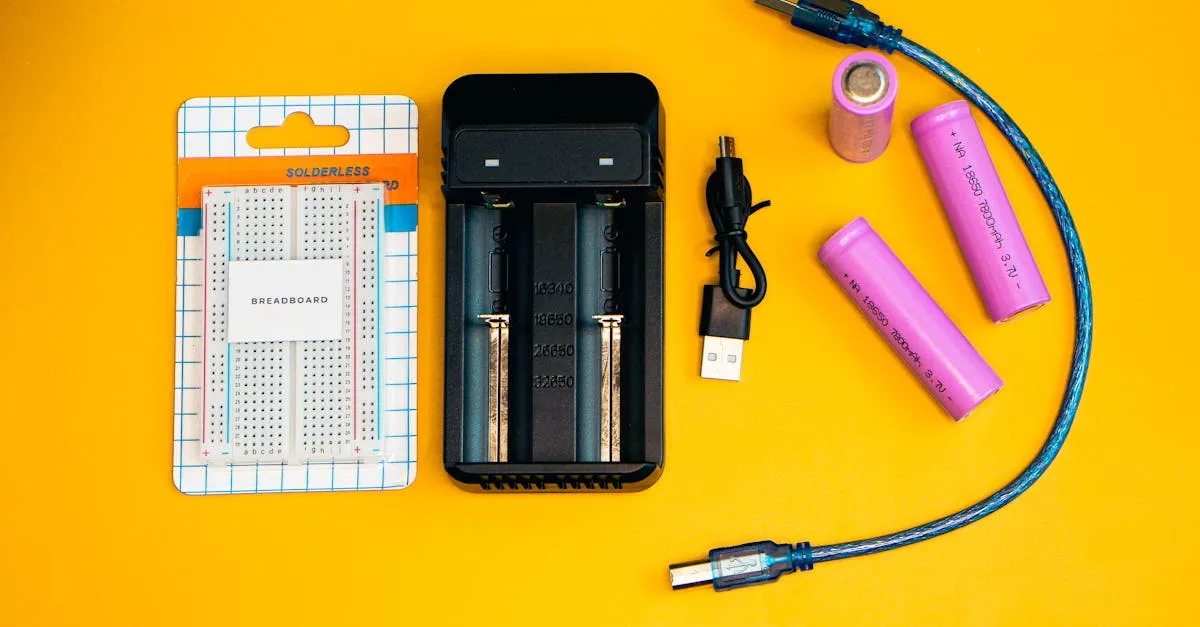
But batteries are useless if you can’t charge them. Always pack your standard charger and, if your drone supports it, a multi-battery charging hub. A hub lets you charge multiple batteries sequentially or simultaneously — a massive time-saver on the go. Don’t forget a high-capacity power bank to keep your phone or tablet charged while it runs the drone app, which notoriously drains mobile device batteries fast.
Finally — and this is non-negotiable — pack a LiPo fireproof battery bag. Lithium polymer batteries are safe when handled correctly, but if they’re damaged or overcharged, they can catch fire. Storing and transporting batteries in a fireproof bag adds a crucial layer of protection.
If you’re looking to upgrade your battery situation, something like the DJI Mini 4 Pro Fly More Combo is a great way to instantly boost your battery count, get a charging hub, and upgrade your storage case all in one go.
2. Props
Even if you’re the most careful pilot in the world, props take a beating. A tiny pebble kicked up during takeoff, an unexpected gust that drives your drone into tall grass, or a minor bump against a branch can permanently compromise a prop. Flying with a chipped, cracked, or bent propeller puts stress on your motors and can lead to mid-air failure.
Always pack at least two complete spare sets of propellers. Most consumer drones come with spares in the box, but buy extras to keep in your bag. Along with the props, keep the proper propeller removal tool — having the right tool ensures props are secured to the correct torque.
3. Storage
Imagine flying the perfect sunset, only to see the dreaded “No SD Card” error. Memory cards are small and easy to lose, which is why you should pack multiple microSD cards. Get cards that are at least 64GB with fast write speeds (V30 or UHS-I U3 rating) to prevent dropped frames in 4K. The SanDisk Extreme Pro 128GB microSDXC is a reliable, fast option that holds a ton of footage.
Along with the cards, you need a USB card reader. Transferring massive 4K files directly from your drone to your phone via a slow cable is an exercise in frustration. A dedicated card reader plugged into your laptop makes offloading footage quick and painless.
To keep everything organized, toss your spare cards and reader into a small, waterproof microSD card case. It takes up zero space and saves you from digging through pockets looking for a tiny chip.
4. Controller and Accessories
Your controller is your connection to the drone, and how you interact with it matters.
While flying with your smartphone works for casual flights, a dedicated tablet gives you a much better view of your composition, camera settings, and telemetry data. But a larger screen introduces a new enemy: screen glare. A good sun hood is an absolute must-have. It attaches to your controller mount and blocks out the sun, making the screen visible even in harsh midday light.
You also need a landing pad. Taking off from dirt, sand, or tall grass is a bad idea because the drone’s downdraft kicks up debris that can scratch your lens or get sucked into the motors. A reflective 30-inch landing pad provides a clean, stable surface for takeoffs and landings, and helps your drone’s visual sensors orient properly.
Finally, throw a neck strap in your bag. Controllers with tablets attached get surprisingly heavy, and a neck strap takes the weight off your arms during long flights.
5. Tools
Drones are mechanical and electronic devices, and sometimes things need a tweak in the field.
- Small precision screwdriver set — for tightening loose screws on gimbal clamps or opening inspection compartments
- Prop wrench — doubles as a handy prying tool for tight-fitting parts
- Microfiber cloth — for wiping down the body and camera lens. Never use your shirt — it can leave microscopic scratches
- Lens pen — one end has a brush for dust, the other has a carbon tip that lifts oils and fingerprints without damaging coatings
6. Safety and Legal
This is the least glamorous category, but arguably the most important.
- FAA registration printout — required for any drone over 0.55 lbs, or any drone flown under Part 107 regardless of weight
- Part 107 certificate copy — legally required on your person if flying commercially. Print it and keep it in a protective sleeve
- Drone insurance card — liability insurance is cheap and can save you from financial ruin
- Preflight checklist card — print one out and laminate it. A physical checklist prevents you from skipping steps when you’re excited at a beautiful location
7. Weather
Weather dictates almost everything about how your drone will perform. Your phone’s weather app tells you conditions at the nearest weather station, which could be miles away.
A small anemometer (wind meter) lets you measure exact wind speed right where you’re standing. Most consumer drones have a maximum wind resistance rating, and exceeding that is a surefire way to lose your drone to a flyaway. Knowing the exact wind speed takes the guesswork out of the fly/no-fly decision.
8. Comfort
Finally, let’s talk about you. Drone pilots often spend hours standing in direct sunlight, staring at a screen, and walking over uneven terrain. If you’re uncomfortable, you’ll rush your flights and make mistakes.
- Sunscreen — sunburns aren’t fun, and prolonged exposure makes it harder to see your screen
- Water bottle — staying hydrated keeps you sharp and focused while operating a flying machine
- Foam kneeling pad — if you need to swap an SD card, change a battery, or inspect your landing gear on rocks, gravel, or wet grass, this saves your knees. Lightweight and fits in any backpack
Flight Kit Checklist
Batteries: 3-4 flight batteries, charger, charging hub, power bank, LiPo fireproof bag
Props: 2+ spare propeller sets, prop tool
Storage: Multiple 64GB+ microSD cards, card reader, card case
Controller: Tablet, sun hood, landing pad, neck strap
Tools: Small screwdriver set, prop wrench, microfiber cloth, lens pen
Safety/Legal: FAA registration printout, Part 107 cert copy, insurance card, preflight checklist
Weather: Small anemometer/wind meter
Comfort: Sunscreen, water bottle, kneeling pad
Frequently Asked Questions
How many drone batteries should I pack? A minimum of 3-4 flight batteries. A single battery typically gives only 20-40 minutes of flight time, and actual shooting time disappears quickly when you factor in flying to location, hovering, and returning safely.
What speed microSD card do I need for 4K drone footage? At least 64GB with a V30 or UHS-I U3 write speed rating. Slower cards cause dropped frames in 4K recording.
Do I need to carry FAA registration when flying? Yes. A printed copy of your FAA registration is required for any drone over 0.55 lbs, and for any drone flown under Part 107 regardless of weight. If flying commercially under Part 107, you must also carry your certificate on your person.
Why use a landing pad? It prevents the drone’s downdraft from kicking up dirt, sand, and debris that could scratch your lens or get sucked into the motors. It also helps the drone’s visual sensors orient properly during takeoff and landing.
How do I check wind speed at my flying location? Carry a small anemometer (wind meter) to measure exact wind speed where you’re standing. Phone weather apps report from the nearest station, which could be miles away.
How should I transport drone batteries safely? In a LiPo fireproof battery bag. Lithium polymer batteries can catch fire if damaged or overcharged. The fireproof bag adds a critical layer of protection during transport.
Putting together the perfect drone flight kit takes a little time and investment, but once it’s packed, you’ll have total peace of mind. You’ll never cancel a flight because you forgot a prop or a memory card.
Ready to take your skills to the next level and learn exactly how to use all this gear like a professional? Check out our free Getting Started with Drones course.