Best ND Filters for DJI Drones: A Complete Guide
Your drone footage looks stuttery because your shutter speed is too fast. ND filters fix this — here's which ones to buy and when to use each strength.
ND filters reduce light entering the camera, allowing you to maintain the 180-degree shutter rule by using slower shutter speeds even on bright days. This creates natural motion blur that eliminates stuttery, amateur-looking video. For DJI drones, fixed filters from PolarPro or Freewell in ND8/16/32 strengths cover most conditions.
If your drone footage looks harsh, stuttery, and distinctly amateur despite smooth flying, the culprit is almost always light. Professional aerial video requires controlling how light enters your camera. That is where Neutral Density (ND) filters come in.
What Is an ND Filter?
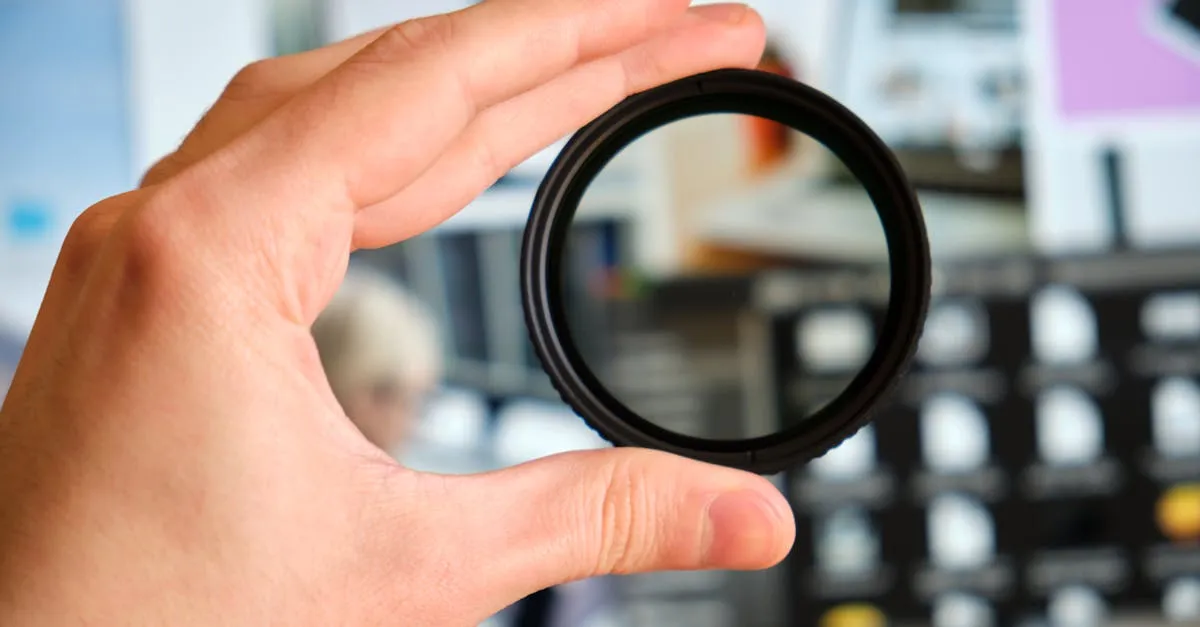
An ND filter is sunglasses for your drone’s camera — a darkened piece of glass that reduces light hitting the sensor without changing colors. This lets you use slower shutter speeds in bright conditions.
Why Drone Pilots Need ND Filters
The secret to cinematic video is motion blur. Filmmakers follow the 180-degree shutter rule: shutter speed should be exactly twice your frame rate.
- 24fps → 1/50th of a second
- 30fps → 1/60th of a second
- 60fps → 1/120th of a second
On a bright day, shooting at 1/50th without a filter completely overexposes your image. Your drone compensates by cranking shutter speed to 1/2000th — which eliminates all motion blur. The result: stuttery, choppy footage.
ND filters cut the light so you can maintain the 180-degree rule without overexposing.
ND Filter Numbers Explained
| Filter | Stops | When to Use |
|---|---|---|
| ND4 | 2 stops | Overcast days, late afternoon |
| ND8 | 3 stops | Partly cloudy, shaded areas |
| ND16 | 4 stops | Bright sunny day (most common) |
| ND32 | 5 stops | Very bright, snow, beach reflections |
| ND64 | 6 stops | Extreme brightness, high altitude |
| ND1000 | 10 stops | Long-exposure photography |
Which ND Filter System for Your Drone
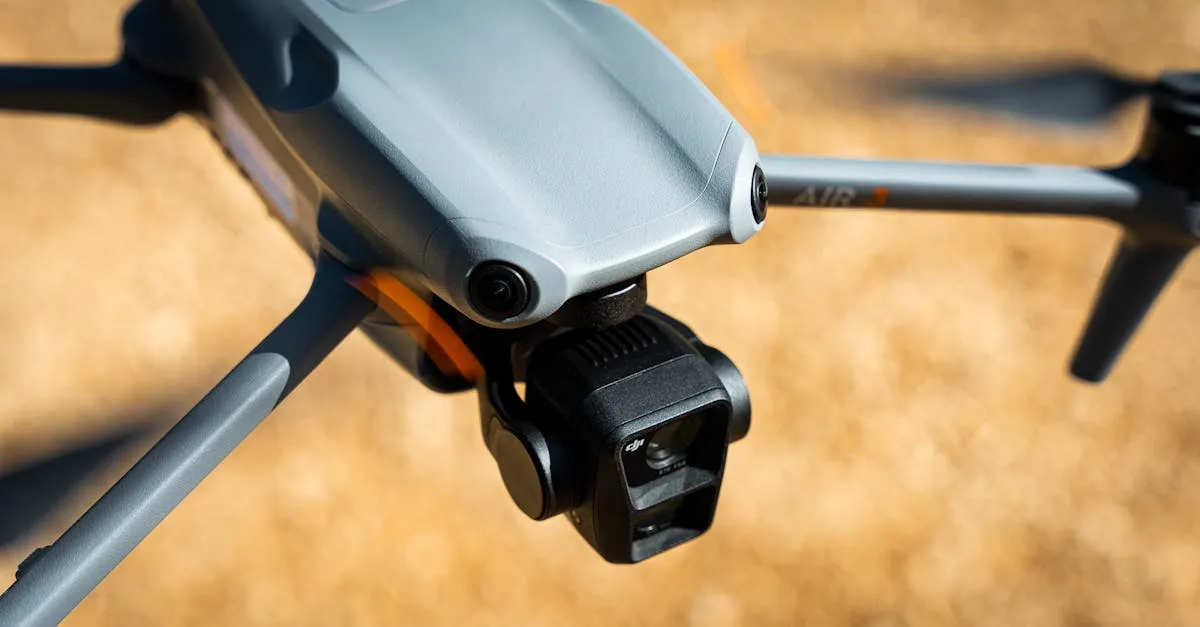
Drone filters are model-specific — the DJI Air 3S uses different filters than the DJI Mini 4 Pro. Always buy filters designed for your exact drone.
Recommended brands:
- DJI Official — excellent optical quality, perfect fit
- PolarPro — popular third-party, high-quality glass
- Freewell — great value, convenient multi-packs (ND4/8/16/32 in one case)
Variable ND filters (VND) let you twist to adjust darkness. Convenient (one filter), but can introduce color shift or an “X” pattern at extreme settings. Fixed ND filters remain the quality choice.
ND Filters for Photography Too
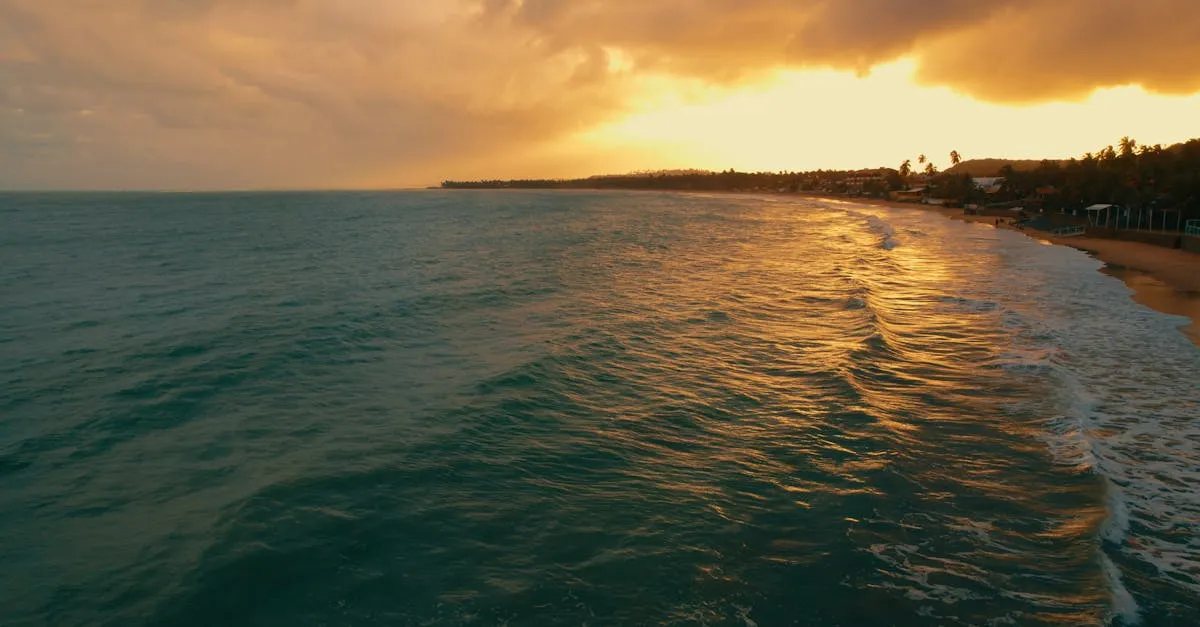
An ND1000 enables long-exposure drone photography — turning waterfalls into smooth mist, blurring ocean waves, and streaking clouds across the sky at 1-2 second exposures even in midday sun.
An ND16 during time-lapses introduces motion blur that makes clouds streak beautifully.
Common Mistakes
- Too strong for conditions — ND64 on a cloudy day forces high ISO = noise
- Forgetting to remove — indoor or night flights with an ND = black screen
- Cheap filters — introduce purple/green color cast that’s nearly impossible to fix
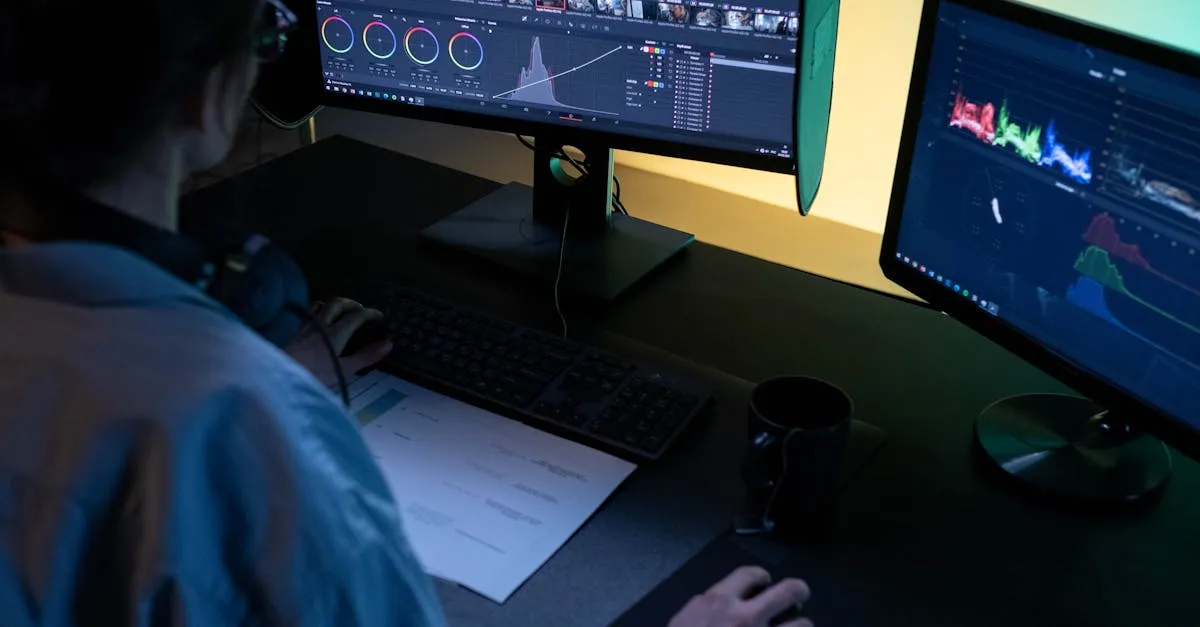
- Not checking exposure — always hover and verify histogram after installing
Frequently Asked Questions
What is the 180-degree shutter rule? Your shutter speed should be twice your frame rate. Shoot at 1/50th at 24fps, 1/60th at 30fps, or 1/120th at 60fps to achieve natural cinematic motion blur.
Which ND filter strength for a sunny day? An ND16 filter (4 stops) is ideal for bright sunny conditions. It reduces light enough to maintain proper shutter speed without overexposing your footage.
Are variable ND filters worth buying? They offer convenience by letting you adjust darkness with a twist, but can introduce color shift or an X pattern at extreme settings. Fixed ND filters remain the preferred choice for optimal optical quality.
Can ND filters be used for drone photography? Yes. An ND1000 enables long-exposure shots that turn waterfalls into mist and blur ocean waves, while an ND16 adds motion blur to time-lapse sequences.
What happens if I use too strong an ND filter? It forces your drone to increase ISO to compensate, resulting in noisy footage. Always match filter strength to lighting conditions and check your histogram after installing.
Why avoid cheap ND filters? Inexpensive filters often introduce unwanted color casts, typically purple or green, that are extremely difficult to correct in post-production. Quality filters from DJI, PolarPro, or Freewell ensure accurate colors.
Mastering ND filters is the single fastest way to elevate your footage. Learn more about camera settings and exposure in our free Camera Settings for Photos lesson.